Square charges 2.6% +$0.15 on every in-person transaction. For a restaurant processing $30,000 a month in card sales, that adds up to roughly $800 in processing fees — nearly $10,000 a year going straight to your payment processor instead of back into your business.
Square POS is a popular payment processing solution for good reason. The free plan works, there are no contracts, and setup takes minutes. But as your order volume grows, those per-transaction payment processing fees start eating into your margins. The free plan also lacks floor plans and kitchen displays, the loyalty program costs $45/month extra, and you’re locked into Square payments with no way to negotiate rates on lower tiers.
Whether you need a cheaper square alternative for businesses focused on food service, a restaurant POS with more advanced features, or just an affordable POS and payment processing solution for online orders — there’s a better fit out there. Unlike retail pos systems like Shopify POS or Clover that serve multiple industries, several of the square alternatives for small restaurants on this list are purpose-built for food service. We compared 11 square pos alternatives across pricing, transaction fees, online ordering costs, and restaurant-specific features to help you find the best for your business.
Quick picks:
Best for commission-free online ordering:Menubly ($9.99/month, zero processing fees)
Best free online ordering: GloriaFood (free plan with unlimited orders)
Best full-service restaurant POS: Toast (purpose-built for restaurants)
Best free POS system: Loyverse (free POS with no contracts)
What Is Square for Restaurants?
Square for Restaurants is a cloud-based point of sale and payment processing platform built by Block, Inc. It’s used by millions of businesses worldwide, from food trucks to full-service restaurants. Square offers a genuinely functional free plan, making it one of the most popular POS systems for small businesses just getting started.
Square provides three pricing tiers: $0/month for the Free plan, $49/month for Plus, and $149/month for Premium. Payment processing rates range from 2.6% + $0.15 on the Free plan to 2.4% + $0.15 on Premium. Online ordering is included commission-free on all plans, but standard payment processing fees still apply to every transaction — 2.9% + $0.30 for card-not-present orders. Square hardware options include a free card reader, Square Stand ($149), and Square Register ($799) — all working as payment terminals alongside iPads.
So why are so many restaurant owners looking for square pos competitors and alternatives? The main reasons:
Processing fees are non-negotiable on lower plans — and they add up fast at higher volumes
You must use Square’s payment processing exclusively — you can’t bring your own processor
The free plan lacks floor plans, kitchen displays, and advanced reporting
The loyalty program is a $45/month add-on
Square’s restaurant features are less specialized than dedicated restaurant POS systems like Toast or SpotOn
No advanced payment features like tableside ordering or coursing on the basic pos plan
Square Features
Here’s what’s available on Square across its plans:
Free POS with unlimited items and basic reporting
Commission-free online ordering on all plans
Menu management with modifiers
Team management with shift scheduling
Inventory tracking
Square Online website builder
Customer directory and feedback tools
DoorDash and Uber Eats integration
Contactless and mobile payments
Kitchen display system (Plus plan and above)
Table and floor plan management (Plus plan and above)
Square Pros
Free plan is genuinely functional — not a stripped-down trial
No contracts or early termination fees
Transparent flat rate payment processing
Works on existing iPads — no proprietary computer hardware required
Square offers free online ordering on all plans — commission-free
Easy setup with a low learning curve
Large integration ecosystem
Free mobile app for managing sales on the go
Square Cons
Processing rates are not negotiable on lower plans
Must use Square’s payment processing — no third-party payment processor allowed
Free plan lacks floor plans, kitchen displays, and advanced reporting
Loyalty program costs $45/month extra
Limited offline mode compared to competitors
Less restaurant-specialized than purpose-built POS systems like Toast or SpotOn
What to Look For in a Square Alternative
Before switching from Square, here are the key factors to evaluate. Not every alternative will beat Square on every point — the goal is to find the best fit for your specific business needs.
Processing fees and pricing transparency — Square’s percentage-based fees scale with your order volume. Some payment solutions offer flat rate monthly pricing with no per-order fees, which can save you hundreds per month. Calculate your actual monthly fee based on real order volume before switching. Also compare the cost of payment terminals and pos systems and payment processing bundled together vs. separate.
Online ordering capabilities — Square includes free online ordering, but payment processing fees still apply to every transaction. Look for platforms with truly commission-free ordering and lower (or no) payment processing fees on orders.
Hardware and software requirements — Square works on iPads with no proprietary lock-in, which is a big advantage. Some alternatives like Toast and SkyTab require proprietary computer hardware costing $500–$8,000+. Others like Menubly and GloriaFood need no hardware at all for online ordering.
Contract flexibility — Square is month-to-month with no early termination fees. Watch for multi-year contracts and hidden fees from competitors like Toast (2–3 years) and SkyTab (30 months).
Ease of use and setup time — Square is known for simple payment processing and fast setup. If you’re switching, look for platforms that match this simplicity rather than adding complexity to your workflow.
Restaurant-specific features — If you need advanced features like table management, coursing, kitchen displays, or inventory management software, a purpose-built restaurant POS system may serve you better than Square’s more general approach.
Integration with existing tools — Check if the alternative works with your accounting software, delivery app integrations, and other tools you already use.
Quick Comparison: Best Square Alternatives at a Glance
Platform
Best For
Starting Price
Processing Fees
Hardware Required
Contract
Online Ordering
Menubly
Commission-free online ordering
$9.99/mo
None
No
Month-to-month
Included
Toast
Full-service restaurants
$0/mo (hardware req.)
2.49%–3.09% + $0.15
Yes (proprietary)
2–3 years
Add-on ($75/mo)
Clover
Multi-concept businesses
$14.95/mo (software)
2.3% + $0.10
Yes (proprietary)
Varies (reseller)
Included
SpotOn
Mid-sized restaurants
$0/mo
1.99%–2.89% + $0.25
Yes ($500–$850)
Month-to-month*
Included
Lightspeed
Analytics & inventory
$69/mo
2.6% + $0.10
Yes (iPad)
1+ years
Essential plan ($189/mo)
TouchBistro
In-venue dining
$69/mo
~2.6% + $0.10
Yes (iPad)
Multi-year
Add-on ($50/mo)
GloriaFood
Free online ordering
Free
Via third-party
No
None
Included
Loyverse
Free POS for small restaurants
Free
Via third-party
No (BYOD)
None
Via third-party
SkyTab
Low upfront cost POS
$29.99/mo
2.75% + $0.15
Yes (included free)
30 months
Included
Owner.com
Growing direct orders via SEO
$499/mo
Via processor
No
Demo required
Included
ChowNow
Branded mobile app ordering
$119/mo
2.95% + $0.29
Tablet (leased)
Annual/biennial
Included
11 Best Square Alternatives for Restaurants
1. Menubly — Best for Commission-Free Online Ordering & Digital Menus
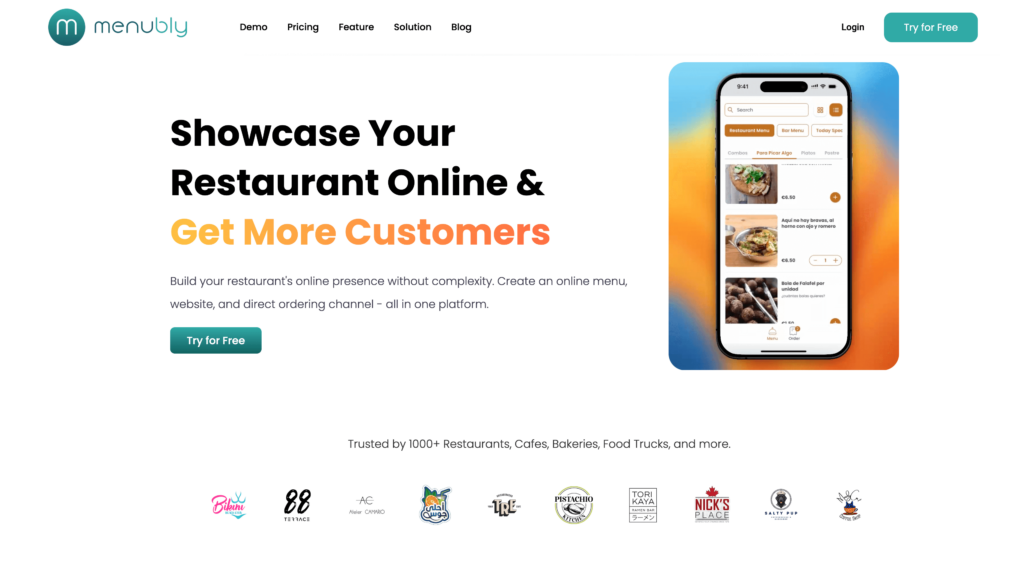
If your main reason for looking at square alternatives is the per-transaction fees eating into every online order, Menubly solves that problem at a fraction of the cost. For $9.99 a month — with zero commission and zero payment processing fees on orders — you get an online menu, built-in ordering, and a simple restaurant website. No percentage-based charges, no hidden fees, and no expensive POS hardware to buy.
Menubly isn’t a full POS system, and it doesn’t try to be. It’s built specifically for small business owners who need online ordering and a professional digital menu without the cost and complexity of a traditional POS solution. Where Square charges 2.6–2.9% on every transaction, Menubly lets you keep 100% of every order.
Key Features
Commission-free online ordering — no per-order fees, no percentage cut
Interactive, mobile-friendly digital menus with search, categories, and item photos
Small restaurants, cafes, bakeries, food trucks, and bars that want to take online orders without processing fees eating into their profits. If you don’t need a full POS system and your primary goal is affordable, commission-free online ordering with a professional digital menu, Menubly is the best square alternative at $9.99/month.
2. Toast — Best Full-Service Restaurant POS System
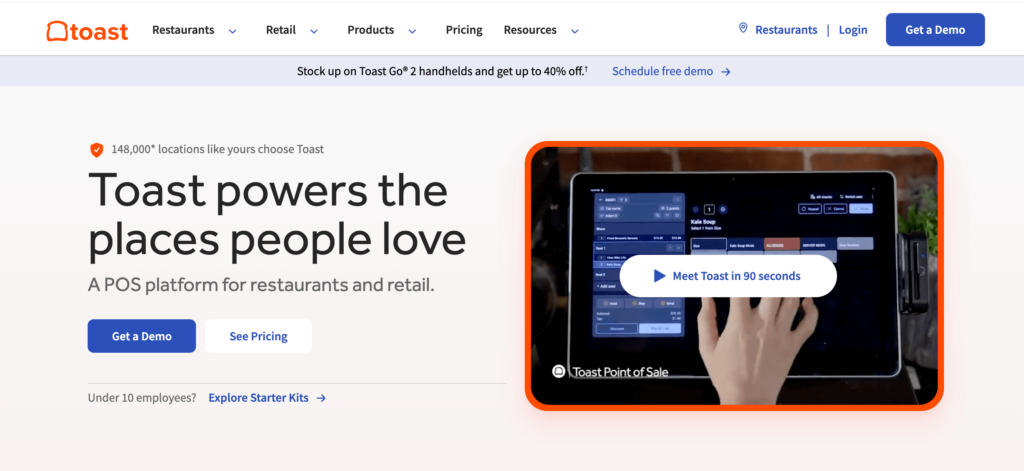
Toast is the industry standard for full-service restaurant POS systems. Built specifically for the food service industry, Toast handles everything from tableside ordering and kitchen displays to payroll and email marketing. If Square feels too general for your restaurant, Toast goes deep on restaurant-specific features that Square doesn’t offer.
The trade-off? Toast requires proprietary computer hardware ($800–$8,000+ depending on your POS setups), locks you into 2–3 year contracts, and costs $150–$400+ per month all-in for a single location. Online ordering is a $75/month add-on — it’s not included like it is with Square. For many small businesses, Toast is more restaurant POS than they actually need.
Features
Cloud-based POS on proprietary Android hardware
Online ordering with delivery and pickup support ($75/month add-on)
Kitchen display system included
Table management and floor plans
Menu management with modifiers and combos
Employee management, scheduling, and payroll
Real-time reporting and analytics
Toast Loyalty and gift cards
Multi-location management
DoorDash, Uber Eats, and Grubhub integration
Pros
Purpose-built for restaurants with deep industry-specific features
Mid-to-large full-service restaurants that need a complete restaurant management platform and are willing to commit to multi-year contracts and higher all-in costs. If you’re looking for Toast POS alternatives because of the cost, consider lighter options first.
3. Clover — Best for Multi-Concept Businesses
Clover stands out among square competitors because it works across both restaurant and retail businesses. With 500+ apps in its marketplace, Clover offers more customization than almost any other POS platform. If you run a restaurant with a retail component — like a bakery that sells packaged goods — Clover handles both under one system.
The catch is Clover’s reseller model. Banks and merchant services companies sell Clover with wildly different pricing, contract terms, and support quality. The same Clover system can cost $85/month through one reseller and $300/month through another. Always buy directly from Clover or a verified reseller to avoid inflated costs and unfavorable contract terms.
Features
500+ app marketplace for custom POS features
Multiple hardware options (Go, Flex, Mini, Station Duo, Kiosk)
Menu management with modifiers and combos
Table management and floor plans
Employee management with shift tracking
Free online ordering via Clover Online
Inventory tracking and reporting
Gift card program and customer engagement tools
QR code ordering and open tabs
QuickBooks and accounting integration
Pros
Largest app marketplace of any POS system — 500+ apps for custom functionality
Attractive, well-designed hardware with multiple form factors
Flexible for multi-concept businesses (restaurant + retail)
Backed by Fiserv for financial stability
Free built-in online ordering
Works across restaurant and retail point of sale categories
Cons
Reseller model causes wildly inconsistent pricing, support, and contract terms
Proprietary hardware — cannot reuse if you switch to a different POS
Total cost can be $300–$1,800/month all-in depending on reseller
Not as restaurant-specialized as Toast or SpotOn
Staff logins cost $15/month each — adds up fast for larger teams
Pricing is hard to compare without a custom quote from each reseller
Hardware: Clover Go ($49), Flex ($599), Mini ($799), Station Duo ($1,799+)
Best For
Multi-concept businesses (restaurant + retail hybrid) that need POS features across categories and want deep customization via apps. If you’re evaluating Clover alternatives, compare total all-in costs, not just advertised monthly fees.
4. SpotOn — Best for Mid-Sized Restaurants Wanting Lower Processing Rates
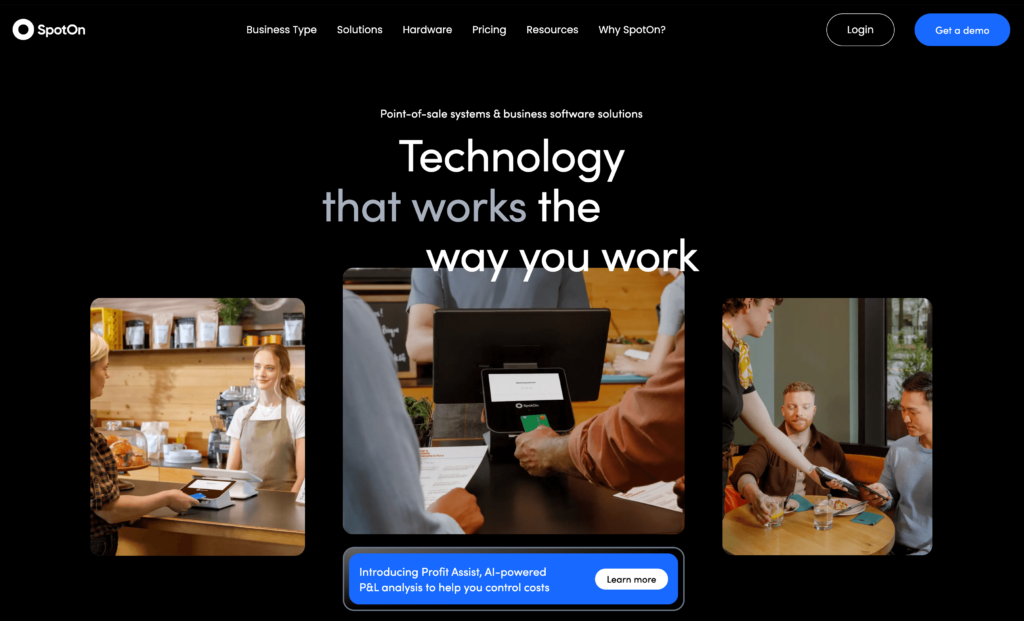
SpotOn is a strong square competitor for mid-sized restaurants that want lower payment processing rates without sacrificing features. On paid plans, SpotOn charges 1.99% + $0.25 per in-person transaction — significantly lower than Square’s 2.6% + $0.15. SpotOn was ranked #1 Restaurant POS on G2 in Fall 2025 with a 4.3 score, beating Toast’s 4.2.
SpotOn offers commission-free online ordering, integrated reservations, a loyalty program, and AI-powered profit analysis tools. The software is month-to-month, but watch the fine print: canceling hardware within the first year triggers a penalty, and switching away from SpotOn’s payment processing costs a $995 fee plus doubled software licensing.
Features
Full restaurant POS with table management and coursing
Commission-free online ordering (SpotOn Order)
QR code ordering for dine-in (Full Service plan)
Integrated reservations and waitlist (SpotOn Reserve)
Built-in loyalty program (paid add-on)
Labor management with scheduling and time tracking
Kitchen display system and handheld tableside ordering
Marketing tools — email campaigns and review management
AI-powered Profit Assist for margin analysis
DoorDash, Uber Eats, and Grubhub integration
Pros
Lower processing fees than Square on paid plans (1.99% + $0.25)
Ranked #1 Restaurant POS on G2 (Fall 2025)
Strong offline mode — queues transactions automatically when WiFi drops
AI-powered Profit Assist for automated margin analysis
Month-to-month software with no long-term contract
Commission-free online ordering integrated with loyalty
Mid-sized full-service restaurants and restaurant groups that want lower processing fees than Square and are comfortable using SpotOn’s payment processing. Check out SpotOn alternatives if the hardware penalties and processor lock-in concern you.
5. Lightspeed Restaurant — Best for Inventory Management & Reporting
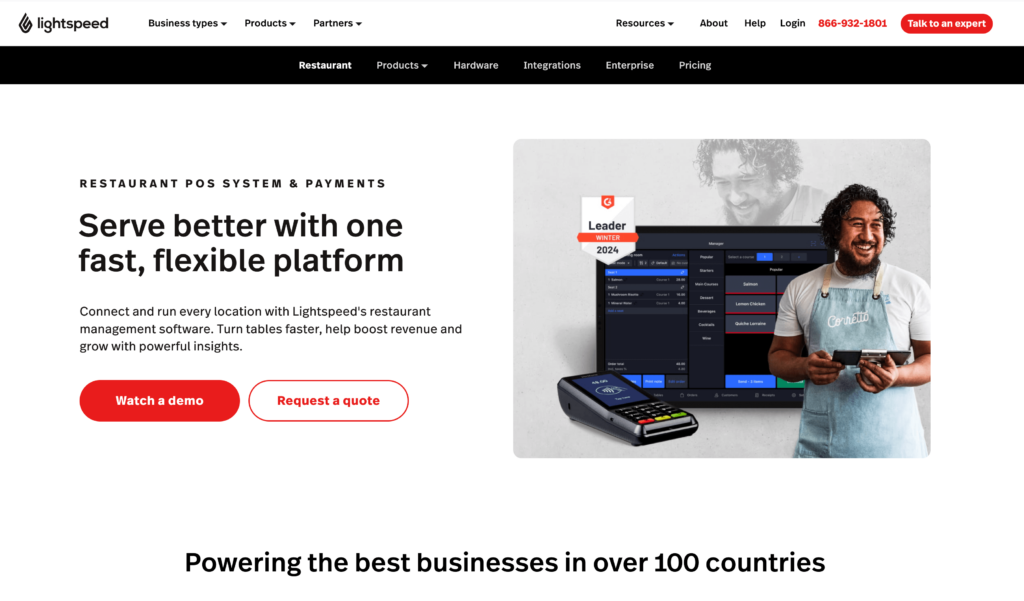
Lightspeed Restaurant offers the best reporting and analytics in this comparison. If you’re a data-driven restaurant owner who wants ingredient-level inventory management with COGS tracking, multi-location oversight, and detailed operational insights, Lightspeed delivers what Square’s basic reporting can’t.
The downside is cost. The Starter plan is $69/month but doesn’t include online ordering — that requires the Essential plan at $189/month. There’s also a $99/month surcharge if you don’t use Lightspeed Payments, minimum 1-year contracts, and early termination fees. For small businesses, Lightspeed’s pricing is hard to justify unless you need its advanced inventory management features.
Features
Cloud-based iPad POS with customizable interface
Industry-leading reporting and analytics
Ingredient-level inventory management with COGS tracking
Commission-free online ordering (Essential plan and above)
QR code contactless ordering and pay-at-table
Advanced floor plan and table management
Multi-location management from a single dashboard
CRM with guest profiles and visit history
Lightspeed AI for predictive insights
Kitchen display system integration
Pros
Best-in-class reporting and analytics among restaurant POS systems
Ingredient-level inventory management software with COGS analysis
Strong multi-location management
iPad-based — no proprietary hardware lock-in
24/7 customer support across all plans
Active product development (AI features, Tempo kitchen pacing)
Cons
Online ordering requires the $189/month Essential plan
$99/month surcharge if you don’t use Lightspeed Payments
Early termination fees can be punishing — contract exit is difficult
No built-in employee scheduling or payroll
Third-party delivery integrations reported as unreliable
Some users report slow billing support (week-long delays)
Full-service restaurants and multi-location operations that need strong analytics, ingredient-level inventory tracking, and are willing to pay a premium. See Lightspeed alternatives if the pricing feels too steep for your operation.
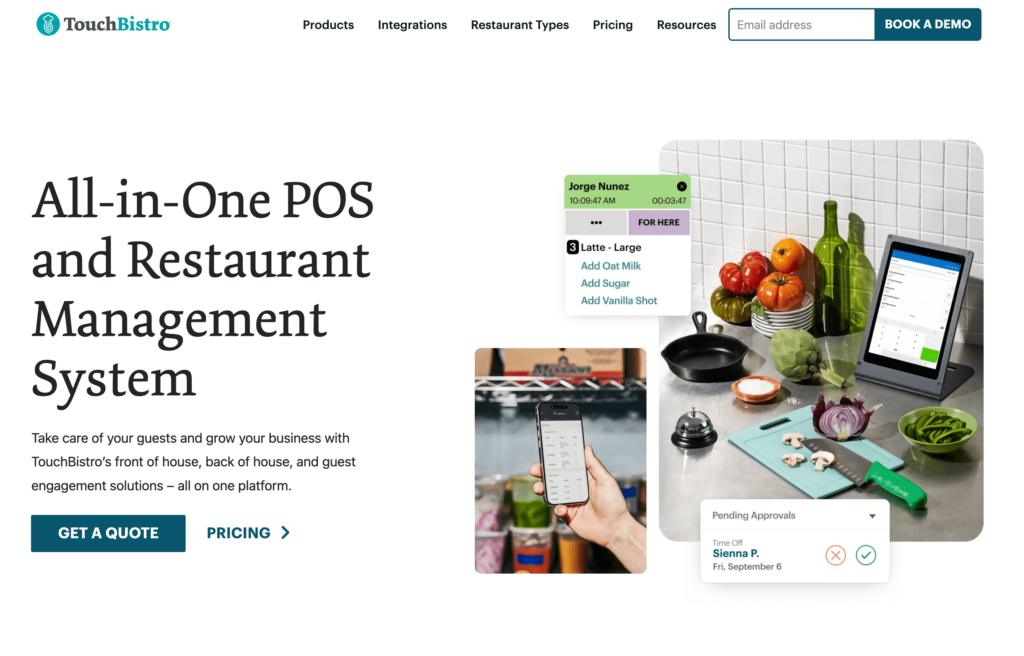
6. TouchBistro — Best for In-Venue Dining Experience
TouchBistro has some of the best table management capabilities among restaurant POS systems. Color-coded floor plans, table timers, section assignments, and a strong offline mode make it a solid choice for full-service restaurants that prioritize the in-venue dining experience over online sales.
Unlike Square, TouchBistro lets you bring your own payment processor — you’re not locked into one company’s processing rates. But the add-on pricing is where TouchBistro gets expensive. The core POS is $69/month, but online ordering adds $50/month, reservations add $229/month, loyalty adds $99/month, and marketing adds $99/month. The full suite adds $476+/month on top of the base — far more than similar to Square’s all-in costs.
Features
Hybrid local/cloud iPad POS with strong offline mode
Color-coded floor plans with table timers and section management
Menu management with forced modifiers and upsell prompts
Tableside ordering via handheld iPads
Staff scheduling and labor management
Kitchen display system
Reservation and waitlist management (add-on)
Customer loyalty program (add-on)
Inventory management with waste tracking
Payment processor flexibility — bring your own processor
Pros
Among the best table management systems available for restaurant POS
Strong offline mode — operates during full internet outages
Payment processor flexibility — not locked to one payment processing service
Purpose-built for restaurants with an intuitive interface
Fast staff training — simple UI reduces onboarding time
Available internationally
Cons
Essential features are expensive add-ons ($50–$229/month each)
Multi-year contracts with aggressive retention tactics reported
BBB “F” rating as of 2025
Customer support quality declining based on user reviews
iPad-only — no Android support
Online ordering ($50/month add-on) is less mature than dedicated platforms
Full-service restaurants, bars, and nightclubs that prioritize in-venue dining, table management, and offline reliability. Not ideal if you need affordable online ordering. Explore TouchBistro alternatives if add-on costs are a concern.
7. GloriaFood — Best Free Online Ordering Platform
GloriaFood offers something rare among square alternatives: a genuinely free online ordering system with unlimited orders and zero commission. Backed by Oracle (acquired in 2021), GloriaFood lets you embed ordering directly on your website or Facebook page without paying a monthly fee or per-order charge.
The free plan covers core online ordering, but paid add-ons include a sales-optimized website ($9/month), advanced promotions ($19/month), online payment processing ($29/month), and a branded mobile app ($59/month). If you already have a POS system and just need to add an online ordering channel without the processing fees that come with using Square for online orders, GloriaFood is worth considering.
Features
Commission-free online ordering — unlimited orders, no per-order fees
QR code table ordering for dine-in
Online payment via Stripe, PayPal, Apple Pay (paid add-on)
Offline mode — continues taking orders during internet outages
Pros
Free tier is genuinely usable — unlimited orders, no commissions, no per-order fees
Zero commission saves 15–30% compared to delivery apps
No long-term contracts on the online ordering platform
QR code ordering and reservations available in free/low-cost tiers
Quick setup — most restaurants live within hours
Backed by Oracle for long-term stability
Cons
Growing complaints about support responsiveness since January 2025
Cannot manage orders or make menu changes from a mobile app
Limited customization of the online ordering widget
Percentage-only delivery fee discounts — no fixed dollar amounts
Oracle ownership creates uncertainty about long-term free-tier commitment
POS product is separate and limited to one tablet per location
Pricing
Core online ordering:Free (no contracts, no commissions)
Sales-Optimized Website: $9/month
Advanced Promotions: $19/month
Online Payment Processing: $29/month
Branded Mobile App: $59/month
Best For
Small independent restaurants and ghost kitchens that need a zero-commission online ordering solution without upfront investment. Great alternative to Square for restaurants that already have a POS and just want to add direct online ordering. See GloriaFood alternatives for more options.
8. Loyverse — Best Free POS for Small Restaurants
Loyverse is the closest thing to Square’s free plan without the payment processor lock-in. The core POS, kitchen display system, and customer-facing display are all completely free with no transaction limits. Unlike Square, Loyverse lets you choose your own payment processor — so you can shop for the lowest processing rates instead of being locked into one company’s percentage.
The trade-off is that Loyverse has no native online ordering, no table management, and no floor plans. It’s built for quick-service restaurants, cafes, food trucks, and food retail — not full-service dining. If you’re a small business owner who needs a free POS without contracts and wants control over your payment processing, Loyverse is a great alternative to Square.
Features
Free POS app for iOS and Android — works on existing devices
Kitchen display system (KDS) included free
Customer-facing display (CDS) included free
Built-in customer loyalty program and CRM (free)
Basic inventory management with real-time stock tracking (free)
Advanced inventory with variants, purchase orders, COGS tracking ($25/month)
Employee management with role-based permissions ($5/month per employee)
Offline mode — records online sales locally, syncs when connection returns
Integration marketplace (Otter, Xero, QuickBooks)
Multi-store management from a single account
Pros
Core POS, KDS, and customer display are completely free with no transaction limits
No payment processor lock-in — freedom to choose competitive rates
No contracts — cancel or change add-ons at any time
Works on existing iOS and Android devices — no hardware purchase required
Offline mode ensures operations continue during internet outages
Simple, clean UI with a low learning curve
Cons
No native online ordering — requires third-party integration
No table management or floor plan features — not suitable for full-service dine-in
No credit card pre-authorization — a limitation for bars
Employee management costs $5/month per employee — adds up for larger teams
Advanced reporting requires the paid inventory add-on ($25/month)
Processing: Set by your chosen third-party processor
Best For
Small quick-service restaurants, cafes, food trucks, and food retail businesses that need a capable free POS software without long-term commitments. Best for budget-conscious business owners who want control over their payment processing rates.
9. SkyTab POS — Best for Low Upfront Cost Full POS
SkyTab by Shift4 stands out among square alternatives for its low entry cost: $29.99/month with $0 upfront hardware (including a touchscreen terminal, EMV reader, receipt printer, and cash drawer). That’s significantly cheaper than most restaurant POS setups, and the hardware comes with a lifetime warranty.
SkyTab also includes features that Square and many competitors charge extra for: commission-free online ordering, a loyalty program, reservations and waitlist management, and a free AI-powered website builder. The catch? A 30-month contract with Shift4’s payment processing — and early termination fees calculated on anticipated processor profits. There are documented cases of five-figure ETFs even within the trial period.
Features
Commission-free online ordering with direct POS and kitchen sync
Tableside mobile ordering and payment via SkyTab Air handhelds
Built-in loyalty program with tiered rewards, email, and SMS marketing
Reservations and waitlist management with SMS guest alerts
Real-time reporting via Lighthouse back-office platform
Table and floor plan management with tab management
Independent restaurants and bars that want a feature-rich, low-upfront-cost POS system and are comfortable committing to a long-term payment processing relationship with Shift4.
10. Owner.com — Best for Growing Direct Online Orders via SEO
Owner.com takes a different approach than most square alternatives. Instead of replacing your POS, it layers on top of your existing system to drive more direct online orders through SEO optimization, automated marketing, and a branded mobile app. Owner.com claims to have helped restaurants go from $2,000/month to $10,000+ in direct orders.
The pricing is a single flat fee of $499/month with all features included — no add-ons to juggle. That’s steep for small businesses, but for established restaurants doing meaningful online order volume, the return can justify the subscription. Owner.com is not for restaurants just getting started. It’s for business owners ready to invest in growing their direct ordering channel.
$499/month is steep for small or low-volume restaurants
Some users report undisclosed POS add-on costs not mentioned during sales
Value depends heavily on order volume — hard to justify at low volumes
No free trial — demo required before signing up
Some users report pricing wasn’t fully transparent during onboarding
Pricing
Single plan: $499/month — all features included
Commission: Zero on direct orders
Hardware: None required — fully web-based, integrates with existing POS
Best For
Established restaurants with meaningful online order volume that want to grow direct orders through SEO and automated marketing. Not suitable for startups or restaurants in the early stages of building an online presence.
11. ChowNow — Best for Branded Mobile App Ordering
ChowNow gives your restaurant its own branded mobile app for iOS and Android — something Square doesn’t offer. A branded app drives repeat orders through push notifications and a built-in loyalty program. ChowNow also connects to Google, Apple Maps, Yelp, and Tripadvisor through its Order Better Network, giving your restaurant visibility beyond your own website.
After acquiring Cuboh in 2024, ChowNow now integrates with 14+ POS systems including Toast, Square, Clover, and SkyTab. Processing fees are 2.95% + $0.29 per transaction — higher than Square’s in-person rates. Setup costs can add up: $119–$499 one-time setup fee, plus $250–$420 for a printer, plus $99/year for the Apple Developer fee.
Premier: $298/month (annual) or $328/month (monthly)
Processing: 2.95% + $0.29 per transaction
Setup fee: $119–$499 one-time
Best For
Independent restaurants and fast-casual spots that want a branded mobile app and need to consolidate third-party delivery app orders into one dashboard. Best for restaurants handling high order volumes who want to shift customers from third-party apps to direct ordering.
How to Choose the Right Square Alternative
With 11 options to consider, here’s how to narrow down the best alternative for your business based on what matters most.
Quick-service & counter-service: Square (keep it) or Clover
Multi-location operations: Lightspeed or Toast
Delivery-focused & ghost kitchens: GloriaFood or Owner.com
By Primary Need
I just need online ordering without fees: Menubly or GloriaFood
I need a full restaurant POS: Toast or SpotOn
I need a free POS to start: Loyverse or Square (free plan)
I want to grow direct orders and stop paying delivery apps: Owner.com or ChowNow
I need strong inventory management and analytics: Lightspeed
For most small restaurants, cafes, bakeries, and food trucks, the biggest profit drain isn’t POS software — it’s the percentage-based processing fees on every order. If your main goal is online ordering without fees eating into your margins, Menubly gives you everything you need at $9.99/month with zero commission. If you also need in-person payment processing, pair Menubly with a free POS like Loyverse or Square’s free plan to increase restaurant sales without increasing costs.
Frequently Asked Questions
What is the best alternative to Square for restaurants?
It depends on your needs. For commission-free online ordering without processing fees, Menubly is the best square alternative at $9.99/month. For a full-service restaurant POS system, Toast or SpotOn are the top square competitors. For free online ordering, GloriaFood offers unlimited orders with no commission.
How much does Square really cost for restaurants?
Square’s free plan is $0/month for POS software, but charges 2.6% + $0.15 per in-person transaction and 2.9% + $0.30 per online transaction. Square’s Plus plan is $49/month with slightly lower processing rates. A restaurant processing $30,000/month in card sales pays roughly $800+ in payment processing fees — that’s nearly $10,000 a year.
Can I use Square without paying processing fees?
No. Square requires you to use their built-in payment processing on all plans. You cannot bring your own payment processor or negotiate processing rates on the Free or Plus plans. If avoiding per-transaction fees on online orders is your goal, apps like square alternatives such as Menubly charge a flat monthly fee with no processing fees on orders.
What is the cheapest Square alternative?
GloriaFood (free online ordering) and Loyverse (free POS software) cost nothing. Menubly is $9.99/month for online ordering and digital menus with zero payment processing fees on orders — making it the most affordable paid alternative for restaurants that want to keep 100% of their order revenue.
Is Toast better than Square for restaurants?
In the Toast vs Square debate, Toast has deeper restaurant-specific features: coursing, advanced table management, payroll, and employee scheduling. But Toast requires proprietary computer hardware ($800–$8,000+), 2–3 year contracts, and costs $150–$400+ per month all-in. For many small business owners, Square’s free plan with no contracts is a better fit than Toast’s higher cost and commitment.
Can I switch from Square without losing my data?
Most POS alternatives offer menu import and migration support during onboarding. For online ordering platforms like Menubly, you create a new pos plan independently — no data migration needed. The transition typically takes a few days to a few weeks depending on the complexity of your menu and POS setups.
Do I need a full POS system for my restaurant?
Not always. If your primary goal is online ordering and a restaurant online ordering system, a platform like Menubly handles that at a fraction of POS pricing. You only need a full point of sale system if you process in-person card payments. Many small businesses pair Menubly for online orders with a free POS like Loyverse for in-person payments to keep costs minimal.
What POS system has lower processing fees than Square?
SpotOn offers 1.99% + $0.25 on paid plans — significantly lower than Square’s 2.6% + $0.15. Clover charges 2.3% + $0.10 when purchased directly. SkyTab offers 2.49% + $0.15 with its dual pricing program. For online ordering with no processing fees at all, Menubly charges a flat $9.99/month with zero per-transaction fees.
Final Verdict: Which Square Alternative Is Right for You?
Here’s a quick recap of the top square alternatives by category:
Best for commission-free online ordering: Menubly ($9.99/month, zero processing fees)
Best full-service restaurant POS: Toast (deep restaurant features, but high all-in cost)
Best free online ordering: GloriaFood (unlimited orders, no commission)
Best free POS system: Loyverse (free core POS with no processor lock-in)
Best for multi-concept businesses: Clover (500+ app marketplace)
Best for analytics & inventory: Lightspeed (industry-leading reporting)
Best for low-cost POS with hardware: SkyTab ($29.99/month, $0 upfront hardware)
Square is a solid point of sale system — especially for restaurants just getting started with its free plan and no contracts. It’s more restaurant-focused than retail pos options like Shopify POS, but as your business grows, those per-transaction payment processing fees add up. A restaurant doing $20,000/month in online orders pays $520–$620 in processing fees to Square every month. That’s money that could go back into your food, your staff, or your profit margin.
Many small restaurants don’t need a new POS system at all. They need affordable online ordering and a professional digital menu that doesn’t cost a percentage of every sale. Menubly gives you commission-free online ordering, a digital menu, and a simple website builder for $9.99/month — no contracts, no hardware, no processing fees on orders.
To provide the best experiences, we use technologies like cookies to store and/or access device information. Consenting to these technologies will allow us to process data such as browsing behavior or unique IDs on this site. Not consenting or withdrawing consent, may adversely affect certain features and functions.
Functional
Always active
The technical storage or access is strictly necessary for the legitimate purpose of enabling the use of a specific service explicitly requested by the subscriber or user, or for the sole purpose of carrying out the transmission of a communication over an electronic communications network.
Preferences
The technical storage or access is necessary for the legitimate purpose of storing preferences that are not requested by the subscriber or user.
Statistics
The technical storage or access that is used exclusively for statistical purposes.The technical storage or access that is used exclusively for anonymous statistical purposes. Without a subpoena, voluntary compliance on the part of your Internet Service Provider, or additional records from a third party, information stored or retrieved for this purpose alone cannot usually be used to identify you.
Marketing
The technical storage or access is required to create user profiles to send advertising, or to track the user on a website or across several websites for similar marketing purposes.