Clover’s restaurant plans cost between $79 and $189 per month for software alone — before hardware, payment processing fees, and the add-ons you actually need. For many small food businesses, that’s a lot of money for a POS system. If you’re exploring Clover alternatives, you’re not alone.
Clover is a solid point of sale platform, but it’s not the right fit for every restaurant. Common reasons owners start searching for Clover alternatives include:
High total costs — Software fees, proprietary hardware ($800–$3,300 per device), and 2.3–3.5% processing fees add up fast
36-month contracts — Most Clover agreements are non-cancelable, with early termination fees of $1,455 or more
Proprietary hardware lock-in — You can’t use your own iPad or Android tablet; you must buy Clover devices
Customer support complaints — Clover has a 3.76 out of 5 customer support rating on Capterra, with many users reporting slow response times
Forced migrations — Fiserv’s migration of 200,000 Payeezy merchants to Clover led to an investor lawsuit alleging misleading growth disclosures
The good news: you have plenty of options. We’ve researched and compared 10 Clover alternatives — from free POS systems to affordable online ordering platforms — to help you find the right fit for your restaurant, cafe, food truck, or bar.
Quick picks:
Best for affordable online ordering & digital menus: Menubly ($9.99/mo, zero commissions)
Best free POS for small restaurants: Square ($0/mo to start)
Best for full-service restaurants: Toast (restaurant-specific features)
Best for lowest processing fees: Helcim (interchange-plus, no monthly fees)
What Is Clover POS?
Clover is a cloud-based point of sale system owned by Fiserv, one of the largest payment processors in the world. Originally launched in 2010 and acquired by First Data in 2012 (which Fiserv then bought for $22 billion in 2019), Clover now serves over 700,000 small businesses with more than 4 million devices sold globally.
Clover targets restaurants, retail shops, and service businesses with a range of hardware options and software plans. For restaurants, it offers three tiers: Starter ($79/month), Standard ($149/month), and Advanced ($189/month). But the monthly software fee is just one part of the total cost.
What catches many restaurant owners off guard is Clover’s total cost of ownership. Beyond the monthly software fee, you’re paying for proprietary hardware ($800–$3,300 per device), payment processing (2.3% + 10¢ in-person, 3.5% + 10¢ online), and optional add-ons through the App Marketplace. A small restaurant processing $30,000/month in card sales could easily spend $800–$1,200/month total when everything is factored in. And because Clover hardware only works with Clover software, switching later means replacing your equipment entirely.
Clover Features
Kitchen display system ($799–$899 hardware + $25/month)
Online ordering (commission-free on Hospitality plans)
Table management and floor plans
Inventory tracking and low-stock alerts
Employee scheduling and management
Customer loyalty programs
Reporting and analytics dashboard
Multiple hardware options (Station Duo, Station Solo, Mini, Flex, Go)
DoorDash and third-party delivery integrations
100+ apps in the Clover App Marketplace
Clover Pros
Full-featured restaurant POS with multiple hardware form factors
Commission-free online ordering on Hospitality plans
Accepts tap, chip, swipe, and mobile wallet payments
Kitchen display system for order routing
Tableside ordering with the Flex handheld ($550–$600)
Customer loyalty and gift card tools built in
Real-time sales reporting accessible from any device
Clover Cons
Restaurant software starts at $79/month before hardware and processing fees
Before picking a Clover replacement, here are the key factors to evaluate based on the most common complaints Clover users have:
Transparent pricing — Look for clear, upfront pricing with no hidden fees. Clover’s costs vary by reseller and add up through hardware purchases, processing fees, and app marketplace add-ons. The best alternatives publish their full pricing online.
Low or no commission fees — If you take online orders, commissions eat into your margins. Third-party delivery apps charge 15–30% per order. Some alternatives offer commission-free direct ordering that lets you increase restaurant sales without losing profits to middlemen.
No long-term contracts — Clover’s 36-month non-cancelable contracts are a common frustration. Many alternatives offer month-to-month plans you can cancel anytime without paying $1,400+ in early termination fees.
Hardware flexibility — Clover requires proprietary devices starting at $800. Some alternatives work on iPads, Android tablets, or smartphones you already own — and some don’t require hardware at all.
Quick, easy setup — Some POS systems take weeks to configure and charge $849+ for onboarding. The best alternatives let you get up and running in minutes or hours, not weeks.
Online ordering built in — With more customers ordering online, you need a system that supports direct ordering without 15–30% third-party commissions. Look for platforms with built-in, commission-free online ordering.
Right-sized for your needs — Not every restaurant needs a full POS with inventory management, employee scheduling, and proprietary terminals. If you mainly need digital menus and online ordering, a lighter platform can save you hundreds per month.
Top Clover POS Alternatives at a Glance
Platform
Best For
Starting Price
Processing Fees
Contracts
Hardware Required
Menubly
Online ordering & digital menus
$9.99/mo
0% commission
Month-to-month
None
Square
Small restaurants & startups
$0/mo
2.6% + 15¢
Month-to-month
Optional ($0–$899)
Toast
Full-service restaurants
$0–$69/mo
2.49–3.69% + 15¢
2-year
Required ($1,049+)
SpotOn
Mid-size restaurant operations
$0–$55/station
2.45–2.79% + 15–20¢
Month-to-month
$500–$850
Lightspeed
Upscale & multi-location
$69/mo
2.6% + 10¢
12-month typical
iPad-based ($500–$800)
TouchBistro
iPad-based table service
$69/mo
Quote-based
Often 3-year
iPad required
KORONA POS
Quick-service & specialty shops
$59/mo
Choose your processor
Month-to-month
Flexible
Loyverse
Food trucks & small cafes
Free
Varies by processor
None
Android/iOS device
Shopify POS
Restaurants with online retail
$39/mo + $89 POS Pro
2.4%+ in-person
Month-to-month
Optional ($49–$899)
Helcim
Lowest processing fees
$0/mo
Interchange + 0.25% + 10¢
None
$199–$349
10 Best Clover POS Alternatives for Restaurants
1. Menubly — Best for Affordable Online Ordering & Digital Menus
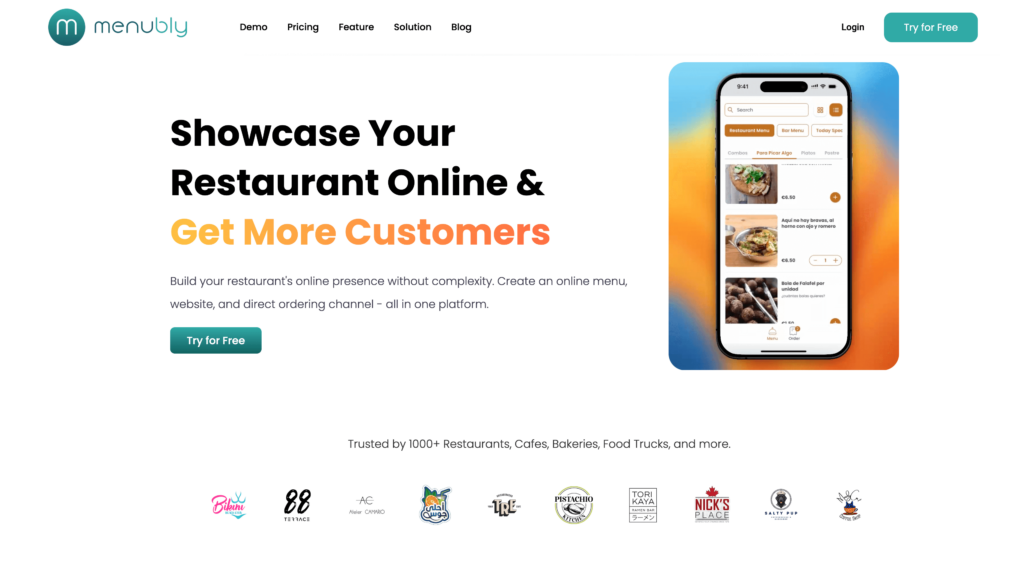
Not every restaurant needs a $200/month POS system with proprietary hardware and 36-month contracts. If your main goal is to take online orders, share a professional online menu, and build a simple web presence, Menubly does all of that for $9.99/month — with zero commissions on every order.
While Clover charges $79–$189/month just for restaurant software (plus $800+ for hardware and 2.3–3.5% processing fees), Menubly takes a different approach. There’s no hardware to buy, no long-term contract to sign, and no percentage taken from your orders. You can create a restaurant menu, enable online ordering, and go live in under 30 minutes.
For restaurants currently losing 15–30% of every order to delivery apps like Uber Eats and DoorDash, switching to direct ordering through Menubly means keeping 100% of your revenue. That’s the kind of savings that makes a real difference for small food businesses.
Features
Interactive, mobile-friendly digital menu that looks great on any device
Commission-free online ordering — keep 100% of every order
QR code menu generation for dine-in, takeaway, and delivery
Custom plans: Available for businesses with special needs
Commissions: Zero — you keep 100% of every order
Best For
Small to medium restaurants, coffee shops, bakeries, food trucks, and bars that want affordable online ordering and a professional digital menu without paying for a full POS system. Especially good for businesses currently losing money to delivery app commissions and wanting to take direct orders instead.
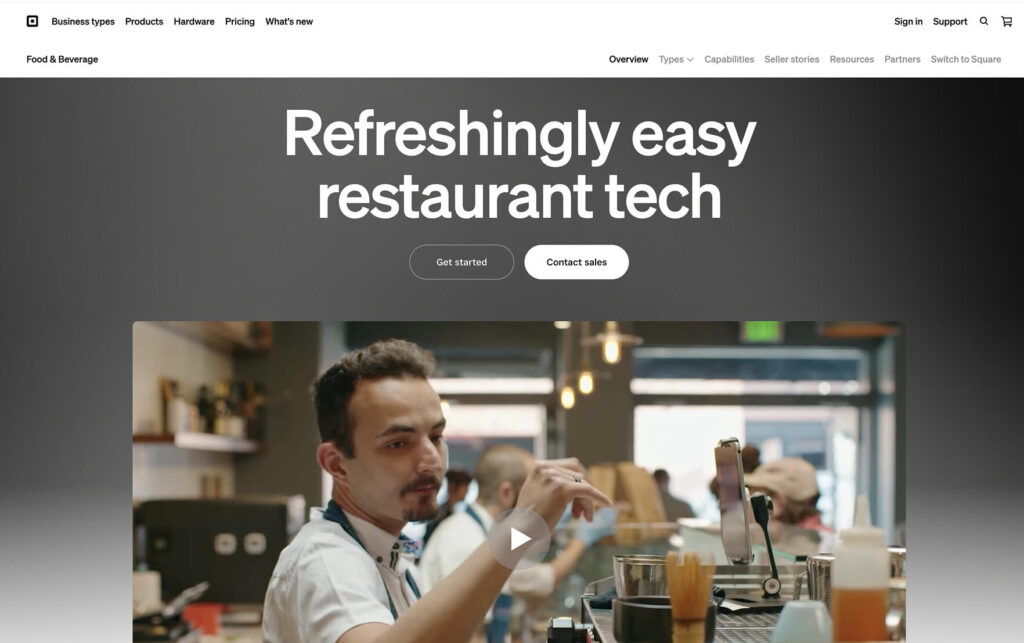
Square for Restaurants is the most accessible entry point for small food businesses that need a real POS system without upfront costs. The free plan includes core POS features, unlimited devices, and commission-free online ordering — you only pay processing fees on transactions you process.
Compared to Clover, Square’s biggest advantage is flexibility. There are no long-term contracts (everything is month-to-month), no proprietary hardware requirements (you can use your own iPad or phone), and a genuinely free tier that covers the basics. For small restaurants testing the waters or running on tight budgets, Square removes the financial risk of getting started.
Features
Customizable menu management with instant updates across all devices
Floor plan and table management (Plus plan and up)
Kitchen Display System app ($20–$30/month per device)
Commission-free online ordering through Square Online
Auto-86 to automatically remove sold-out items
Course management for multi-course dining (Premium plan)
Real-time reporting and analytics dashboard
Multi-location management from a single account
DoorDash, Uber Eats, and Grubhub integrations
Employee management and scheduling tools
Pros
Free plan with no monthly software fees — pay only processing fees
Month-to-month plans with no contracts or early termination fees
Works on iPads, iPhones, and Android devices you already own
Hardware: Square Reader ($59), Stand ($149), Terminal ($299), Register ($799–$899)
Online orders: 2.9–3.3% + 30¢ per transaction (no monthly commission)
Best For
Small to mid-sized restaurants, cafes, and quick-service spots that want a full POS without upfront costs or long-term contracts. The free plan is hard to beat for startups, pop-up restaurants, and seasonal operations. Multi-location operators also benefit from centralized management at a reasonable per-location cost. If you need both a POS and online ordering, pairing Square’s free plan with Menubly’s $9.99/month online ordering gives you a full solution for less than Clover’s cheapest restaurant plan.
3. Toast — Best for Full-Service Restaurants
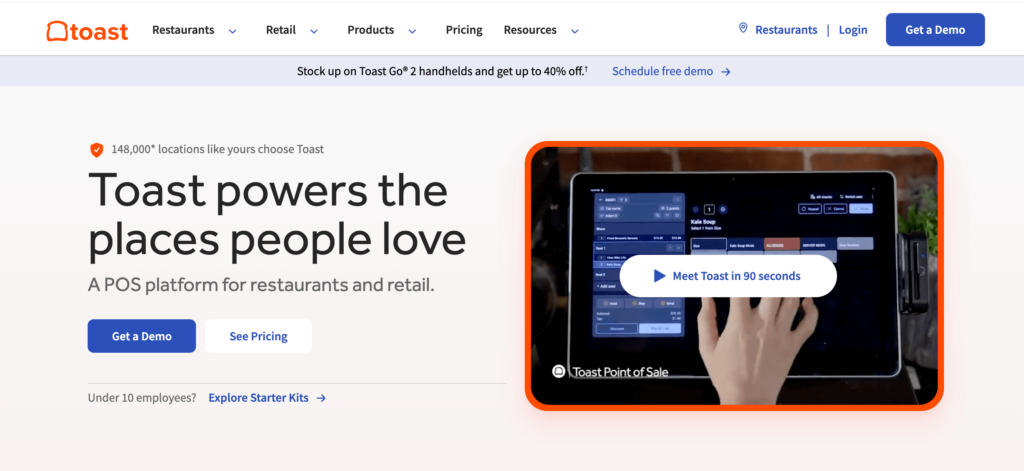
Toast is built specifically for restaurants, and it shows. From tableside handheld ordering to kitchen display routing and multi-course meal pacing, Toast has deeper restaurant-specific features than most general POS systems, including Clover.
The trade-off is cost and commitment. Toast requires proprietary hardware (starting around $1,049 for a basic kit), enforces two-year contracts, and charges different processing rates depending on whether customers pay in person or online. Add-on modules like online ordering ($75/month), marketing ($185/month), and loyalty ($50–$75/month) can push monthly costs well above $500 when combined with processing fees.
Features
Restaurant-specific POS designed for food service workflows
Handheld tableside ordering with rugged, drop-tested Toast Go devices
Kitchen Display System with prep station routing
Coursing for multi-course meal management
Toast benchmarking — compare your performance to similar restaurants
Established full-service restaurants, upscale casual concepts, and multi-location groups that need deep table management, handheld ordering, and kitchen workflow tools — and are willing to commit to a two-year contract and proprietary hardware for those features.
4. SpotOn — Best for Mid-Size Restaurant Operations
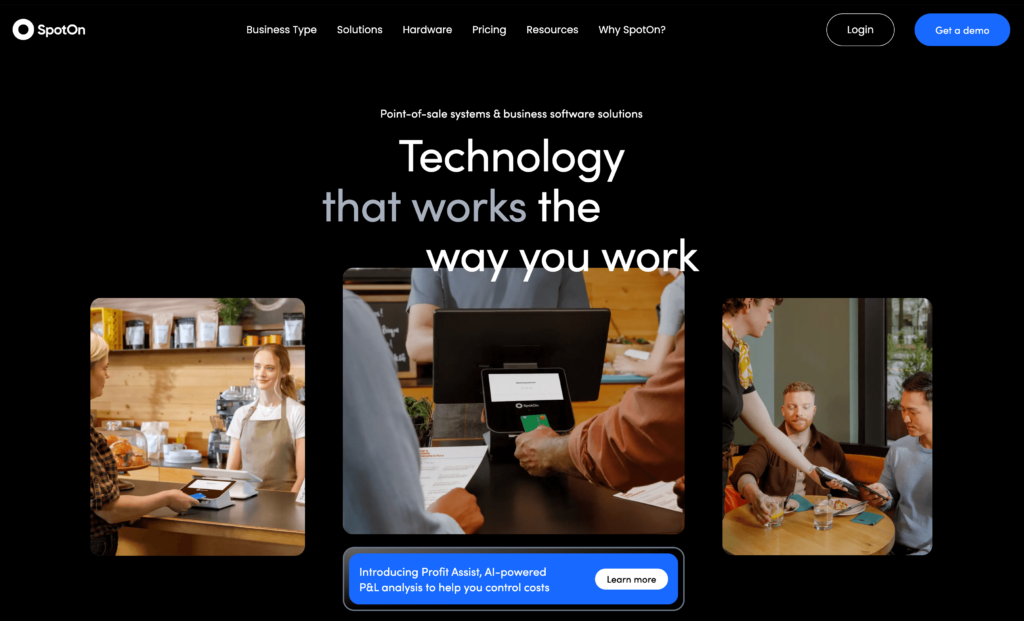
SpotOn has gained traction with mid-size restaurants looking for a full-featured POS without Clover’s contract lock-in. All SpotOn plans are month-to-month and cancelable anytime, and the platform includes features like commission-free online ordering, labor management, and AI-powered profit analysis.
Unlike Clover’s reseller model where pricing varies depending on who sells it to you, SpotOn publishes its rates openly. The Quick Start plan at $0/month is funded by slightly higher processing fees (2.79% + 20¢), while the POS Essentials plan at $55/station drops rates to 2.45% + 15¢ — competitive with Clover’s 2.3% + 10¢ when you factor in Clover’s much higher monthly software costs.
Features
Full restaurant POS with table layouts, menu management, and order routing
Commission-free online ordering (SpotOn Order)
AI-powered profit analysis (SpotOn Profit Assist)
Labor management with scheduling and compliance tools
Handheld devices for tableside ordering and payment
Core Bundle: $50/month + 0.20% of processing volume (capped at $200)
Build Your Own: Custom pricing
Hardware: $500–$850 per station (financing available)
Best For
Mid-size restaurants and growing food businesses that want full POS features with month-to-month flexibility. Good for operators who value commission-free online ordering and AI-powered cost analysis but don’t want to sign a multi-year contract. SpotOn’s onboarding includes custom menu configuration and specialist training, which reduces the effort of switching from Clover.
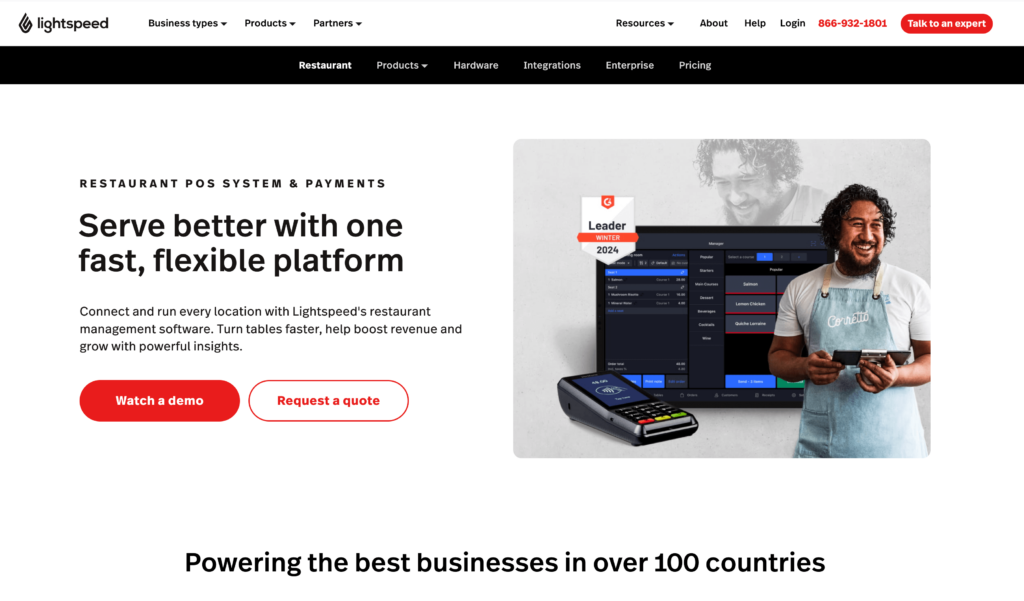
5. Lightspeed Restaurant — Best for Upscale & Multi-Location Restaurants
Lightspeed Restaurant is an iPad-based POS with some of the most advanced reporting and customization features in the market. If you run an upscale restaurant, manage multiple locations, or need detailed analytics to make data-driven decisions, Lightspeed gives you tools that Clover and most other POS systems don’t match.
The trade-off is price and complexity. Lightspeed’s Essential plan ($189/month) is where the real restaurant features live, and add-ons like advanced inventory ($99/month) and KDS ($30/screen/month) push costs higher. Setup takes more time than simpler systems, and some users report a steeper learning curve — but the reporting depth and customization options justify it for restaurants that need that level of control.
Features
Customizable POS interface with drag-and-drop menu management
Advanced reporting with hourly trends, item-level profitability, and labor analysis
Multi-location management with centralized reporting
Floor plan customization with real-time table status tracking
Pre-auth bar mode for running open tabs
Kitchen Display System ($30/screen/month)
Online ordering through Order Anywhere
DoorDash, Uber Eats, and Deliverect integrations
Advanced inventory management with recipe costing (add-on)
Customer directory with transaction history and preferences
Pros
Best-in-class reporting and analytics for data-driven restaurant management
iPad-based — use existing Apple devices or buy affordable refurbished iPads
Multi-location management included on Essential and higher plans
Pre-auth bar mode is great for bars and breweries
Consistent processing rates for in-person and online orders (2.6% + 10¢)
Customer support rated well for responsiveness
Cons
Essential plan ($189/month) needed for most restaurant features — Starter ($69/month) is limited
Upscale restaurants, fine dining, multi-location groups, and hybrid restaurant-retail concepts (breweries with merchandise, cafes with retail goods) that need deep reporting, detailed inventory tracking, and advanced customization. Not the best fit for budget-conscious startups or simple quick-service operations.
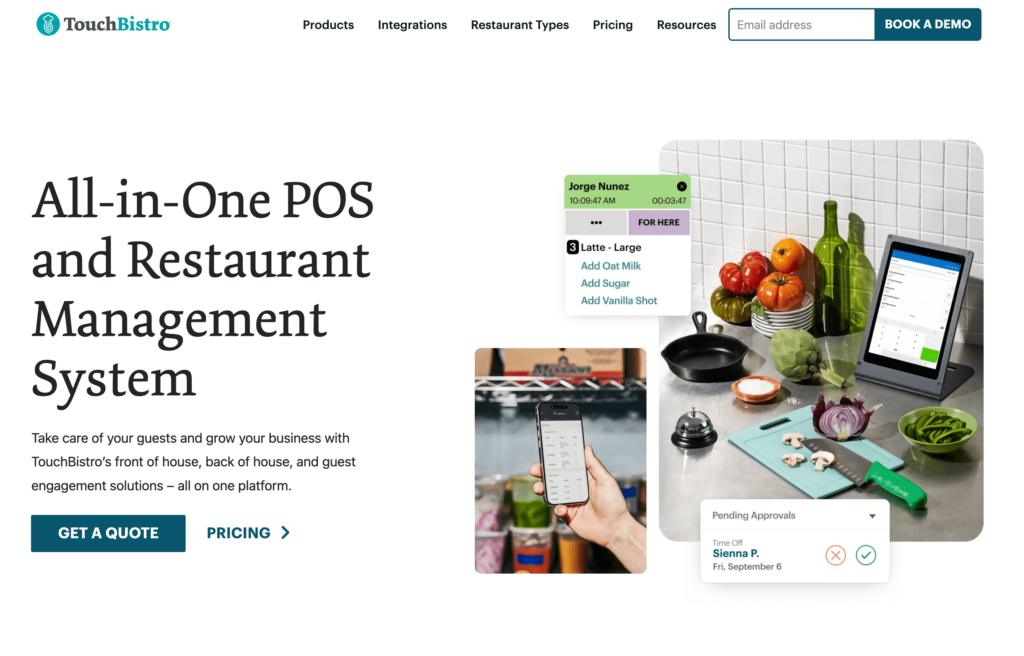
6. TouchBistro — Best for iPad-Based Table Service
TouchBistro is a restaurant-only POS system that runs on iPads. It’s designed specifically for food service operations, with built-in table management, menu management, and staff scheduling. Unlike Clover, which tries to serve restaurants, retail, and services, TouchBistro focuses entirely on restaurants.
The main drawback is pricing transparency. While the base POS starts at $69/month, TouchBistro charges extra for nearly every add-on (online ordering, reservations, loyalty, gift cards, marketing), and those prices aren’t published — you have to request a quote. Many users also report long contracts, often three years, similar to Clover’s lock-in approach.
TouchBistro uses a hybrid architecture where order data is stored locally on the iPad and syncs to the cloud. This means the system can keep running during internet outages — a useful feature for restaurants in areas with unreliable connectivity. The downside is that you need a Mac computer running in the background to act as the local server, adding another hardware requirement to your setup.
Features
iPad-based POS designed specifically for restaurants
Table management with floor plan layouts and server sections
Tableside ordering from iPad devices
Menu management with modifiers and upsell prompts
Staff scheduling and labor cost tracking
Reporting with sales, labor, and menu insights
Kitchen Display System (add-on)
Online ordering with zero commission on orders (add-on)
Reservations and waitlist management (add-on)
Customer loyalty programs (add-on)
Offline mode with local data storage on iPad
Pros
Restaurant-only focus means features are built for food service, not adapted from retail
iPad-based — no proprietary hardware beyond iPads you may already own
Commission-free online ordering (as an add-on)
Intuitive interface that’s easy for servers to learn
Staff scheduling and labor management built in
Bundles starting at $99/month with $0 upfront hardware costs
Cons
Add-on pricing isn’t published — you must request a quote for online ordering, reservations, loyalty, and more
Contracts are often 3 years with high early termination fees
Payment processing rates are quote-based, making comparison difficult
Core POS at $69/month is just the starting point — total costs grow fast with add-ons
Requires iPads (not compatible with Android)
Some users report support response times could be faster
Essentials Bundle: From $99/month (limited-time, includes hardware and processing)
Add-ons: Online ordering, reservations, loyalty, gift cards, marketing, KDS — pricing requires a quote
Payment processing: Quote-based (cost-plus model through TouchBistro Payments)
Hardware: iPads required (not included); bundle deals may include hardware at $0 upfront
Best For
Full-service restaurants and sit-down dining establishments that want a restaurant-specific iPad POS with strong table management. Good for operators who already own iPads and value a focused restaurant tool — but be prepared for add-on costs and potential long-term contracts.
7. KORONA POS — Best for Quick-Service & Specialty Food Shops
KORONA POS stands out for one key reason: it lets you choose your own payment processor. While Clover, Toast, and most other POS systems lock you into their processing rates, KORONA separates POS software from payment processing entirely. That means you can shop for the best processing rates and switch processors anytime without changing your POS.
KORONA also offers month-to-month pricing with no contracts, a free unlimited trial, and a 60-day money-back guarantee. It’s particularly strong for quick-service restaurants, bakeries, and specialty food retailers that need solid inventory management without the complexity of a full table-service POS.
The KORONA Food add-on ($10/month per terminal) adds table service features like floor plans, order routing, and tab management for restaurants that need them. But KORONA’s real strength is on the retail side — detailed stock management, barcode automation, vendor tracking, and multi-store inventory sync. If you run a bakery with retail products, a deli counter, or a food business that blurs the line between restaurant and retail, KORONA handles both sides well.
Features
POS software with flexible payment processor choice
Inventory management with stock tracking and automated ordering
Employee time tracking, activity reports, and commission management
Cashier permissions and security controls
Product analysis and sales reporting
Multi-store and warehouse management
KORONA Food add-on for table service ($10/month per terminal)
eCommerce integration capabilities
Vendor management and purchase ordering
Barcode automation and label printing
Pros
Choose your own payment processor — not locked into KORONA’s rates
No contracts — month-to-month with a 60-day money-back guarantee
Free unlimited trial with no credit card required
24/7 in-house customer support included on all plans
Strong inventory management for food retail and quick-service
No hidden fees — transparent pricing published on their website
Cons
Not built specifically for full-service restaurants — table service requires the $10/month KORONA Food add-on
Online ordering requires third-party integrations rather than being built in
Interface may feel less modern than Square or Toast
Hardware pricing isn’t published — requires configuration through their tool
Smaller user community and fewer third-party app integrations than major competitors
Better suited for retail-food hybrids than pure restaurant operations
Add-ons: KORONA Food (+$10/mo/terminal), KORONA Plus (+$20/mo/terminal), Invoicing (+$10/mo/terminal), Franchise (+$30/mo/franchise)
Processing: Choose your own processor — not set by KORONA
Hardware: Quote-based through their configuration tool
Best For
Quick-service restaurants, bakeries, specialty food shops, and food retailers that want processor flexibility and strong inventory management. Also a good fit for businesses that already have a payment processor they like and don’t want to switch. Not ideal for full-service sit-down restaurants that need deep table management.
8. Loyverse — Best Free POS for Food Trucks & Small Cafes
Loyverse is a genuinely free POS system that runs on iOS and Android smartphones and tablets. For food trucks, small cafes, and micro-restaurants operating on tight budgets, it’s hard to argue with a free POS that includes sales tracking, inventory management, customer management, and even a kitchen display — all at no cost.
While Clover’s cheapest restaurant plan costs $79/month plus hardware, Loyverse costs nothing for the core POS. You can run it on a phone you already have and only pay when you need add-ons like employee management ($5/month per employee) or advanced inventory ($25/month per store).
The catch is that Loyverse doesn’t include its own payment processing — you need to pair it with a separate payment provider like SumUp, Zettle, or another card reader. It also lacks built-in online ordering, so if you need customers to order from their phones, you’d want to pair Loyverse with a platform like Menubly for online ordering alongside the free POS for in-person transactions. That combination still costs less than Clover’s cheapest restaurant plan.
Features
Free POS app for iOS and Android devices
Sales tracking and analytics dashboard
Inventory management with stock alerts
Customer management and loyalty program
Kitchen Display System app (free)
Customer Display app (free)
Offline mode — works without internet, syncs when reconnected
Receipt printing via Bluetooth or Wi-Fi printers
Multi-store management
Barcode scanning
Pros
Core POS is completely free — no monthly fees, no trial period
Works on smartphones and tablets you already own
Includes free Kitchen Display and Customer Display apps
Offline mode so you can sell even without internet
Unlimited users on the free plan
Low-cost add-ons when you need more ($5–$25/month)
Cons
Limited restaurant-specific features — no table management, coursing, or floor plans
Online ordering capabilities are limited compared to Square or Menubly
Doesn’t include its own payment processing — you need a separate processor
Reporting is basic compared to Lightspeed or Toast
Advanced inventory costs $25/month per store as an add-on
No built-in online ordering system
Support options are more limited than paid POS systems
Pricing
POS app: Free
Kitchen Display: Free
Customer Display: Free
Employee Management: $5/month per employee ($50/year)
Advanced Inventory: $25/month per store ($250/year)
Integrations: $9/month per store ($90/year)
Payment processing: Choose your own processor (SumUp, Zettle, etc.)
Hardware: Any iOS or Android device; compatible Bluetooth printers and scanners
Best For
Food trucks, small cafes, market stalls, and micro-restaurants that need a free POS solution with basic inventory and customer tracking. Great for operators who want to test a POS system without any financial commitment. Not suitable for full-service restaurants that need table management, online ordering, or advanced reporting.
9. Shopify POS — Best for Restaurants with Online Retail
Shopify POS isn’t a restaurant-specific system, but it’s a strong option for food businesses that also sell products online — think bakeries selling gift boxes, breweries with merchandise, or cafes with retail coffee bags. Shopify connects in-person and online sales through a single inventory and customer management system.
Compared to Clover, Shopify’s biggest advantage is its ecommerce foundation. While Clover’s online capabilities are limited to basic ordering, Shopify powers over 4 million online stores and gives you a full ecommerce website alongside your POS. The trade-off: Shopify isn’t designed for traditional restaurant operations like table service, kitchen displays, or complex menu management.
The combined cost of a Shopify plan ($39+/month) plus POS Pro ($89/month per location) puts the total at $128+/month before processing fees — comparable to Clover’s mid-tier pricing. But what you get is fundamentally different: a full ecommerce store with social media selling, local delivery, and curbside pickup — features that Clover’s basic online ordering can’t match. For food businesses that make a significant portion of revenue from packaged product sales, Shopify’s retail tools are worth the investment.
Features
Unified POS and ecommerce platform — one inventory for in-store and online
Full online store builder with hundreds of templates
In-person payment processing with Shopify Payments
Customer profiles with purchase history across all channels
Inventory management synced between online and in-store
Staff management with POS permissions (POS Pro)
Exchanges, returns, and store credit tools (POS Pro)
Local pickup and delivery options
Integration with Instagram, Facebook, TikTok, and Google Shopping
Thousands of third-party apps for extended functionality
Pros
Best-in-class ecommerce platform with full online store included
Unified inventory for in-person and online sales
Month-to-month plans with no long-term contracts
In-person processing starts at 2.4% with Shopify Payments
Sells through social media channels (Instagram, Facebook, TikTok)
Huge app ecosystem for extending functionality
Cons
Not built for restaurants — no table management, kitchen display, or menu modifiers
Requires both a Shopify plan ($39+/month) and POS Pro ($89/month) for full features
Combined cost of $128+/month before processing fees
No kitchen-specific features (coursing, order routing, prep timers)
Food businesses that sell products both in-store and online — bakeries with an ecommerce shop, breweries selling merchandise, or cafes with retail products. Also good for food businesses at farmers markets, pop-ups, or events. Not designed for traditional restaurant table service or kitchen operations.
10. Helcim — Best for Lowest Processing Fees
Helcim takes a different approach from every other POS on this list: there are no monthly software fees at all. The POS app is free, the online store is free, and you only pay interchange-plus processing fees on transactions — with automatic volume discounts as your sales grow.
For restaurants frustrated by Clover’s 2.3–3.5% flat-rate processing plus $79–$189/month in software fees, Helcim’s model is refreshing. Average in-person processing costs work out to roughly 1.8–2.0% depending on card type, and those rates drop automatically as your monthly volume increases. There are no contracts, no hidden fees, and no early termination penalties.
To put the savings in perspective: a restaurant processing $30,000/month in card sales would pay roughly $550–$600 in processing with Helcim (at ~1.9% average), compared to $690–$1,050 with Clover (2.3% processing + $79–$189 software). That’s $90–$450 in monthly savings, or up to $5,400 per year. Helcim also charges $0 for chargebacks, while Clover and most other processors charge $20–$50 per dispute.
Features
Free POS software with no monthly fees
Interchange-plus pricing with automatic volume discounts
Smart Terminal and Card Reader hardware options
Online store and invoicing tools included free
Customer Relationship Management (CRM) built in
Inventory tracking and sales analytics
Recurring payments and subscriptions
QR code payments
Multi-user accounts with staff permissions
ACH bank transfer payments ($0 processing fees under certain volumes)
Pros
$0/month for POS software — no monthly subscription at all
Lowest average processing fees: interchange + 0.25% + 10¢ (in-person)
Automatic volume discounts — rates drop as you process more
No contracts, no cancellation fees, no hidden charges
Free online store and invoicing tools
$0 chargeback fees (unlike Clover’s $20–$50 per dispute)
Hardware is affordable ($199–$349)
Cons
Not restaurant-specific — no table management, kitchen displays, or menu management
Limited restaurant workflow features compared to Toast, Square, or SpotOn
Smaller brand with fewer reviews than major competitors
Only available in the US and Canada
Hardware options are limited (Card Reader and Smart Terminal only)
No built-in restaurant online ordering system
Better suited for payment processing than full restaurant POS operations
Cost-conscious food businesses in the US and Canada that want the lowest possible processing fees without monthly software costs. Good for quick-service restaurants, cafes, and food trucks that process high card volumes and want transparent interchange-plus pricing. Not the best choice for full-service restaurants needing deep table management or kitchen workflow features.
How to Choose the Right Clover Alternative
By Budget
Under $10/month:Menubly ($9.99/mo for online ordering and digital menus)
Free POS: Square (free plan) or Loyverse (free core POS)
$50–$100/month: SpotOn ($55/station), KORONA POS ($59/mo), or TouchBistro ($69/mo)
$100–$200/month: Toast ($69/mo + add-ons) or Lightspeed ($69–$189/mo)
Enterprise: Lightspeed Premium ($399/mo) or Toast Custom pricing
By Restaurant Type
Food trucks & mobile vendors: Menubly or Square — no expensive hardware needed
Coffee shops & small cafes: Menubly, Square, or Loyverse
Quick-service & fast casual: Square or SpotOn
Full-service restaurants: Toast or TouchBistro
Bars & breweries: Lightspeed (pre-auth bar mode) or TouchBistro
Multi-location groups: Lightspeed or Toast
Restaurants selling retail products: Shopify POS or KORONA POS
By Primary Need
“I just need online ordering and a digital menu”: Menubly
“I need a free POS to get started”: Square or Loyverse
“I need a full restaurant POS with table service”: Toast or TouchBistro
“I want the lowest processing fees”: Helcim
“I need advanced reporting and multi-location management”: Lightspeed
“I want to choose my own payment processor”: KORONA POS
“I sell food products online and in-store”: Shopify POS
Switching from Clover: What to Consider
If you’re currently on Clover, check your contract terms first. Most Clover agreements are 36-month non-cancelable contracts, and early termination fees can top $1,400. Calculate whether the monthly savings from switching justify the exit cost — in many cases, they do within 6–12 months.
Before canceling, export your menu data, customer list, and sales history from the Clover dashboard. Most modern POS systems (Square, Toast, SpotOn) offer free onboarding assistance that includes migrating your menu. For online ordering, you can start using a platform like Menubly alongside Clover immediately — there’s no need to wait until your contract ends to begin taking commission-free direct orders.
For most small to medium food businesses, the right Clover alternative depends on what you actually need. If your priority is affordable online ordering and a professional digital menu, Menubly gives you that at $9.99/month with zero commissions — saving you hundreds compared to Clover’s $79–$189/month. If you need a full POS system with in-person payment processing, Square’s free plan is the most budget-friendly starting point with no contracts or hidden costs.
Frequently Asked Questions
What is the best alternative to Clover POS?
It depends on your needs. For affordable online ordering and digital menus without a full POS, Menubly is the best value at $9.99/month with zero commissions. For a free full POS system, Square offers the most features at no monthly cost. For full-service restaurants needing table management and kitchen displays, Toast has the deepest restaurant-specific features, though it requires a two-year contract and proprietary hardware.
How much does Clover POS really cost per month?
Clover’s total monthly cost is much higher than the advertised software fee. Restaurant software runs $79–$189/month, hardware costs $800–$3,300 per device (or monthly lease payments), and processing fees are 2.3% + 10¢ for in-person and 3.5% + 10¢ for online transactions. A small restaurant processing $30,000/month in card sales could pay $700–$1,000+ monthly when software, processing, and hardware are combined.
Are there any free alternatives to Clover?
Yes. Square offers a free POS plan where you only pay processing fees (2.6% + 15¢ per transaction). Loyverse has a completely free core POS with no transaction fees from the software itself. Helcim charges $0 in monthly fees — you only pay interchange-plus processing. And Menubly offers a 30-day free trial of its $9.99/month online ordering and digital menu platform.
Can I use Clover without a long-term contract?
Most Clover merchant agreements require a 36-month commitment with non-cancelable terms and early termination fees. If contract flexibility is important to you, consider alternatives like Square (month-to-month, no penalties), SpotOn (month-to-month, cancelable anytime), Menubly (no contracts), or KORONA POS (month-to-month with a 60-day money-back guarantee).
What POS system has the lowest processing fees for restaurants?
Helcim typically offers the lowest rates with interchange-plus pricing averaging about 1.8–2.0% for in-person transactions, and rates drop automatically as your volume grows. Square charges a flat 2.6% + 15¢ (or less on paid plans), while Clover charges 2.3% + 10¢ but adds higher monthly software fees that offset any processing savings.
Do I need a full POS system for my restaurant?
Not always. Many small restaurants, cafes, and food trucks mainly need a way to take online orders and share a digital menu — not a $200/month POS with proprietary hardware. A platform like Menubly handles online ordering, contactless menus, and a restaurant website for $9.99/month. You can always add a full POS later if your operations grow to need one.
Is Toast better than Clover for restaurants?
Toast has deeper restaurant-specific features than Clover, including purpose-built handheld ordering devices, better kitchen display routing, and coursing for multi-course meals. But Toast also requires two-year contracts (vs. Clover’s three-year), mandatory proprietary hardware, and charges higher processing fees for online transactions (3.39–3.69% + 15¢). Both platforms lock you into their ecosystem — the right choice depends on whether you value restaurant-specific features (Toast) or broader business functionality (Clover).
How do I switch from Clover to another POS?
First, check your contract terms and calculate any early termination fees. If you’re still under contract, weigh the exit cost against the monthly savings from switching. Export your menu, customer, and sales data from Clover before canceling. Many alternatives like Square and SpotOn include free setup assistance and menu configuration to make the transition smoother. For online ordering, you can start using Menubly alongside Clover immediately — no need to wait until your Clover contract ends.
Which Clover Alternative Is Right for You?
Here’s a quick recap of the best Clover alternatives by category:
Best for affordable online ordering & digital menus: Menubly ($9.99/mo, zero commissions)
Best free POS: Square ($0/mo plan with no contracts)
Best for full-service restaurants: Toast (deep restaurant features, 2-year contract)
Best for mid-size operations: SpotOn (month-to-month, commission-free ordering)
Best for upscale & multi-location: Lightspeed (advanced reporting and analytics)
Best for lowest processing fees: Helcim ($0/mo, interchange-plus pricing)
Many small food businesses don’t need an expensive POS system with proprietary hardware and years-long contracts. If your main goal is getting online orders directly from customers and sharing a professional menu, Menubly does that for $9.99/month — with zero commissions, no hardware, and no contracts. That’s less than what most restaurants pay for a single Clover add-on module.
If you do need a full POS with in-person card processing, Square’s free plan gets you started without risking a dime, and you can upgrade as your business grows — all without signing a multi-year contract or buying proprietary equipment.
Either way, you have better options than paying $79–$189/month for Clover software, $800+ for hardware, and 2.3–3.5% processing fees while locked into a 36-month contract. The restaurant technology market has enough competition now that no small food business needs to overpay for basic functionality or commit to years-long agreements just to accept orders.
To provide the best experiences, we use technologies like cookies to store and/or access device information. Consenting to these technologies will allow us to process data such as browsing behavior or unique IDs on this site. Not consenting or withdrawing consent, may adversely affect certain features and functions.
Functional
Always active
The technical storage or access is strictly necessary for the legitimate purpose of enabling the use of a specific service explicitly requested by the subscriber or user, or for the sole purpose of carrying out the transmission of a communication over an electronic communications network.
Preferences
The technical storage or access is necessary for the legitimate purpose of storing preferences that are not requested by the subscriber or user.
Statistics
The technical storage or access that is used exclusively for statistical purposes.The technical storage or access that is used exclusively for anonymous statistical purposes. Without a subpoena, voluntary compliance on the part of your Internet Service Provider, or additional records from a third party, information stored or retrieved for this purpose alone cannot usually be used to identify you.
Marketing
The technical storage or access is required to create user profiles to send advertising, or to track the user on a website or across several websites for similar marketing purposes.