Lightspeed Restaurant’s Essential plan starts at $189/month. That’s before hardware ($2,000–$3,000+ upfront), a processing surcharge of up to $400/month if you use any payment processor other than Lightspeed Payments, and add-ons for features like scheduling that competitors include by default. A single-location restaurant on Lightspeed can easily pay $1,100–$1,200/month in software and processing costs alone.
And once you’re in, getting out isn’t easy. Lightspeed requires annual or multi-year contracts, and early termination fees equal the full remaining balance — BBB complaints document ETFs as high as $14,327. That’s a significant exposure for any small or medium-sized restaurant.
If you’re re-evaluating your restaurant’s online ordering and point-of-sale setup, you’re not alone. This guide covers 10 Lightspeed alternatives across every budget and restaurant type — from free plans to enterprise-grade platforms — with honest pricing, real feature comparisons, and clear recommendations for who each one actually suits.
Quick Picks
Best for commission-free online ordering: Menubly ($9.99/month, zero commissions)
Best full-service POS ecosystem: Toast POS (from $69/month)
Best free option: Square for Restaurants ($0/month free plan)
Best for offline reliability: TouchBistro (from $69/month)
Best for bars & breweries: GoTab (from $15/month)
Best enterprise/multi-location: Revel Systems (from $99/terminal/month)
What Is Lightspeed Restaurant?
Lightspeed Restaurant is a cloud-based, iPad-native point-of-sale system built for the foodservice industry. Founded in 2005 in Montreal, it serves 168,000+ locations worldwide — including 160+ Michelin-starred restaurants — and targets fine dining, full-service restaurants, bars, and hotel F&B operations.
On paper, the feature set is strong: advanced inventory management, drag-and-drop floor plans, multi-location support, kitchen display system integration, and real-time analytics via its mobile Pulse app. But the total cost of ownership tells a different story for most small and medium-sized restaurants.
Lightspeed Restaurant Pricing (2026)
Starter: $69/month — basic operations, increasingly limited or phased out in active sales
Essential: $189/month — the de facto entry-level plan for most restaurants
Premium: $399/month — API access, custom payment rates, hotel PMS integration
Enterprise: Custom pricing
Extra POS register: $59/month each; Kitchen Display System: $30/screen/month
Why Restaurants Switch Away from Lightspeed
Forced payment processor: Using any processor other than Lightspeed Payments adds up to $400/month in surcharges
Long-term contracts: Annual commitment required; ETFs can run into five figures
No native scheduling or payroll: Requires paid third-party integrations
iPad only: No Android or Windows support
Unreliable delivery integrations: DoorDash and Uber Eats compatibility issues are a recurring complaint on Capterra and G2
The advertised plan price is rarely the real monthly bill. Add processing fees, hardware amortization, add-ons, and contract penalties, and you get the true cost of ownership. When comparing alternatives, calculate the all-in monthly number — not just the software subscription.
2. Commission and processing fees
Delivery apps charge 15–30% per order. Lightspeed’s processor lock-in adds hundreds per month. Look for platforms with transparent processing rates and, for online ordering specifically, zero-commission direct ordering. Keeping even a small percentage more per order adds up to real money across a year.
3. Contract flexibility
Annual and multi-year contracts with steep ETFs are one of the biggest pain points with Lightspeed. Several alternatives offer month-to-month plans with no cancellation penalties — a significant advantage for restaurants still figuring out the right setup.
4. Hardware requirements
Some platforms require proprietary hardware you must buy from them (Toast, Clover, SpotOn). Others work on iPads you already own (TouchBistro, Lavu) or any device at all (GoTab, Menubly). Hardware costs can add $2,000–$5,000+ upfront before you’ve processed a single order.
5. Online ordering capabilities
Not every restaurant needs a full POS system — many just need a reliable way to take direct orders online without paying 15–30% to delivery apps. If that describes your situation, a dedicated restaurant online menu and ordering platform may be the better fit at a fraction of the cost.
6. Ease of setup
Full POS systems often require on-site installation, staff training, and weeks of onboarding. If you need to be live quickly and don’t have time for a complex implementation, that’s a meaningful factor in the decision.
7. Support quality
Lightspeed’s support quality — particularly during outages and for billing disputes — is one of the most frequently cited complaints in reviews. Check what support hours and channels your alternatives offer, and whether dedicated onboarding is included.
Quick Comparison: Lightspeed Alternatives at a Glance
Platform
Best For
Starting Price
Processing Fees
Hardware
Contract
Menubly
Commission-free online ordering
$9.99/month
0% commission
None required
Month-to-month
Lightspeed
Fine dining & full-service POS
$189/month
2.6% + $0.10 + up to $400/mo surcharge
iPad required
Annual
Toast POS
Full-service restaurant ecosystem
$0–$69/month
2.49–2.99% + $0.15
Proprietary ($494–$1,339)
2–3 year
Square for Restaurants
Small restaurants & food trucks
$0/month
2.4–2.6% + $0.15
Flexible ($59–$899)
Month-to-month
TouchBistro
Full-service, offline reliability
$69/month
Quote-based
iPad (BYOD)
Multi-year
SpotOn
Bars, all-in-one operators
$0–$99/month
1.99–2.89% + $0.25
Proprietary Windows ($500–$850)
Flexible
Clover
App-based customization
$100–$165/month
2.3% + $0.10
Proprietary ($599–$1,799)
3-year
GoTab
Breweries, bars, hotels
$15/month
2.40% + $0.15
None (BYOD)
Month-to-month
Lavu
Complex menus, Apple-first
$59/month
2.6% + $0.10
iPad (BYOD)
3-year
Epos Now
Cafes, pubs, international
$39/month
2.6% + $0.10
Flexible
3–5 year
Revel Systems
Multi-location enterprise
$99/terminal/month
2.49% + $0.15
iPad (enterprise setup)
3-year
The 10 Best Lightspeed Alternatives for Restaurants in 2026
1. Menubly — Best for Commission-Free Online Ordering
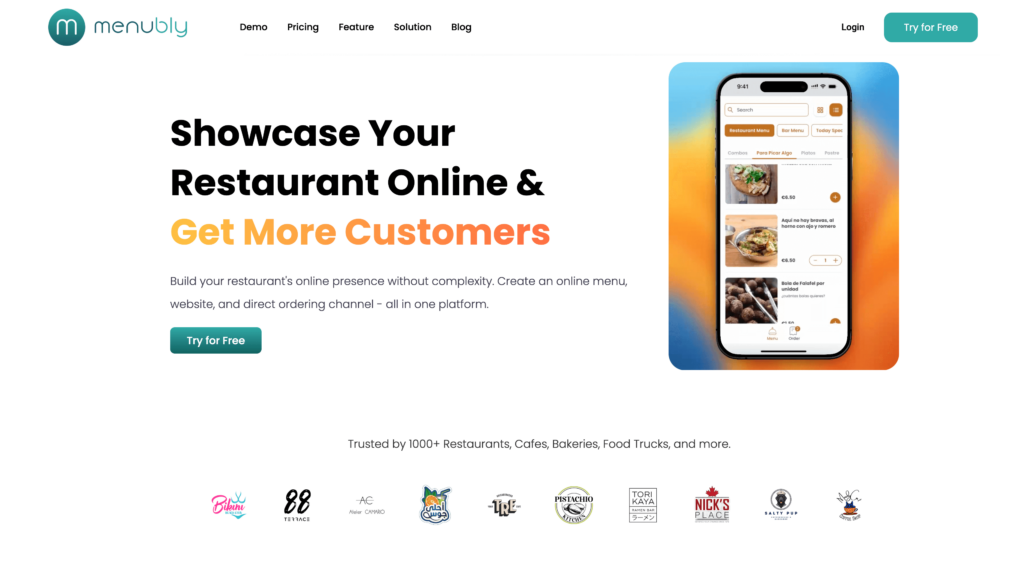
Menubly is not a full POS system — and that’s the point. Most small and medium-sized restaurants don’t need a $189–$399/month enterprise platform with complex table management and ingredient-level inventory tracking. What they need is a simple, affordable way to take direct orders online, show customers an attractive digital menu, and stop losing 15–30% of every order to delivery apps.
At $9.99/month with zero commission on every order, Menubly costs roughly 95% less than Lightspeed’s Essential plan — and it goes live in under 30 minutes with no hardware, no contract, and no technical skills required. Trusted by 1,000+ restaurants, cafes, bakeries, food trucks, and bars worldwide, it’s the right fit for operators who want a direct ordering channel without the overhead of a full POS. You can start with a QR code menu for dine-in customers and add online ordering for takeaway and delivery in the same setup.
Key Features
Commission-free online ordering — dine-in, takeaway, and delivery
Interactive online menu with photos, categories, modifiers, and search
QR code menu with a permanent URL — no reprinting when you update the menu
Instant menu updates — change prices or mark items sold out in real time
Not a full POS — no in-person card reader or cash drawer management
No employee scheduling, payroll, or inventory management
No native delivery driver tracking or dispatch
Best suited for online and takeaway orders; not a table management system
Pricing
Free Trial: 30 days, no credit card required
Monthly: $9.99/month
Annual: $95.99/year (save 20%)
Zero commission on all orders at every tier
Custom plans available for businesses with special requirements
Best For: Restaurants, cafes, bakeries, and food trucks that want direct online ordering without delivery app commissions, and any operation that doesn’t need a full in-person POS system. It’s the lowest-cost entry point in this comparison — by a wide margin.
2. Toast POS — Best for Full-Service Restaurant Ecosystems
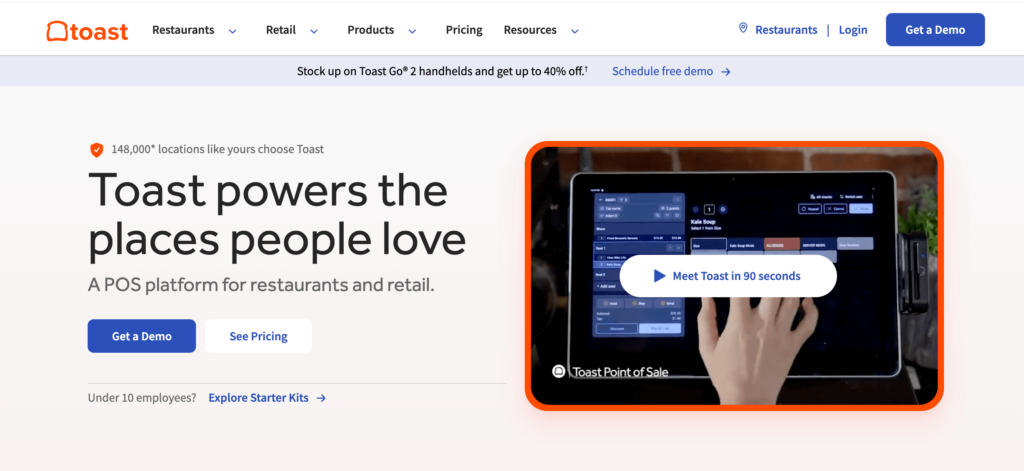
Toast is the most widely adopted restaurant-specific POS in the US, and for established full-service operations, it earns that position. Unlike Lightspeed, Toast was built exclusively for food and beverage — no retail, no general business. That focus shows in features like native payroll and scheduling (an add-on but tightly integrated), purpose-built Android hardware designed to survive heat, grease, and spills, and a G2 score of 4.5/5 from 198+ restaurant reviews.
The tradeoff is cost and lock-in. Toast’s proprietary hardware means you can’t use iPads or any existing equipment. Processing is captive to Toast Payments at 2.49–2.99% + $0.15. And the free Starter plan comes with higher processing fees that make it expensive at any meaningful volume. A fully loaded single-location restaurant on Toast — with payroll, loyalty, and marketing add-ons — can easily pay $500–$800/month before processing fees, which puts it in the same territory as Lightspeed.
Key Features
Restaurant-exclusive POS with full table and floor plan management
Online ordering and delivery integrations (DoorDash, Uber Eats)
Kitchen Display System (KDS) — purpose-built for restaurant environments
Best For: Established full-service and fast-casual restaurants that want a complete, restaurant-native ecosystem and are willing to commit to the hardware and contract requirements. Not the right fit for budget-constrained operators or those who want maximum flexibility.
3. Square for Restaurants — Best for Avoiding Contracts
Square overhauled its restaurant pricing in October 2025, consolidating everything into three clean tiers. The result is one of the most accessible entry points in the POS market: a genuinely usable free plan with no time limit, no long-term contracts at any tier, and hardware that starts at $59. For a new restaurant, food truck, or cafe that wants to avoid the commitment risk of a multi-year POS contract, Square is the most flexible option in this comparison.
The free plan includes full restaurant-specific POS modes (quick-service and full-service), menu management, employee time tracking, and a free online ordering page. That’s meaningful capability at zero software cost. The tradeoff is processing fees — at 2.6% + $0.15 on the free plan, Square takes a slightly higher cut per transaction than paid-tier alternatives. For low-volume operators, though, paying per transaction rather than a monthly subscription often works out cheaper.
Key Features
Quick-service and full-service POS modes
Menu and table management
Free online ordering page (all plans)
AI-powered voice ordering — routes phone orders directly to POS and KDS (2025 feature)
Real-time multi-channel menu sync (POS, online, kiosks, delivery apps)
Kitchen Display System integration ($20/screen/month on Free; included on Plus/Premium)
Third-party delivery integrations (DoorDash, Postmates, Uber Eats via Chowly/Deliverect)
Employee time tracking (all plans)
Customer loyalty and marketing (Plus/Premium)
Square Payroll (paid add-on)
Seat and course management (Premium)
No setup fees, no cancellation penalties
Pros
No long-term contracts — month-to-month at every tier
Free plan with no expiry — genuine value for very small operations
Intuitive interface with minimal staff training needed
Affordable and flexible hardware options
AI voice ordering is a genuine differentiator for understaffed restaurants
Multi-channel menu sync keeps POS, online, and delivery apps aligned automatically
No setup fees
Cons
Back-of-house reporting is limited — multiple reviewers on Capterra flag insufficient inventory granularity
Limited offline functionality — problematic during internet outages
Free plan support is business-hours only for the first 90 days, then self-serve
Not well-suited for complex fine dining (no deep coursing or advanced reservations on lower plans)
No third-party payment processing — captive to Square’s rates
System stability issues reported during peak service hours
Hardware: $59 (contactless reader) to $899 (Square Register)
Month-to-month at all tiers, no cancellation fees
Best For: New restaurants, pop-ups, food trucks, cafes, and quick-service operations that want a solid POS without committing to a multi-year contract. Also a strong fit for multi-channel operators who need POS, online ordering, and delivery integrations in sync.
4. TouchBistro — Best for Offline Reliability
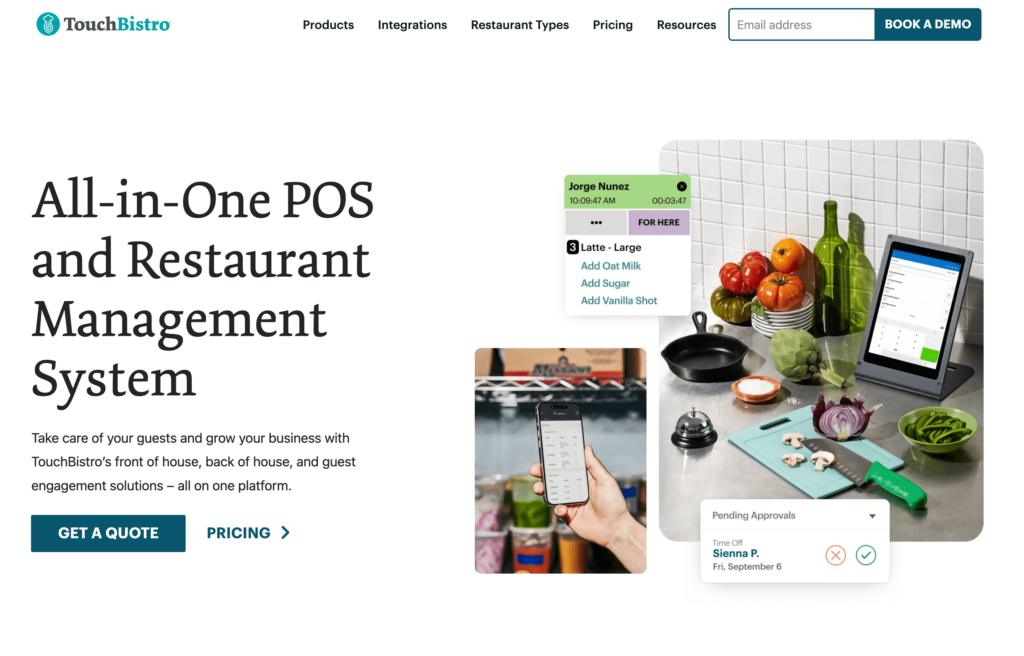
TouchBistro’s standout feature — the one that earns consistent praise across Capterra and G2 reviews — is its hybrid offline mode. Unlike most cloud-based POS systems that slow down or stop entirely when the internet cuts out, TouchBistro continues operating without interruption. For a busy Friday night service in a building with unreliable connectivity, that reliability is worth a lot.
TouchBistro is iPad-native and works on devices you may already own, which helps offset hardware costs compared to Toast or Clover. The core POS starts at $69/month, but be aware that most features restaurants actually want — online ordering, reservations, loyalty — are separate add-ons that quickly push the monthly bill to $300–$450+. The lack of month-to-month billing and absence of a free trial also mean you’re committing blind on a multi-year deal.
Key Features
Hybrid offline/cloud mode — continues operating without internet
Drag-and-drop table management and floor plan editor
Tableside ordering and pay-at-table via iPad
50+ built-in reports (sales, labor, menu performance)
Ingredient-level inventory tracking
Kitchen Display System integration
Online ordering (add-on, $50/month — no commission fees)
Flat-fee reservations ($229/month — unlimited bookings, no per-cover charges)
Multi-year contract required; no month-to-month option
Best For: Full-service and table-service restaurants, bars, and breweries that prioritize offline reliability and are willing to pay for a feature-complete setup. Especially strong for venues with unreliable internet connectivity.
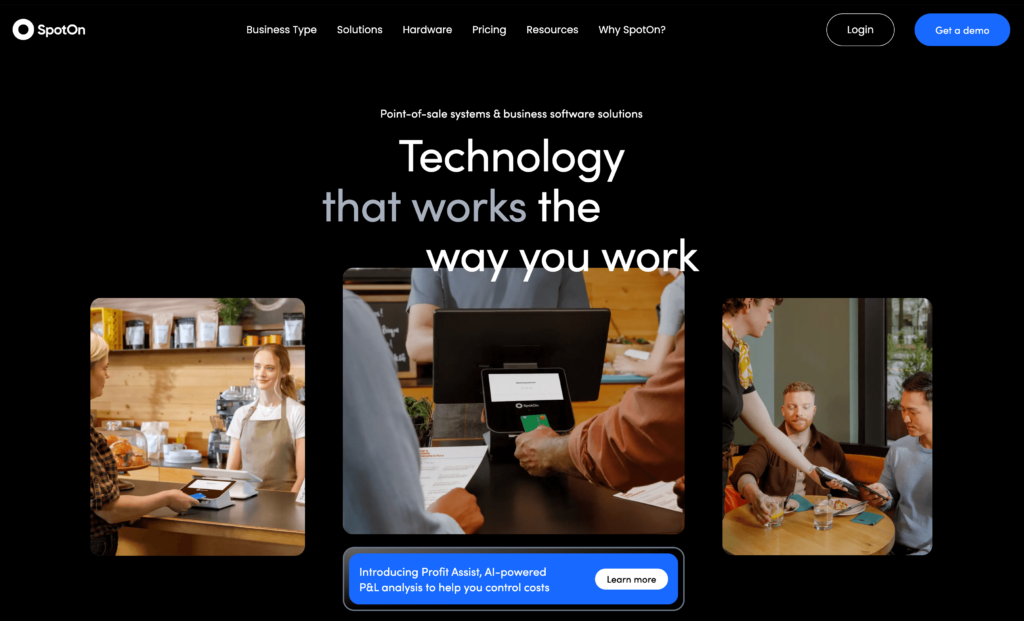
5. SpotOn — Best All-in-One for Bars and Full-Service Restaurants
SpotOn ranked #1 restaurant POS on G2 for Fall 2025 and Winter 2026, outperforming Toast in the categories restaurants care most about: ease of use, quality of support, and feature completeness. It includes marketing tools, loyalty programs, and scheduling — features that cost extra on Lightspeed or Toast — within its platform.
SpotOn uses proprietary Windows-based hardware (not iPad), which differentiates it from most of this list. The paid tier starts at $99/month per station plus a $1,000 implementation fee, and a free Quick Start option is available with higher processing rates. Hardware runs $500–$850 per station. For restaurants that want everything managed from one platform and are willing to invest in the setup, SpotOn delivers the most complete out-of-the-box experience in this comparison.
Key Features
Full-service and quick-service POS modes
Table management with floor plan editor
Commission-free online ordering (no per-order fees)
Kitchen Display System integration
Built-in marketing tools (email, SMS campaigns)
Loyalty and rewards program (included)
Employee scheduling and labor management (included)
Hardware: $500–$850 per station ($400 refundable deposit)
Best For: Bars, breweries, and full-service restaurants that want marketing, scheduling, and loyalty built in rather than bolted on. The high upfront implementation cost makes it a better fit for established restaurants than new operators.
6. Clover — Best for App-Based Customization
Clover’s biggest differentiator is its App Market — 283+ apps covering everything from accounting integrations and loyalty programs to employee scheduling and tip pooling. If you have a specific workflow that other POS systems don’t support out of the box, Clover’s app ecosystem often has a solution. The hardware range is also wider than most, from a $599 countertop station to a $1,799 full-service system with a customer-facing display.
The catch is a 3-year contract that’s hard to exit, and add-on costs that accumulate quickly. Clover is sold through banks and third-party resellers, which means support quality varies considerably depending on who you bought it from. Processing rates (2.3% + $0.10 in-person) are competitive, but the all-in monthly cost including app subscriptions can exceed what the plan price suggests.
Key Features
Full restaurant POS with table and order management
283+ apps in the Clover App Market for customization
Tableside ordering and payment with Clover Flex handheld
Kitchen Display System support
Customer loyalty and gift card programs (via app add-ons)
Employee management and time tracking
Real-time sales reporting and analytics
Inventory management (basic included; advanced via apps)
Online ordering (via Clover Online or third-party apps)
Wide hardware range — Mini, Station, Flex, Kiosk
Multi-location support
Offline mode
Pros
Best app marketplace in this comparison — 283+ add-ons for deep customization
App add-ons: $10–$150+/month depending on what you install
Best For: Small to mid-sized restaurants that want a POS they can customize heavily through third-party apps and are comfortable with the 3-year commitment. Not the right fit for restaurants that need strong online ordering or want to avoid long contracts.
7. GoTab — Best for Breweries, Bars, and Multi-Zone Venues
GoTab is the most flexible platform in this comparison when it comes to hardware — it runs on any iOS, Android, or Windows device you already own, with no proprietary hardware requirement and no setup fee. Pricing starts at $15/month, making it the second-lowest cost option after Menubly’s free trial. And its in-person processing rate of 2.40% + $0.15 is the lowest among all paid platforms here.
GoTab was built specifically for venues with multiple service zones: breweries with taproom and patio, hotels with restaurant and bar, stadiums, and food halls. Its tab management system lets customers open a tab that travels with them across zones — a feature that most traditional POS systems handle poorly. The platform also supports dynamic pricing (happy hour automation, time-based rate changes) natively.
Key Features
Device-agnostic — runs on iOS, Android, and Windows (BYOD, no hardware purchase required)
Multi-zone tab management (one tab across multiple service areas)
Commission-free online ordering
Dynamic pricing engine — automate happy hour and time-based pricing
Sync: $229/month — adds hotel PMS integration, enterprise reporting
In-person processing: from 2.40% + $0.15
No hardware required; no setup fee; month-to-month
Best For: Breweries, bars, hotels, food halls, and any venue with multiple service zones where tab management across areas matters. Also a strong fit for operators who already own hardware and want to avoid upfront equipment costs.
8. Lavu — Best for Complex Menus and Apple-First Restaurants
Lavu is an iPad-native POS with some of the deepest menu customization options in the market — useful for restaurants with complex modifier trees, multi-format menus (dine-in vs. delivery vs. catering), or multi-language menus. It operates in 80+ countries, making it one of the few platforms in this comparison with genuine global reach beyond the US and UK.
The platform offers a Cash Discount / Dual Pricing program that can effectively reduce processing costs to 0% by passing a small surcharge to card-paying customers (a practice that varies in legality by country — check local regulations). Be aware of the 3-year contract requirement and ETFs that Merchant Maverick documents reaching up to $15,000. Tableside ordering is locked to the highest-tier Optimize plan ($279/month).
Key Features
Deep menu customization — modifiers, combos, multi-format menus
iPad-native POS (BYOD compatible)
Dual Pricing / Cash Discount program (reduce processing costs)
Offline mode — continues operating without internet
Online ordering via MenuDrive integration
Kitchen Display System support
Inventory management with real-time tracking
Employee management and time tracking
Multi-location management
Multi-language support — available in 80+ countries
0% hardware financing available
API access for custom integrations
Pros
Best menu customization depth for complex modifier workflows
Available in 80+ countries — strongest international coverage in this comparison
Cash Discount program can bring effective processing cost to 0%
Offline mode is reliable and well-reviewed
iPad-native with BYOD compatibility — use hardware you already have
0% hardware financing available to spread upfront costs
Cons
3-year contracts with ETFs up to $15,000 (per Merchant Maverick)
Tableside ordering only available on the $279/month Optimize plan
Pricing not listed on the website — must request a quote
Online ordering via MenuDrive adds 3% + $0.20 per order
Customer support response times inconsistent per Capterra reviews
iPad only — no Android or Windows support
Pricing
Starter: From $59/month (with Cash Discount program)
Best For: Restaurants with complex menus, multiple order formats, or multi-language customer bases. Also a good fit for international operators outside the US and UK who need a globally available platform.
9. Epos Now — Best for Cafes, Pubs, and International Operators
Epos Now stands out in this comparison for its price transparency and hardware flexibility. At $39/month for software (or $79/month for a bundle), it’s one of the most affordable full POS options. It runs on iPad, Android, Windows, and proprietary terminals — meaning you can often use existing hardware. It’s particularly well-established in the UK and Europe, with UK-specific integrations for accounting software and payment processors.
The 100+ integrations cover accounting (QuickBooks, Xero), delivery apps, loyalty, and payroll. However, Epos Now’s contract terms (3–5 years with reported high ETFs) and below-average satisfaction score draw consistent criticism. Multiple reviews on Trustpilot flag aggressive sales practices and difficulty canceling. For the right operator — a UK pub, a multi-site cafe chain, or an international hotel — the value is there. For a US-based restaurant with better-supported alternatives available, the contract risk may not be worth it.
Key Features
Restaurant POS with table and order management
Works on iPad, Android, Windows, and proprietary terminals
In-person processing: 2.6% + $0.10 (Epos Now Payments)
3–5 year contracts; ETFs apply
Best For: Cafes, pubs, and international operators — especially in the UK and Europe — who want a flexible, affordable platform with localized payment and accounting integrations. Less well-suited to US-based restaurants with stronger alternatives available.
10. Revel Systems — Best for Multi-Location Enterprise Operations
Revel Systems is the most powerful platform in this comparison for multi-location chains and franchise operations. Its inventory management goes deeper than any other option here — ingredient-level tracking, automated purchase orders, supplier management, waste logging, and menu item profitability analysis. National chains including The Halal Guys and Fat Brands run on Revel. After Shift4 Payments acquired Revel in June 2024, the platform now processes payments through Shift4’s infrastructure.
But Revel is genuinely only appropriate for enterprise or multi-location operations. The pricing structure — $99/terminal/month with a minimum of 2 terminals, a $674+ implementation fee, a $195/year platform fee, and a mandatory 3-year contract — makes the starting cost $2,580+ in the first year before hardware or processing. Post-acquisition, Shift4 has implemented multiple fee increases that existing Revel customers describe as poorly communicated. For a single-location small restaurant, Revel is simply the wrong tool.
Hardware: $2,000–$10,000+ depending on deployment size
3-year contract required
Best For: Multi-location restaurant chains and franchise operations that need enterprise-grade inventory, centralized management across locations, and are prepared for the cost and commitment. Not suitable for single-location small restaurants.
How to Choose the Right Lightspeed Alternative
By Budget
Under $15/month: Menubly ($9.99/month for online ordering), GoTab Basic ($15/month)
Under $100/month: Square Free ($0 + processing), Square Plus ($49/month), SpotOn Quick Start ($0 + processing), Epos Now ($39/month), Lavu Starter (~$59/month)
International operators: Lavu (80+ countries), Epos Now (strong UK/Europe)
By Primary Need
I just need affordable online ordering, no POS: Menubly ($9.99/month, zero commission)
I need a full POS with payroll and scheduling: Toast POS or SpotOn
I want no long-term contract: Square, Menubly, GoTab
I need strong offline reliability: TouchBistro, Lavu
I need to manage multiple locations: Revel, Toast, SpotOn
I want the lowest processing fees: GoTab (2.40% + $0.15)
I need Android or Windows support: GoTab, SpotOn (Windows), Epos Now (browser-based)
A Note for Small and Medium Restaurants
Most small and medium-sized restaurants don’t need a $189–$399/month enterprise POS. Lightspeed, Toast, and Revel are built for complexity — fine dining, multi-location chains, hotel F&B — and you pay for that complexity whether you use it or not. If your core need is direct online ordering, a digital menu, and keeping more of your revenue, there are much more affordable paths. You can always grow into a full POS system later. Starting with one before you need it just means paying for features that sit unused while cutting into your restaurant profit margin.
Frequently Asked Questions
What is the best alternative to Lightspeed Restaurant POS?
It depends on what you’re replacing Lightspeed for. If you need a full in-person POS system, Toast is the most feature-complete alternative for restaurants. If you need affordable online ordering without the POS overhead, Menubly at $9.99/month with zero commission is the most cost-effective option. If you want to avoid long-term contracts, Square’s free plan is the most flexible starting point.
How much does Lightspeed Restaurant actually cost per month?
More than the advertised price. Lightspeed’s Essential plan is $189/month, but add the third-party processor surcharge (up to $400/month if you don’t use Lightspeed Payments), a KDS screen ($30/month), an extra register ($59/month), and processing fees (2.6% + $0.10 per transaction), and a single-location restaurant processing $30,000/month in card sales can pay $1,100–$1,200/month in software and processing costs alone — before hardware amortization.
Can I switch from Lightspeed without paying an early termination fee?
Only if you’re at the end of your contract. Lightspeed requires annual or multi-year commitments, and the ETF is the full remaining contract balance. BBB complaints document cases of $14,327 in termination fees. The safest time to switch is 60–90 days before your contract renewal date, when you can provide written notice of non-renewal.
What is the cheapest Lightspeed alternative for restaurants?
Square for Restaurants offers a free plan with no monthly software cost — you pay only processing fees (2.6% + $0.15 per transaction). For online ordering specifically, Menubly is $9.99/month with zero commission on orders, making it the most affordable paid option in this comparison. GoTab Basic at $15/month is the cheapest full POS-adjacent option.
Does Lightspeed work on Android or Windows?
No. Lightspeed Restaurant is iPad and iOS only. If you need Android or Windows device support, GoTab (device-agnostic), SpotOn (Windows-based hardware), and Epos Now (works on iPad, Android, Windows, and proprietary terminals) are the strongest alternatives.
Which Lightspeed alternatives work without any hardware purchase?
Menubly requires no hardware at all — it runs entirely in the browser and on any device. GoTab is device-agnostic and works on hardware you already own. Square’s free plan works with just a $59 card reader. TouchBistro and Lavu both run on iPads you may already have, without requiring proprietary hardware.
Is Toast better than Lightspeed for restaurants?
For most restaurant types, yes. Toast has a higher G2 score (4.5/5 vs. Lightspeed’s ~4.1/5), native payroll and scheduling integration, better third-party delivery app support, and purpose-built hardware designed for restaurant conditions. Lightspeed’s advantages are stronger multi-location management and better support for fine dining complexity and hotel F&B operations. Both require long-term contracts and proprietary payment processing.
Can a small restaurant use Menubly instead of a full POS?
Yes — if your primary need is online ordering, a QR code menu for dine-in customers, and a digital presence that doesn’t cost hundreds per month. Menubly handles online ordering (dine-in, takeaway, delivery), menu management, and a simple restaurant website — all for $9.99/month with zero commission. What it doesn’t do: in-person card processing, table management, employee scheduling, or inventory tracking. Many small restaurants run Menubly for online orders and a simple cash or card terminal for in-person transactions.
The Bottom Line
Lightspeed Restaurant is a capable platform — but it’s built and priced for fine dining and multi-location operations, not the average independent restaurant. The combination of $189+/month software costs, processor lock-in surcharges, long-term contracts, and hardware requirements creates a total cost of ownership that most small and medium businesses can’t justify.
The good news is that the alternatives have gotten significantly better. Here’s where to start based on your situation:
Need online ordering at minimal cost? Start with Menubly at $9.99/month. Zero commission, no contract, live in 30 minutes.
Need a full POS with no contract? Square’s free plan covers a surprising amount of ground.
Need an all-in-one POS with the best support ratings? SpotOn and Toast both outperform Lightspeed on G2 for restaurant-specific use cases.
Running a brewery, bar, or multi-zone venue? GoTab was built for exactly that, at $15/month with no hardware required.
Managing multiple locations? Revel Systems is the enterprise standard — but only makes sense at scale.
If you’re a small or medium restaurant weighing your options, the most important step is calculating your real all-in monthly cost — software, processing, hardware, and add-ons — not just the headline plan price. Use Menubly’s restaurant profit margin calculator to see exactly how much you’re spending per order and how much you could save by switching to commission-free direct ordering.
To provide the best experiences, we use technologies like cookies to store and/or access device information. Consenting to these technologies will allow us to process data such as browsing behavior or unique IDs on this site. Not consenting or withdrawing consent, may adversely affect certain features and functions.
Functional
Always active
The technical storage or access is strictly necessary for the legitimate purpose of enabling the use of a specific service explicitly requested by the subscriber or user, or for the sole purpose of carrying out the transmission of a communication over an electronic communications network.
Preferences
The technical storage or access is necessary for the legitimate purpose of storing preferences that are not requested by the subscriber or user.
Statistics
The technical storage or access that is used exclusively for statistical purposes.The technical storage or access that is used exclusively for anonymous statistical purposes. Without a subpoena, voluntary compliance on the part of your Internet Service Provider, or additional records from a third party, information stored or retrieved for this purpose alone cannot usually be used to identify you.
Marketing
The technical storage or access is required to create user profiles to send advertising, or to track the user on a website or across several websites for similar marketing purposes.