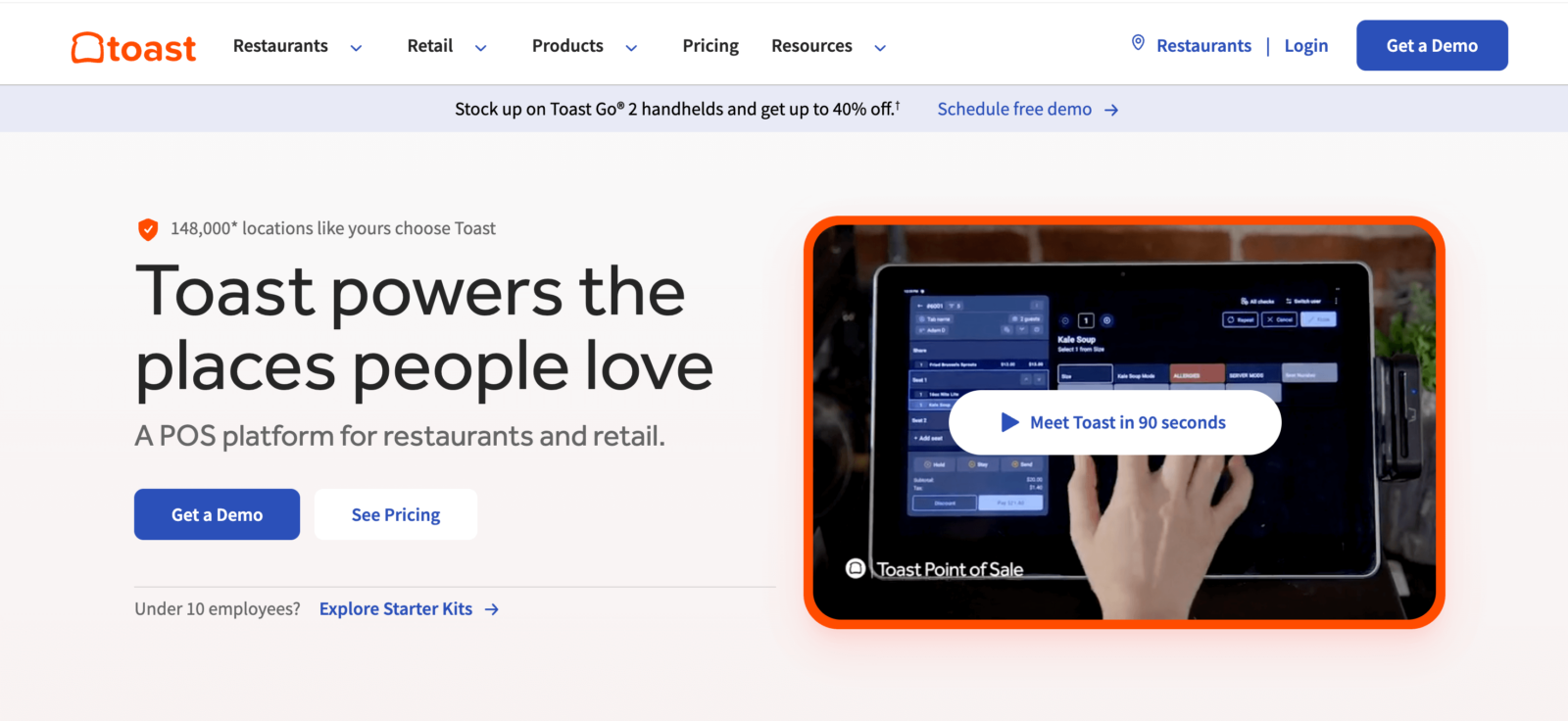
The average restaurant pays between $150 and $400 per month on Toast POS software alone — and that’s before hardware, payment processing fees, and add-ons. For many restaurant owners, that number keeps climbing.
Toast is a strong point-of-sale system. It’s popular, it’s built for the restaurant industry, and it offers a deep feature set. But many restaurant owners are looking for alternatives to Toast because of rising costs, 2–3 year contracts, proprietary hardware lock-in, and processing fee increases that can happen mid-contract. The controversial $0.99 per-order fee Toast once charged directly to customers on online orders didn’t help either.
If you’re looking for a new POS system — or just a better way to handle online ordering without the complexity — this guide breaks down the 10 best toast POS alternatives in 2026. Each option is evaluated for pricing transparency, ease of use, features, and value for small to medium food businesses.
Quick picks:
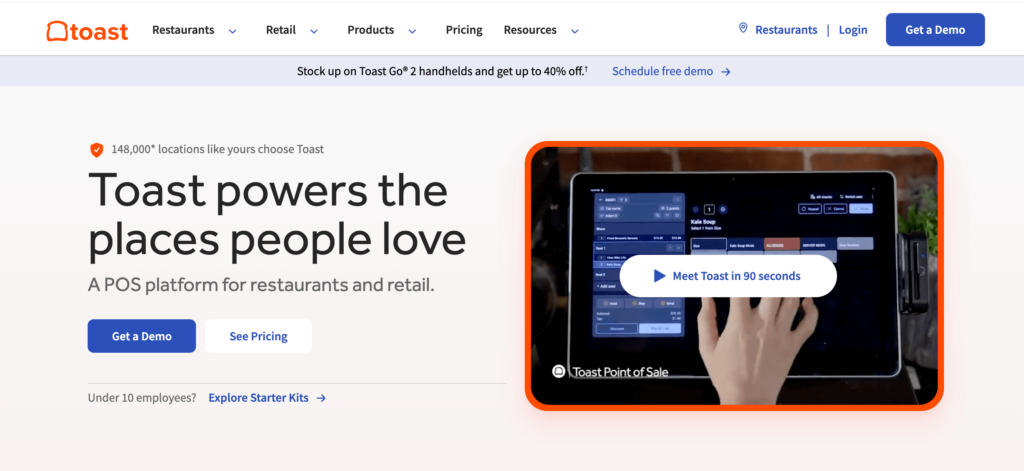
Toast POS is a cloud-based pos system built specifically for restaurants. Founded in 2012 in Boston, the company went public in 2021 (NYSE: TOST) and now serves over 100,000 restaurant locations across the United States and Canada.
Toast offers an all-in-one restaurant management software package: point-of-sale hardware, online ordering, payroll, team management, marketing, and payment processing. It’s popular among full-service restaurants and larger operations that need everything under one roof.
But here’s the catch — Toast requires proprietary hardware (you can’t use your own iPad or tablet), locks you into Toast’s own payment processor, and typically requires a 2–3 year contract. For many small business owners, that’s a lot of commitment before they’ve even served their first online order.
Before reviewing each platform, it helps to know what actually matters when choosing the right pos system for your business. Not every restaurant needs every feature — but picking the wrong system can mean wasted money, frustrated staff, and unhappy customers. Here are seven criteria to keep in mind.
Toast’s pricing looks affordable on the surface (the Starter plan is $0/month), but costs add up fast with add-ons, hardware, and processing fees. A great alternative should have clear, predictable pricing. Look for flat monthly fees with no hidden charges. Calculate the total cost of ownership — software, hardware, processing, and add-ons — over 12 months. Watch out for “contact sales for pricing” language and fees that change mid-contract.
Toast charges 2.49%–3.69% in processing fees depending on the plan and transaction type. For a restaurant doing $30,000/month in sales, even a 0.5% rate difference means $150/month in savings. Compare both in-person and online processing rates. Check if additional commission fees are charged on online orders. Avoid pos providers that pass surcharges directly to your customers.
Toast requires proprietary hardware that costs $494–$1,034 upfront — and you may not own it if you cancel. Alternatives that run on iPads, Android tablets, or any web browser reduce upfront costs and prevent lock-in. Always check whether you own the hardware or are leasing it through a contract.
Restaurant owners are busy. A system that takes weeks to configure and hours to train staff on is a hidden cost. Look for a user-friendly interface, guided setup, and fast onboarding. Some platforms offer free setup assistance — others charge $674 or more just to get started.
Online ordering is essential for modern restaurants. Toast also offers online ordering, but it comes with high processing fees. Look for platforms with commission-free online ordering built-in. Evaluate the customer-facing ordering experience — does it look professional? Can customers customize orders easily?
The restaurant industry is unpredictable. Toast typically requires 2–3 year contracts with hefty early termination fees. Many pos offers month-to-month billing with no cancellation penalties. Read the fine print on renewal clauses before signing anything.
When your POS goes down during a dinner rush, you need help fast. Toast’s customer support has received mixed reviews recently. Check G2 and Capterra reviews specifically about support quality. Look for 24/7 availability, dedicated account managers, and multiple contact channels (phone, chat, email).
With these criteria in mind, let’s look at the 10 best toast alternatives for 2026. Each platform is evaluated on pricing, features, ease of use, and overall value for small to medium food businesses.
| Platform | Best For | Starting Price | Processing Fees | Hardware Required | Contract | Online Ordering |
|---|---|---|---|---|---|---|
| Menubly | Affordable online ordering & digital menus | $9.99/mo | 0% commission | None | No contract | Yes (commission-free) |
| Square | Free basic POS for small restaurants | $0/mo | 2.6% + $0.10 | Optional ($0–$799) | No contract | Yes (included) |
| SpotOn | Full-service restaurants switching from Toast | ~$0–$135/mo | 1.99% + $0.25 | ~$500–$850/station | No contract | Yes (included) |
| Clover | Customizable multi-concept restaurants | ~$105–$165/mo | 2.3% + $0.10 | $599–$1,799 | Varies | Plan-dependent |
| Lightspeed | Data-driven multi-location restaurants | $69/mo | 2.6% + $0.10 | iPad-based (~$500+) | No required | Yes (included) |
| TouchBistro | Full-service dine-in operations | $69/mo | ~2.6% + $0.10 | iPad-based (~$500+) | Multi-year | $50/mo add-on |
| GloriaFood | Free online ordering add-on | Free | Via Stripe/PayPal | None | No contract | Yes (free) |
| Loyverse | Budget-conscious in-person POS | Free | Via third-party | Phone/tablet | No contract | No |
| Revel Systems | Enterprise multi-location chains | $99/mo/terminal | ~2.49% + $0.15 | iPad + peripherals | 3-year | Add-on |
| Lavu | Mid-size restaurants and bars | $59/mo | ~2.49% + $0.15 | iPad + peripherals | 1–3 year | Add-on |
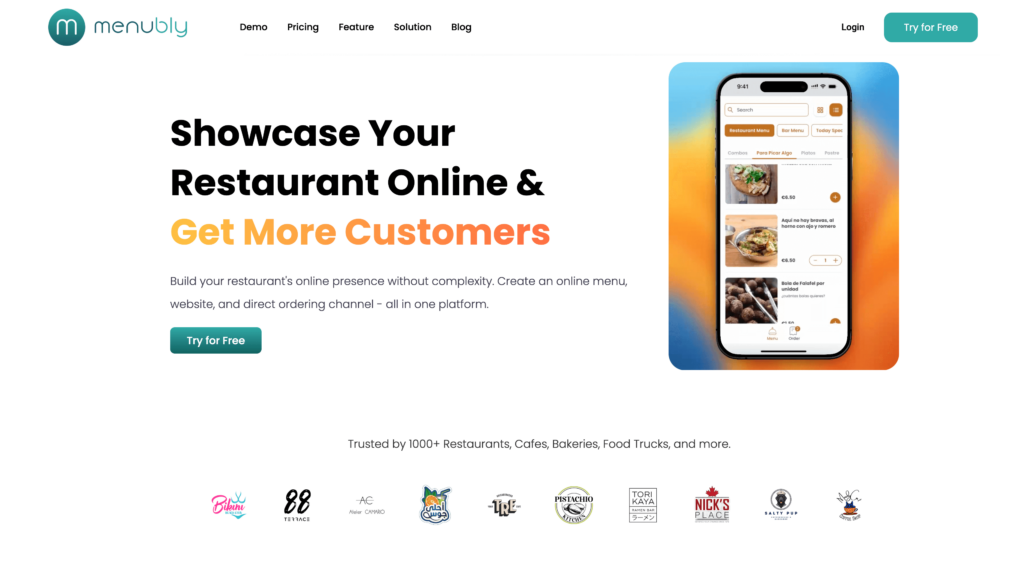
Menubly takes a fundamentally different approach from Toast. Instead of being a complex, all-in-one pos system with expensive hardware and multi-year contracts, Menubly focuses on what matters most to many restaurant owners: getting a professional digital menu online, accepting commission-free orders directly from customers, and building a digital presence — all for just $9.99/month.
The cost difference is hard to ignore. While Toast charges $69–$165+/month for software alone (plus hardware, processing, and add-on fees), Menubly’s flat $9.99/month includes everything: a digital menu, online ordering, QR codes, and a simple website. There are zero commission fees, meaning you keep 100% of every order. That’s a stark contrast to third-party apps that take 15–30% of each order and even Toast’s high card-not-present processing rates.
Menubly is the best fit for restaurants that already have a basic POS for in-person payments but need a better digital ordering channel. It’s also a great alternative for food truck operators, bakeries, cafés, and catering businesses that want a simple online presence without the overhead of a full POS. With support for 100+ payment methods worldwide and WhatsApp ordering, it works seamlessly for international markets too.
Menubly is ideal for small to medium restaurants, cafés, bakeries, food trucks, bars, and catering businesses that want an affordable digital menu and commission-free online ordering system without the complexity and cost of a full pos system. It’s the right choice for owners who want to escape high delivery app commissions and businesses that want to increase restaurant sales through direct ordering.
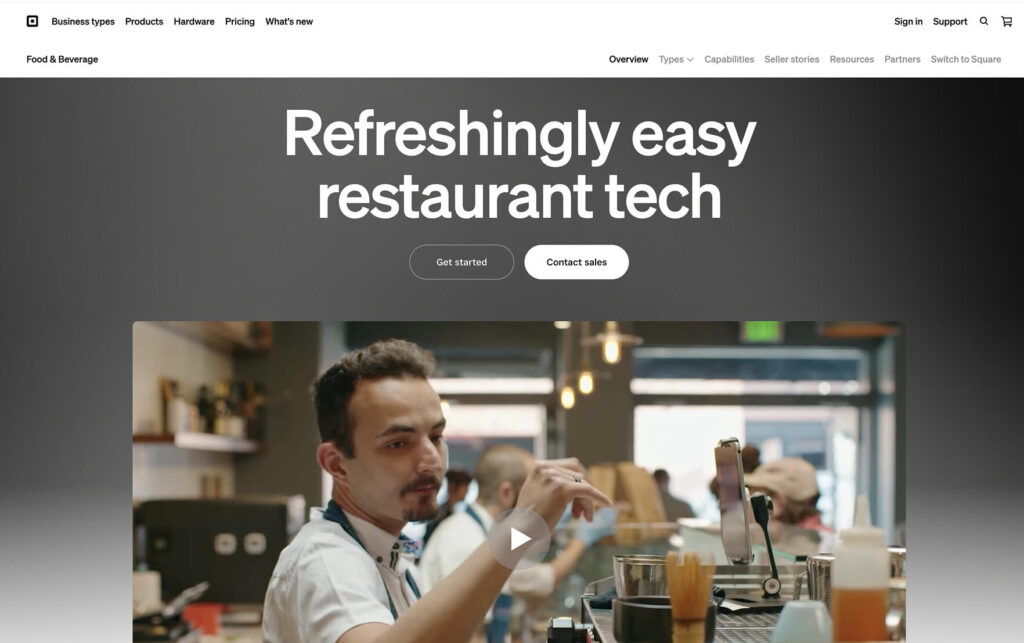
If you’re looking for a full point-of-sale system at the lowest possible cost, Square POS is the place to start. Square for Restaurants offers a genuinely free plan that includes core POS functionality, basic reporting, unlimited menu items, and built-in online ordering. You only pay per-transaction processing fees — there are no subscription fees on the free tier and no contracts of any kind.
Square recently unified its restaurant pricing into three tiers: Free ($0/month), Plus ($49/month), and Premium ($149/month). Like Square itself, the system runs on iPads and Square’s own hardware. Unlike Toast, there are no multi-year commitments, no proprietary hardware requirements, and no early termination fees. For new restaurants, food trucks, and small cafés that can’t justify Toast’s $69+/month software fees, Square is the most accessible on-ramp to a real pos system.
Square is the best toast alternative for new restaurants, small cafés, food trucks, and counter-service operations that want a full pos system at the lowest possible cost. Ideal for budget-conscious owners who want to start free and upgrade as they grow.
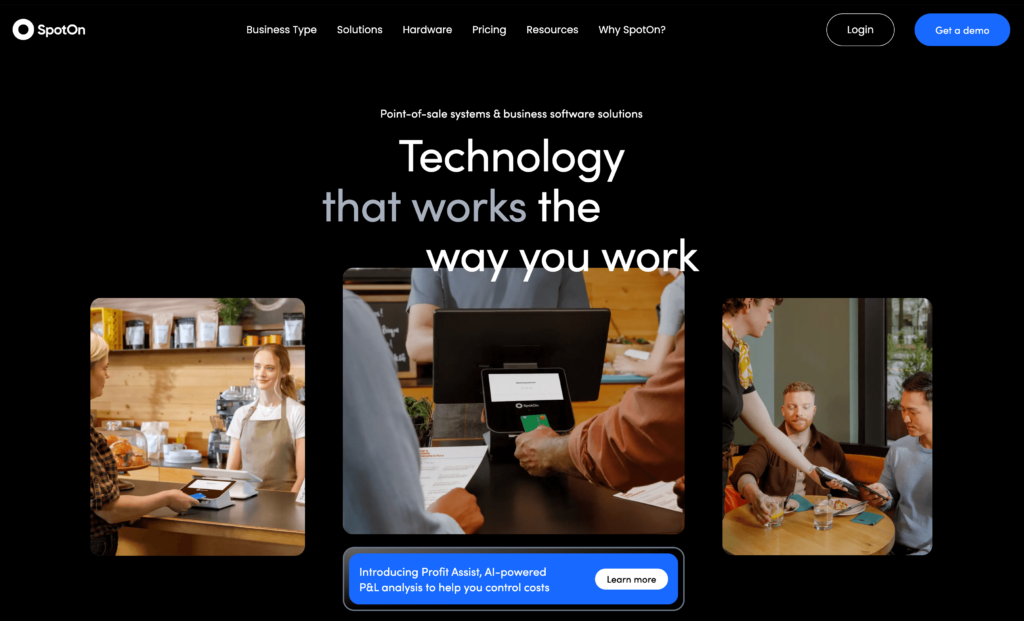
SpotOn is the closest direct toast competitor on this list. It offers a full restaurant management platform — POS, online ordering, reservations (Yelp-powered), a built-in loyalty program, labor management, and marketing tools — all at a lower total cost than Toast. Its in-person processing rate of 1.99% + $0.25 undercuts Toast’s standard 2.49% + $0.15 by a meaningful margin.
What sets SpotOn apart from most toast competitors is the combination of no multi-year contracts and features that Toast charges extra for. Reservations, loyalty, kitchen displays, and marketing tools are included in SpotOn’s base offering. It consistently earns among the highest G2 and Capterra ratings of any restaurant POS, with customer support being the most praised aspect. If you’re running a mid-size full-service restaurant and making the switch from Toast, SpotOn is the most natural fit.
SpotOn is the best toast alternative for mid-sized full-service restaurants, bars, and restaurant groups looking for a platform that can streamline your operations with lower total costs, better support, and no contract lock-in. Especially strong for restaurants frustrated with Toast’s pricing and contracts.

Clover POS stands out for its attractive hardware design and app marketplace approach. Backed by Fiserv — one of the largest financial services companies in the world — Clover offers a customizable ecosystem where restaurants can add features through 300+ third-party apps. This makes it versatile for multi-concept operations like a restaurant combined with a retail store, or a bar with an event space.
The catch with Clover is its reseller model. Clover is sold through independent resellers, which means pricing, contracts, and support quality vary significantly depending on who you buy from. The same Clover system can cost vastly different amounts. If you’re considering Clover, buy directly from Clover.com or a verified reseller to avoid aggressive contract terms and inflated pricing. The hardware itself — from the portable Clover Flex ($599) to the full Clover Station ($1,799) — is well-designed but proprietary, meaning you can’t reuse it if you switch providers.
Clover is best for multi-concept businesses that want hardware flexibility and customization options through its app marketplace. Only recommended if purchasing directly from Clover or a verified reseller.
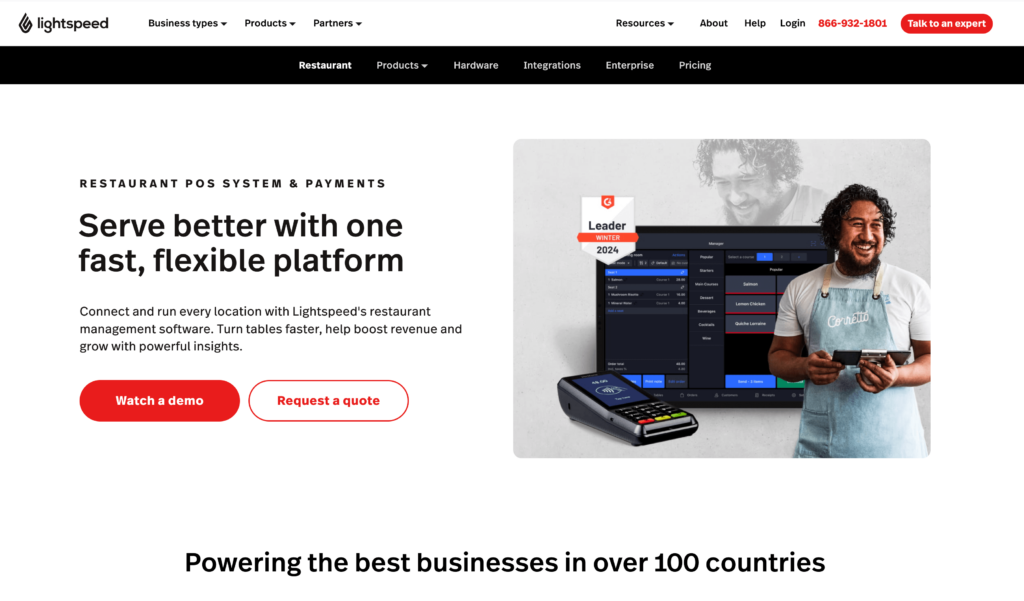
Lightspeed Restaurant is the analytics powerhouse among toast alternatives. If you’re the kind of operator who wants to know exactly which menu items are most profitable, which servers perform best, and how demand shifts by hour — Lightspeed is built for you. It offers the deepest reporting capabilities of any restaurant POS on this list, with menu performance analysis, server effectiveness tracking, and demand forecasting.
Lightspeed runs on iPads (no proprietary hardware), includes online ordering and contactless ordering in all plans, and operates globally with multi-currency support. The platform started as a cloud-based POS for retail and expanded into restaurants after acquiring Upserve in 2021. The downside: the real power of Lightspeed lives on the Premium plan at $189+/month, and the price gap between Essential ($69/month) and Premium is significant. For businesses that want top-tier analytics and inventory management, though, the investment can pay for itself through better food cost control.
Lightspeed is best for mid-size to large full-service restaurants, bars, and multi-location groups that prioritize data-driven decisions, need deep inventory management, and want advanced analytics. Not ideal for budget-conscious small restaurants or quick-service restaurants where simpler systems would do the job.
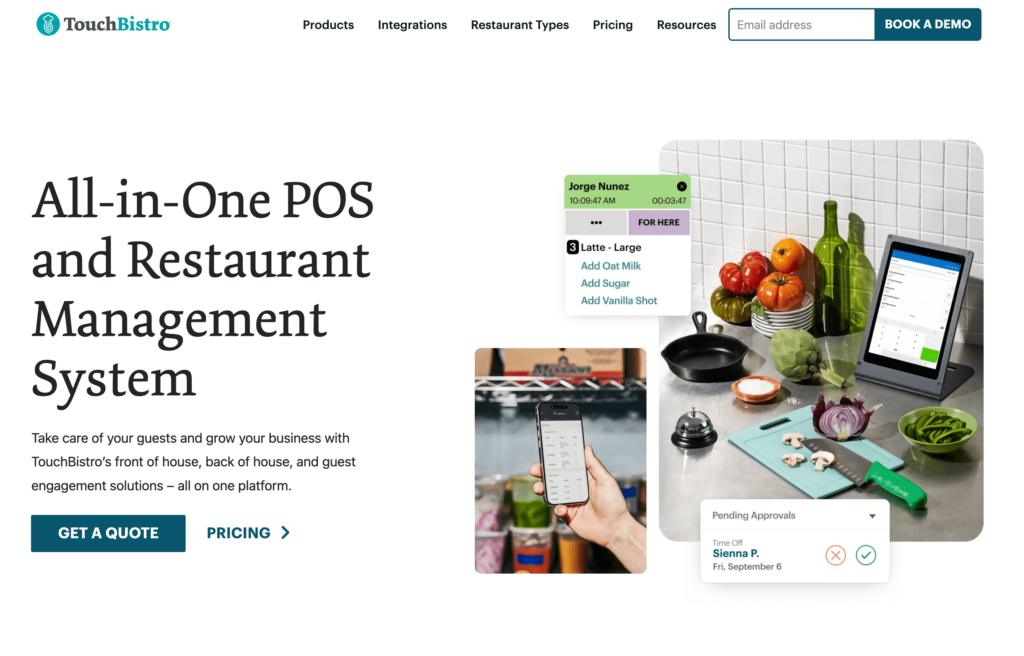
TouchBistro is a purpose-built restaurant POS with a hybrid local/cloud architecture. The POS runs locally on iPads for speed and reliability, while syncing to the cloud for remote management and reporting. This means your pos system keeps working even if your internet goes down — a real advantage during a busy dinner service at full-service restaurants or fine dining spots.
TouchBistro’s advanced table management is among the best available, with color-coded floor plans, table timers, section assignments, and course management. Unlike Toast, TouchBistro lets you choose your own payment processor — you’re not locked into a single provider. The trade-off: essential features like online ordering ($50/month), reservations ($229/month), and loyalty ($99/month) are expensive add-ons. The base POS is $69/month, but a fully loaded TouchBistro can cost $400+/month — putting it in the same price range as Toast.
TouchBistro is best for full-service restaurants, bars, and nightclubs that prioritize the in-venue dining experience, need reliable offline performance, and want to choose their own payment processor. Not ideal if you need affordable online ordering or want an all-inclusive transparent pricing model.
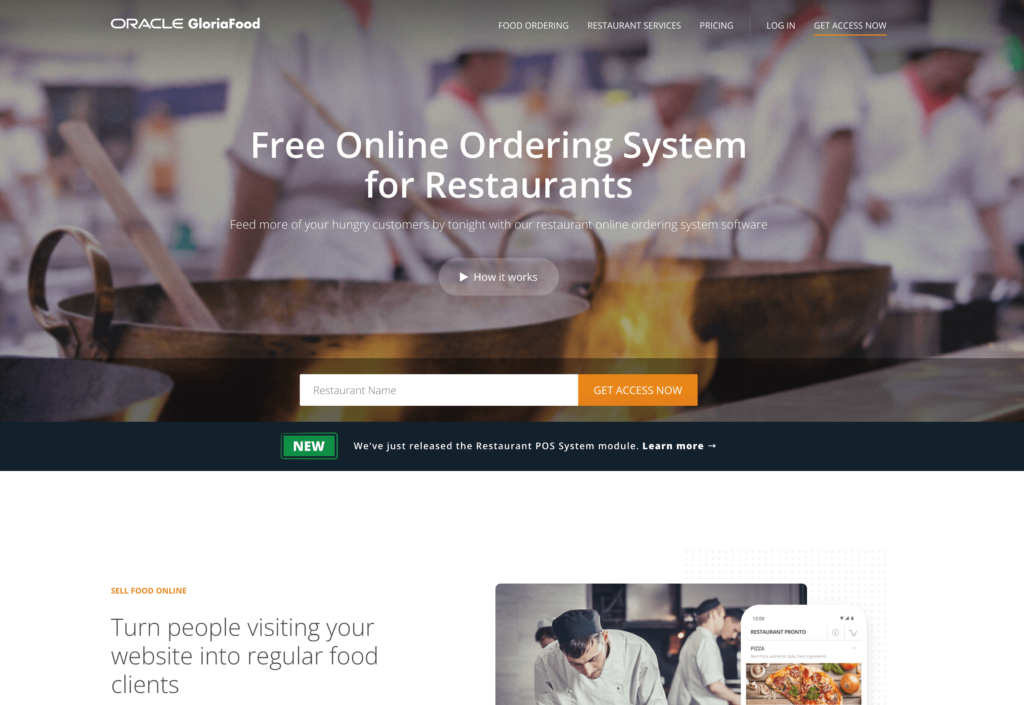
GloriaFood (now owned by Oracle) offers a free online ordering system that lets restaurants accept orders through their website or a branded ordering page. The core product is genuinely free with zero commission fees, making it one of the most budget-friendly ways to get online ordering up and running. If you just need a way to take orders online and nothing else, GloriaFood lets you do that without spending a cent.
The limitation is clear: GloriaFood is purely an online ordering platform — not a point-of-sale system. It doesn’t handle in-person payments, table management, or kitchen displays. Premium add-ons start adding up too: a branded mobile app costs $59/month, online credit card processing is $29/month, and advanced promotions are $19/month. Still, if you already have a POS and just need a cost-effective ordering channel, GloriaFood is worth considering.
GloriaFood is best for restaurants that already have a pos system but want to add free online ordering without commissions. Good for testing online ordering before investing in a paid solution.

Loyverse is a free, mobile-first POS designed for small businesses. The core POS app, analytics dashboard, and kitchen display system are all free — permanently. It runs on standard smartphones and tablets (both iOS and Android), making it the most accessible option for restaurants on extremely tight budgets. Whether you’re running a small café, a food stall, or a pop-up, Loyverse gives you a working point-of-sale without any subscription fees.
The trade-off is clear: Loyverse is a basic pos. It lacks online ordering, table management, reservations, and delivery integration. Payment processing depends on third-party providers like SumUp or Zettle. It’s not a Toast replacement for restaurants that need digital ordering or advanced management features — but for a food truck that just needs to ring up in-person sales and track basic inventory, Loyverse does the job for free.
Loyverse is best for very small restaurants, cafés, and food stalls with extremely limited budgets that primarily handle in-person transactions. Not suitable for restaurants that need online ordering or advanced restaurant management features.
Revel Systems is an enterprise-grade, iPad POS built for complexity. With an open API, deep customization options, and advanced multi-location management, it’s designed for restaurant groups, franchises, and quick-service restaurants (QSR) chains that need a highly configurable system. If you’re managing 3+ locations with drive-throughs, self-service kiosks, and complex workflow requirements, Revel can handle it.
The cost reflects the enterprise positioning: $99/month per terminal (typically with a 3-year contract), $674+ for implementation, and iPad hardware bundles starting at $500+. Small, single-location restaurants should look elsewhere — Revel is overkill in both features and price. But for growing chains that need integration capabilities and API access that simpler systems can’t provide, Revel remains a serious contender.
Revel is best for mid-to-large restaurant groups, franchises, and QSR chains with 3+ locations that need enterprise-grade customization and open API access. Not recommended for small, single-location restaurants.

Lavu is an iPad POS designed specifically for restaurants, bars, and nightclubs. It stands out for its bar tab management features — a capability that many pos systems handle poorly or skip entirely. If you’re running a bar where managing open tabs, splitting checks, and handling happy hour pricing are everyday tasks, Lavu was designed with your workflow in mind.
Pricing starts at $59/month for the Starter tier, with Growth ($149/month) and Optimize ($279/month) options for larger operations. Lavu requires contracts (typically 1–3 years), and customer reviews on support quality and software stability are mixed. It’s a mid-range option positioned between Square’s free plan and Revel’s enterprise pricing. For bars and nightclub operators specifically, the specialized tab management features make it worth a look.
Lavu is best for bars, nightclubs, and mid-size restaurants that need strong tab management and a full-featured iPad POS at mid-range pricing. Not ideal for budget-conscious small business owners or those prioritizing online ordering.
There’s no one-size-fits-all answer. Every restaurant on this list has strengths — the right choice depends on your specific situation, budget, and priorities. Here’s a framework to help you decide.
| If you need… | Choose… | Why |
|---|---|---|
| Commission-free online ordering | Menubly | $9.99/month, 0% fees, keeps 100% revenue |
| Free full POS | Square | $0 base tier, integrated payments |
| Digital menu only | Menubly | Instant updates, QR codes, SEO-optimized |
| Hardware POS | Clover | Flexible device options |
| Enterprise POS | Revel | Multi-location, advanced features |
| Marketing + ordering | SpotOn | Built-in marketing tools |
Ask yourself these questions before choosing:
For most small to medium restaurants looking to escape Toast’s high costs, start with Menubly for affordable digital menus and commission-free ordering. If you also need a full in-person POS, pair it with Square’s free plan — or choose SpotOn if you want a system for your business that can grow with your restaurant.
Small restaurants lose the most from Toast’s high fees. Whether you’re running a small café or just starting a restaurant, these options keep costs under $10/month while covering the essentials.
Toast’s online ordering fees (3.5%+ processing on card-not-present transactions) make alternatives to toast POS attractive for restaurants with significant online order volume. Menubly and GloriaFood charge zero commission on every order.
Full-service restaurants need table management, coursing, and floor plans. These three deliver restaurant-grade features without Toast’s contract lock-in or proprietary hardware requirements.
It depends on your specific needs. For affordable online ordering with zero commission, Menubly is the best choice at $9.99/month. For a full POS replacement with no monthly fees, Square offers a free plan with built-in online ordering. For full-service restaurants that need Toast-level features at a lower price, SpotOn is the strongest option. The best toast alternative for your business depends on whether you need a full pos system or specifically want digital menus and commission-free online ordering.
No. Toast requires you to use Toast Payments — you cannot bring your own payment processor. This is one of the most common reasons many restaurant owners start looking at toast alternatives. If payment processor flexibility is important to you, TouchBistro is one of the few restaurant pos systems that lets you choose your own processor.
While Toast advertises plans starting at $0/month, most single-location restaurants report paying $150–$400/month once you factor in software, add-ons, hardware payments, and processing fees. Multi-location operations often exceed $1,000+/month. Compare that to Menubly’s flat $9.99/month for digital menus and online ordering, or Square’s free basic POS plan.
Switching involves re-entering your menu items and modifiers, training staff on the new system, and potentially paying early termination fees if you’re mid-contract. Some alternatives like SpotOn offer migration assistance to make the transition smooth and efficient. For restaurants that don’t need a full POS replacement, adding Menubly for online ordering alongside a simpler POS like Square can reduce complexity while keeping costs low.
Loyverse and Square both offer free POS plans with no subscription fees. For online ordering specifically, GloriaFood is free and Menubly is $9.99/month with zero commission. The cheapest option depends on whether you need in-person POS, online ordering, or both. Many small business owners find that Menubly + Loyverse covers their needs for under $10/month total.
Like Square, the answer depends on your restaurant’s size and complexity. Square is better for small, simple operations — it’s cheaper, has no contracts, and offers a free plan that works well for counter-service and quick-service restaurants. Toast is better for larger, complex full-service restaurants that need advanced features. For many small restaurant owners, Square combined with Menubly for online ordering provides better value than Toast alone.
Yes. Menubly offers 100% commission-free online ordering at $9.99/month — businesses that want direct customer ordering keep every dollar. GloriaFood offers free online ordering with zero commission. SpotOn includes commission-free online ordering within its POS subscription. Compare that to Toast, which charges 2.49–3.69% processing on online orders depending on the plan.
You can, but you’ll pay an early termination fee. According to Toast’s contract terms, the fee equals the remaining software fees for your contract term plus any hardware-related charges. Toast contracts typically run 2–3 years. This is why contract flexibility matters when choosing the right POS — alternatives like Square, SpotOn, and Menubly all offer month-to-month billing with no termination fees.
Here’s a quick recap of the top picks:
The right toast alternative depends on what you actually need. Many small restaurants discover they don’t need a $200+/month all-in-one POS — they need a reliable way to show their menu online, take orders directly from customers, and stop paying commissions to third-party apps. That’s a fundamentally different problem to solve, and it’s a much cheaper one.
For restaurant owners who want to escape Toast’s high fees, long contracts, and hardware requirements, Menubly offers the simplest path forward. At $9.99/month with zero commission, no hardware costs, and setup that takes minutes instead of weeks, it delivers what most small restaurants actually need: a beautiful digital menu, commission-free online ordering, and a professional web presence. It won’t replace your in-person POS (pair it with Square for that), but it will save you hundreds of dollars a month compared to Toast’s online ordering fees.
Try Menubly free for 30 days — no credit card required. Create your restaurant’s digital menu, enable commission-free online ordering, and see the difference transparent pricing makes.

