UpMenu’s cheapest plan costs $49 per month and limits you to just 90 online orders. That works out to roughly $0.54 per order before processing fees even kick in.
For a busy restaurant pushing 300+ orders a month, you’d need to jump to the $89 or $169 plan just to avoid hitting a cap. And if you’re a small cafe or food truck doing 50 orders a month, you’re still paying $49 for features you may never touch.
UpMenu is a capable platform. It handles online ordering, branded websites, mobile apps, loyalty programs, and marketing tools all under one roof. But not every restaurant needs all of that, and the pricing doesn’t always match smaller budgets.
Whether you’re looking for something cheaper, simpler, or just a better fit for how your business actually works, there are solid options out there. We compared 10 UpMenu alternatives across pricing, features, order limits, and ease of setup to help you find the right one.
Quick picks:
Best for affordable online menus & ordering:Menubly ($9.99/mo, zero commission, unlimited orders)
Best free option: GloriaFood (free core ordering, unlimited orders)
Best all-in-one POS + ordering: Square for Restaurants (free plan available)
What Is UpMenu?
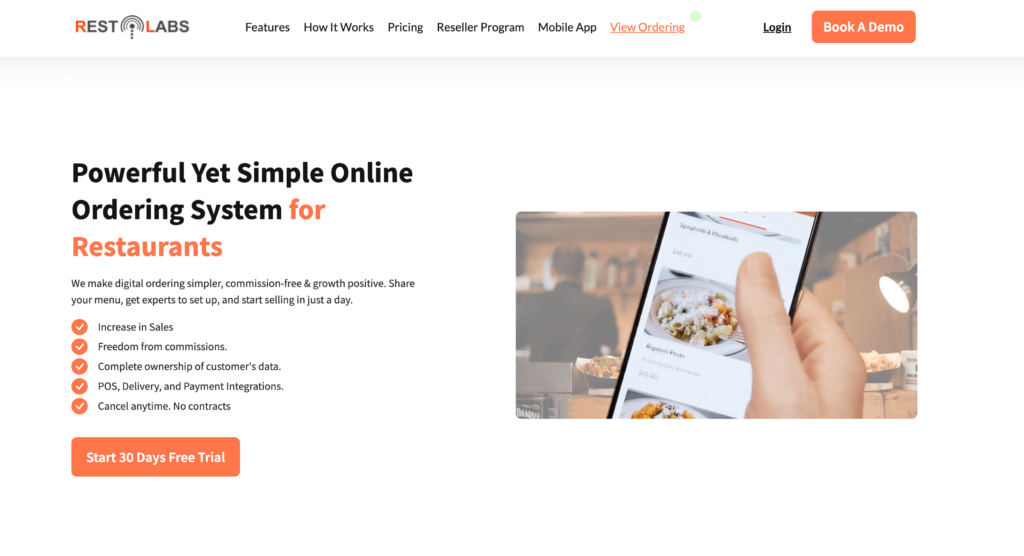
UpMenu is a cloud-based restaurant online ordering and management platform. It gives restaurants a branded ordering website, mobile apps for iOS and Android, QR code menus, a built-in CRM, loyalty programs, email and SMS marketing, delivery management with a driver app, and analytics.
It positions itself as an all-in-one solution for restaurants that want to take orders directly (without paying marketplace commissions to apps like Uber Eats or DoorDash). Restaurants, pizzerias, and food delivery businesses worldwide use the platform.
The catch? UpMenu’s Basic plan starts at $49/month with a cap of just 90 orders. That’s about 3 orders per day. If you need more, you’ll pay $89/month (Standard) or $169/month (Premium). Processing fees are charged on top. And the free trial is only 7 days, which doesn’t give you much time to test things properly.
For restaurants that just need an online menu and basic ordering, UpMenu can feel like paying for a full toolbox when you only need a screwdriver.
UpMenu Features
Online ordering system with branded ordering website
Branded mobile apps for iOS and Android
QR code menus for dine-in ordering
Built-in CRM and customer database
Loyalty programs and rewards
Email, SMS, and push notification marketing
Delivery management with a dedicated driver app
Analytics and sales reporting dashboard
Menu management with categories, photos, and modifiers
Pricing transparency — Look for flat monthly pricing with no order caps or surprise charges. Some platforms advertise low starting prices but add fees for online ordering, delivery, or premium features.
Commission and processing fees — Third-party delivery apps charge 15-30% per order. The best alternatives charge zero commission, though most still have standard payment processing fees (typically 2.5-3.5%).
Order limits — UpMenu caps orders on its lower plans. Many alternatives offer unlimited orders even on their cheapest tier.
Ease of setup — You shouldn’t need a developer or a week of training. The best platforms let you build your menu and go live in under an hour.
Menu customization — Your online menu should match your brand. Look for platforms that let you add your logo, brand colors, item photos, and categories without design skills.
Trial length and flexibility — Seven days isn’t enough to test a platform properly. Prioritize alternatives with 14-30 day free trials, free tiers, or month-to-month plans with no contracts.
Customer support — When online orders stop coming through at 7 PM on a Friday, you need fast help. Check for live chat, phone support, and responsive email.
UpMenu Alternatives: Quick Comparison
Platform
Best For
Starting Price
Commission
Order Limits
Free Trial
Menubly
Affordable menus & ordering
$9.99/mo
0%
Unlimited
30 days
Owner.com
Marketing-focused ordering
$499/mo
0% (5% customer fee)
Unlimited
Demo only
GloriaFood
Free ordering system
Free
0%
Unlimited
Free plan
Square for Restaurants
All-in-one POS + ordering
Free
0% (processing fees apply)
Unlimited
Free plan
ChowNow
Branded mobile apps
$199/mo
0%
Unlimited
Demo only
Toast POS
Full-service operations
$0/mo
0%
Unlimited
Demo only
Flipdish
Branded digital ordering at scale
~$99/mo
Varies
Unlimited
Demo only
SpotOn
POS + commission-free ordering
$0/mo
0%
Unlimited
Demo only
Restolabs
Multi-location ordering
$45/mo
0%
Unlimited
60 days
Sauce
Delivery-focused ordering
Flat per-order fee
0%
Unlimited
Demo only
10 Best UpMenu Alternatives
1. Menubly — Best for Affordable Online Menus & Ordering
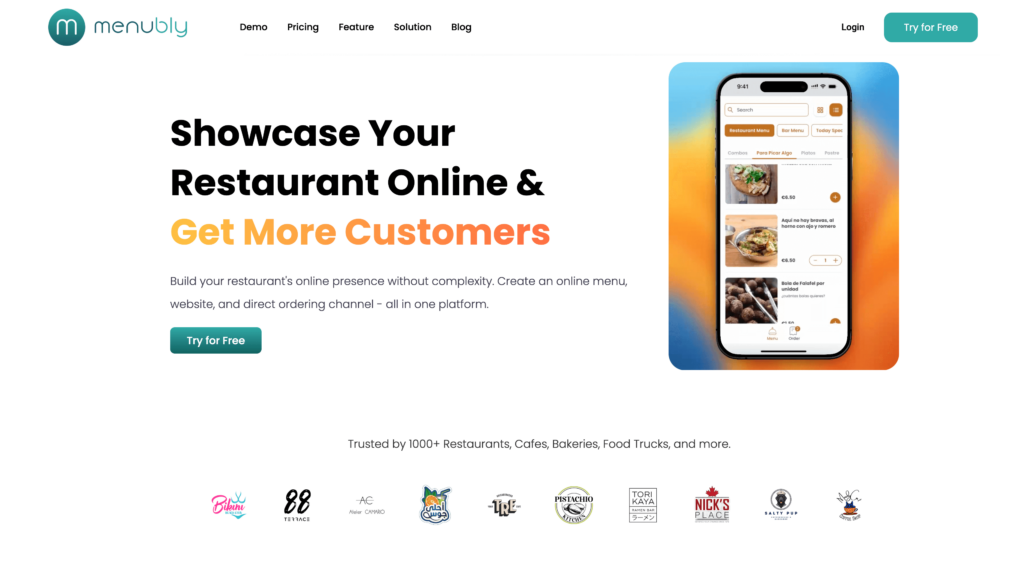
Menubly is an online menu and ordering platform built for small to medium food businesses that want to get online without overspending. At $9.99 per month, it costs a fraction of what UpMenu charges, and there are no order caps or commissions on any plan.
Where UpMenu tries to be an all-in-one management platform, Menubly focuses on what most small restaurants actually need: a mobile-friendly digital menu, commission-free online ordering, and a simple web presence. You can set up your menu and start taking orders in under 30 minutes, with no technical skills required. It’s not a full POS system, and that’s the point. You’re not paying for inventory management or employee scheduling you’ll never use.
Key Features
Interactive, mobile-friendly online menu with search and category filtering
Commission-free online ordering for dine-in, takeaway, and delivery
100+ payment methods worldwide (including cash on delivery)
Free PDF and paper menu conversion (upload a file and they digitize it for you)
Bulk menu import from Excel or CSV
SEO-friendly menu pages built for Google discovery
Add-ons and item customization options (sizes, toppings, extras)
Pros
Starts at just $9.99/month — 80% cheaper than UpMenu’s Basic plan
Zero commission on all orders (you keep 100% of revenue)
30-day free trial with no credit card required (vs. UpMenu’s 7 days)
Unlimited orders on every plan
Set up in under 30 minutes, no technical skills needed
100+ payment options including digital wallets and cash on delivery
Free menu conversion service (send a PDF or photo, they build your menu)
WhatsApp integration for direct customer ordering
Cons
Not a full POS system (no in-person cash register or card terminal)
No inventory management features
No employee scheduling or payroll tools
No branded mobile app (ordering is web-based)
No built-in loyalty or rewards program
Pricing
Free trial: 30 days, no credit card required
Monthly: $9.99/month
Annual: $95.99/year (save 20%)
Custom plans: Available for businesses with special needs
Commission: Zero on all orders
Best For
Menubly is best for small to medium restaurants, cafes, bakeries, food trucks, and bars that want affordable online ordering and a professional digital menu without paying for a full management platform they don’t need.
2. Owner.com — Best for Marketing-Focused Online Ordering
Owner.com is an AI-powered restaurant marketing platform that bundles online ordering with a branded website, a custom mobile app, automated email and text campaigns, and a rewards program. It’s built for restaurants that want to actively grow direct orders and reduce dependence on third-party delivery apps. The platform improves your Google visibility, sends automated promotions, and builds a branded ordering experience across web and app.
Unlike UpMenu, Owner.com focuses heavily on marketing automation. It sends email and SMS campaigns on your behalf, runs a rewards program to drive repeat orders, and helps you show up higher in Google search results. You also get full ownership of customer data — emails, phone numbers, order history — so you can market directly to your customers.
Features
Branded ordering website built for your restaurant
Custom-branded mobile app (iOS and Android)
Automated email and text marketing campaigns
Built-in rewards program for repeat orders
Google search and Maps visibility improvements
POS integrations (Toast, Clover, Square, Stripe)
Full customer data ownership (emails, phone numbers, order history)
24/7 phone, email, and chat support
No long-term contracts or cancellation fees
Pros
Strong marketing automation that runs on autopilot (email, SMS, rewards)
Branded website and mobile app included in the flat rate
24/7 support with dedicated onboarding help
Improved Google search visibility for your restaurant
Full customer data ownership — take it with you if you leave
Month-to-month, no contracts, no cancellation fees
Restaurants report significant increases in direct online orders
Cons
Expensive at $499/month — out of budget for most small restaurants
Limited website customization — you can’t make advanced design changes
Some users report POS integration issues during onboarding
Sends aggressive discount promotions that restaurants can’t always control
No way to redeem digital gift cards sold online at the physical restaurant
Pricing
Monthly: $499/month flat rate
Contracts: Month-to-month, no long-term commitment
Commission: 0% to restaurants (customers pay 5% fee)
Free trial: Demo available, no free self-serve trial
Best For
Established, higher-volume restaurants with the budget for a premium marketing platform that want to pull orders away from DoorDash and Uber Eats and build direct customer relationships through automated marketing.
3. GloriaFood — Best Free Online Ordering System
GloriaFood (owned by Oracle) offers a genuinely free online ordering system for restaurants. The core product includes unlimited orders, unlimited locations, and zero commission, with no monthly fee and no contracts. You get a website ordering widget, Facebook ordering, QR code menus, table reservations, and scheduled orders.
The free plan is surprisingly complete for basic ordering needs. Unlike UpMenu’s $49/month Basic plan with its 90-order cap, GloriaFood lets you take unlimited orders from day one without paying anything. If you want more — online payments, a branded mobile app, or a custom website — paid add-ons unlock those features.
Features
Online ordering widget for your website (free)
Facebook ordering integration (free)
QR code dine-in ordering (free)
Table reservation widget (free)
Scheduled and advance orders (free)
Menu management with categories, photos, and descriptions
Promotional tools and coupon codes
Real-time order confirmation and management
Vacation mode and out-of-stock management
Reporting dashboard with order analytics
Pros
Core ordering is completely free — no monthly fee, no commission, no contracts
Unlimited orders and unlimited locations on the free plan
QR code dine-in ordering included for free
Table reservation widget at no extra cost
Facebook ordering integration built in
Dedicated Customer Success Manager for support
Backed by Oracle, giving it long-term stability
Cons
Premium add-ons cost extra: online payments at $29/month, branded app at $59/month, website at $9/month
Interface feels dated compared to newer platforms
Limited design customization on the free plan — ordering widget looks the same for everyone
Can’t pause orders or make changes from mobile devices easily
POS add-on requires a 2-year commitment at $49/month per location
Limited website templates with little room for customization
Pricing
Core plan: Free (unlimited orders, no commission)
Sales-focused website: $9/month
Advanced promotions: $19/month
Online payments: $29/month
Branded mobile app: $59/month
POS system: $49/month per location (2-year commitment)
Best For
Budget-conscious restaurants that want free basic online ordering right now and are willing to add paid features later as the business grows. Especially good for new restaurants testing online ordering for the first time.
4. Square for Restaurants — Best All-in-One POS + Ordering
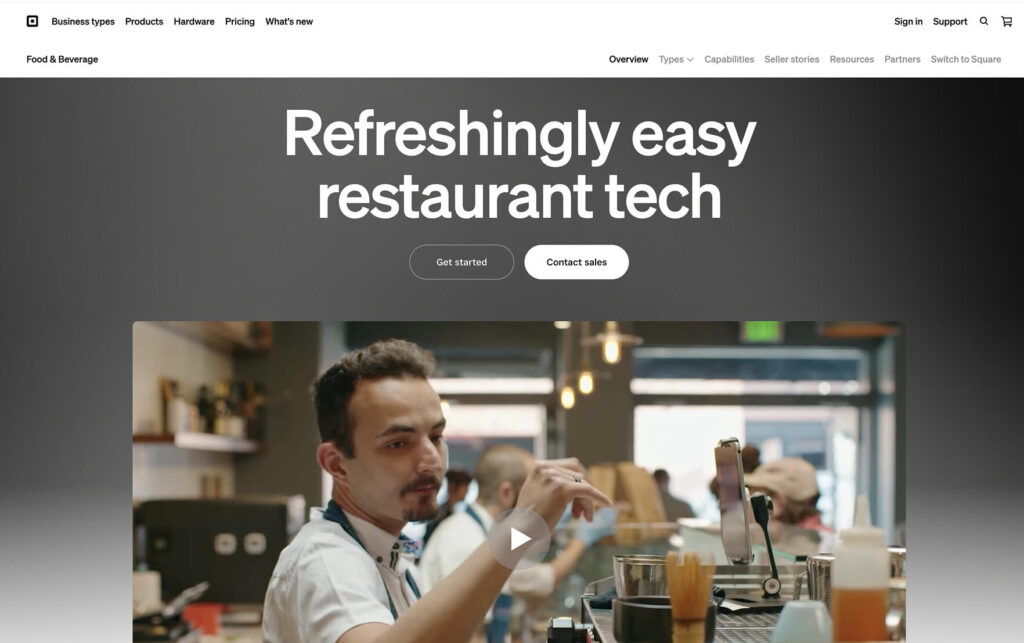
Square for Restaurants is a full restaurant POS system that includes a free online ordering page, payment processing, inventory tracking, employee management, and reporting. It’s one of the few platforms where you can run both your in-person register and online orders from a single system without paying a monthly subscription on the entry-level plan.
Where UpMenu focuses on online ordering and marketing, Square gives you the full restaurant operations stack — POS, kitchen display, staff scheduling, payroll, and online ordering all in one place. The ecosystem includes hardware options, AI-powered demand forecasts, and a growing marketplace of integrations.
Features
Cloud-based POS with online ordering page included
Kitchen display system (KDS) for order management
AI-powered demand and staffing forecasts
Employee management with scheduling, timecards, and payroll
Real-time inventory tracking and low-stock alerts
Table and order management for dine-in
Omnichannel sales sync (in-person, online, and delivery)
Plus: $49/month per location (processing: 2.9% + $0.30 online)
Premium: $149/month per location
Pro: Custom pricing for high-volume businesses
Hardware: Card readers from $49, terminals from $299
Best For
Restaurants that need both an in-person POS and online ordering in one system with a low barrier to entry. Good for businesses already in the Square ecosystem or those that want a single vendor for payments, POS, and ordering.
5. ChowNow — Best for Branded Ordering Apps
ChowNow builds commission-free ordering systems for restaurants with a strong focus on branded mobile apps. You get your own iOS and Android app, a branded ordering website, access to the ChowNow marketplace for customer discovery, and POS integrations with Toast, Square, Clover, and Revel.
What sets ChowNow apart from UpMenu is the branded app and marketplace combination. Your restaurant gets its own mobile app in the App Store and Google Play, plus exposure through the ChowNow consumer marketplace app. Their Flex Delivery feature connects you to DoorDash and Uber drivers for a flat $3.99 per delivery — so you don’t need your own fleet.
Features
Branded mobile app for iOS and Android with your restaurant’s branding
Branded ordering website with built-in SEO
ChowNow marketplace app for customer discovery
Flex Delivery via DoorDash and Uber drivers at a flat $3.99/order
POS integrations (Toast, Square, Clover, Revel, and more)
Built-in email marketing to re-engage past diners
Rewards program for repeat orders
Full credit card fraud and chargeback protection
24/7 customer support for restaurants and diners
Full access to diner ordering data and contact info
Pros
Your own branded mobile app in the App Store and Google Play
Marketplace discovery channel brings in new customers
Integrations with leading POS systems (Toast, Square, Clover)
24/7 customer support for both restaurants and diners
Flex Delivery at a flat $3.99/order (no percentage-based fees)
Commission-free unlimited ordering across all channels
Flex Delivery adds $3.99 per order on top of everything else
No free trial — you need to book a demo
Pricing
Monthly: Starting at $199/month
Setup fees: $119-$499 one-time
Processing: 2.95% + $0.29 per transaction
App developer fee: $99/year
Flex Delivery: $3.99 per order
Free trial: Not available (demo only)
Best For
Restaurants that want their own branded mobile app and access to a marketplace discovery channel, with budget to invest in a premium platform. Best suited for restaurants doing enough volume to justify the $199+/month cost.
6. Toast POS — Best for Full-Service Restaurant Operations
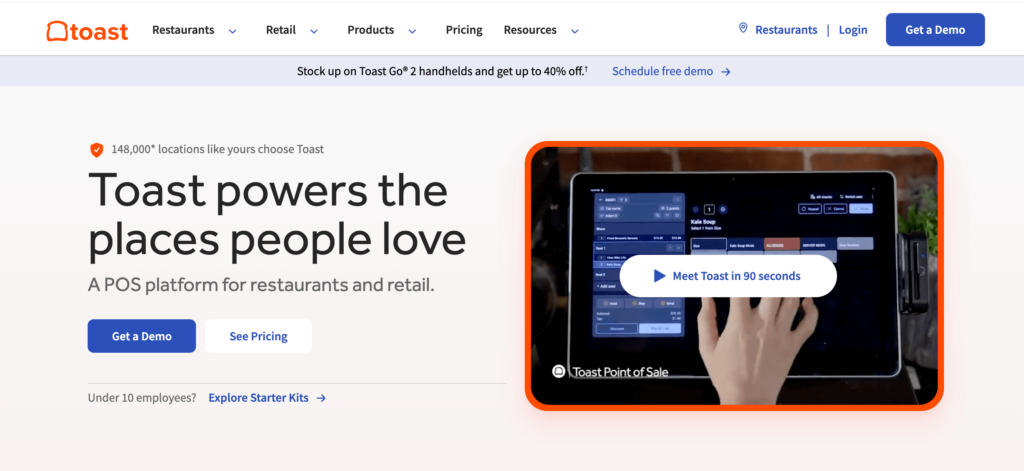
Toast is the industry-leading restaurant POS system, built from the ground up for food service businesses. It covers point-of-sale, online ordering, delivery, payroll, team management, inventory, reporting, and more. The ecosystem is massive, with purpose-built hardware, 200+ integrations, and add-on modules for almost every restaurant need.
Toast is a different category from UpMenu. Where UpMenu is an online ordering platform, Toast is a full restaurant operations system. You’d choose Toast if you need a complete POS with hardware, staff management, payroll, and online ordering all tied together. The downside? Online ordering is an add-on, and total costs add up fast.
Features
Cloud-based restaurant POS with purpose-built hardware
Starter: $0/month (higher processing fees: 3.09% + $0.15 in person)
Core: $69/month (processing: 2.49% + $0.15)
Growth: $165/month
Online ordering add-on: ~$75/month
Hardware: $609-$1,339 per terminal
Free trial: Not available (demo only)
Best For
Full-service and high-volume restaurants that need a complete POS ecosystem with hardware, payroll, inventory, and online ordering all tied together. Not the best fit if you only need online ordering — you’d be paying for a lot of extras.
7. Flipdish — Best for Branded Digital Ordering at Scale
Flipdish offers branded web ordering, mobile apps, digital kiosks, POS, and automated marketing in one platform. It uses AI to tailor menus, recommend dishes based on order history, and customize promotions for individual customers. The platform also includes a kitchen display system, inventory management, driver tracking, and payroll tools.
Flipdish goes further than UpMenu on the branding side. You get your own branded website, app, and even self-ordering kiosks for in-store — all with your restaurant’s look and feel. The AI-driven menu personalization is a standout feature, adjusting what customers see based on their past orders and preferences. It’s built for restaurant brands that want full control over every digital ordering channel.
Features
Branded ordering website with your restaurant’s branding
Custom-branded mobile app (iOS and Android)
Self-ordering digital kiosks for in-store
AI-driven menu personalization and dish recommendations
Automated marketing campaigns with targeted promotions
Kitchen display system for order management
Driver tracking and delivery management
Inventory management and stock tracking
POS system with integrated payments
Real-time analytics and sales reporting
Pros
Branded apps, website, and kiosk ordering all under one roof
AI-driven menu personalization and targeted promotions
Excellent customer support with quick response times
Cons
Pricing starts at roughly $50-$99/month but is mostly custom-quoted (hard to compare)
Can be overpowered for single-location small restaurants
More popular in Europe than in the US — less local support in some regions
Limited reporting for tax categorization of sales
Partial refund processing can be frustrating
Limited control over promotional campaign details
Pricing
Starting price: Approximately $50-$99/month
Custom pricing: Based on business size, locations, and feature needs
Free trial: Available
Commission: Varies by plan (contact for details)
Best For
Growing restaurant brands and multi-location businesses that want branded digital ordering across web, app, and kiosk channels with AI-powered personalization. Best suited for restaurants scaling beyond a single location.
8. SpotOn — Best for Commission-Free POS + Ordering
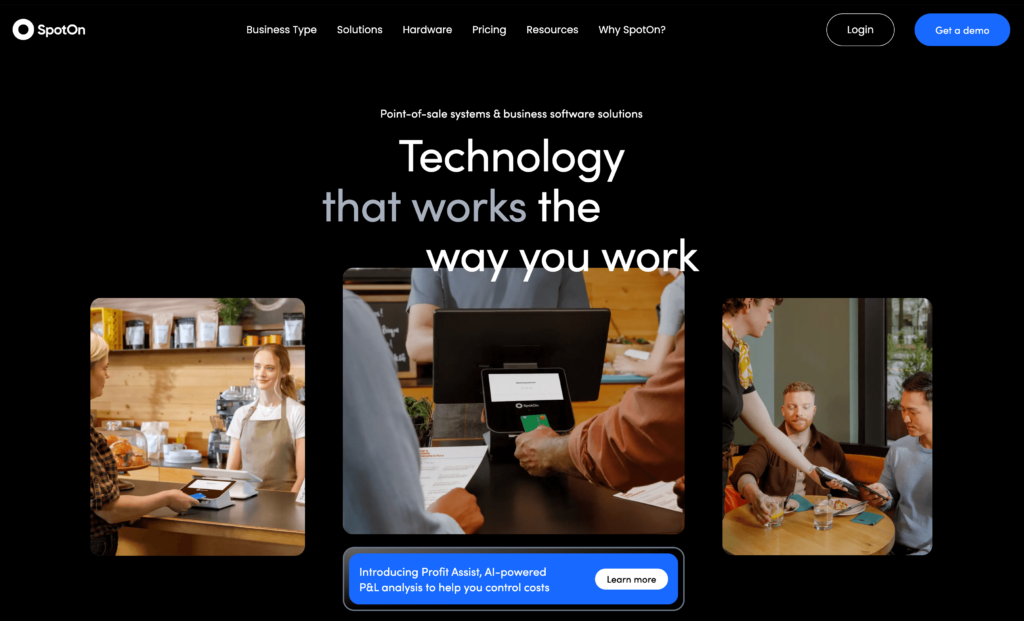
SpotOn is a full restaurant management system that connects front-of-house, back-of-house, and back-office operations. It includes commission-free online ordering (SpotOn Order), a cloud-based POS, built-in reservations and waitlist management, labor management tools, and delivery integrations with DoorDash.
SpotOn competes directly with Toast but tends to offer more transparent pricing and flexible plans. The key difference from UpMenu is that SpotOn gives you a full POS system with commission-free online ordering built in — not bolted on as an extra. You can also manage reservations, waitlists, and labor all from the same platform.
Features
Cloud-based restaurant POS with multiple hardware options
Commission-free online ordering (SpotOn Order)
Built-in reservation and waitlist management
Kitchen display system with order routing
Employee scheduling, timecards, and tip management
DoorDash delivery integration at flat rates
QR code ordering for dine-in
Labor management tools with the Teamwork mobile app
Reporting and analytics dashboard
IP54-rated hardware with Wi-Fi and 4G/LTE backup
Pros
Commission-free online ordering built directly into the POS
Free Quick Start plan available for getting started
Built-in reservations and waitlist (no separate app needed)
DoorDash delivery integration at flat delivery rates
Strong, detailed reporting tools
Flexible hardware: countertop, compact, and handheld options
Restaurants that want a full POS system with commission-free ordering, built-in reservation management, and labor tools at a more transparent price point than Toast. Good for mid-size restaurants that have outgrown basic ordering platforms.
9. Restolabs — Best for Multi-Location Ordering
Restolabs is an online ordering system built for restaurants that need to manage multiple locations, order types, and delivery zones from a single dashboard. It supports pickup, in-house delivery, third-party delivery integrations (DoorDash, Uber Direct), QR dine-in ordering, and catering — all from one backend.
The big advantage over UpMenu for multi-location restaurants is Restolabs’ centralized management. You can clone menus across locations in one click, set different delivery zones with custom minimum orders, manage location-specific pricing, and track performance across all outlets without switching between dashboards. The platform also offers a generous 60-day free trial — far longer than UpMenu’s 7 days.
Features
Multi-location management from a single dashboard
One-click menu cloning across all outlets
QR code dine-in ordering with table-specific codes
Catering management with pre-scheduling and custom pricing
Fewer user reviews than larger competitors like Toast or Square
Google Business Profile management is another $19/month add-on
Less well-known brand, which can affect customer trust
Pricing
Starting price: Approximately $45-$69/month per store
Custom website: $29/month add-on
Branded mobile app: $49/month add-on
Google Business Profile: $19/month add-on
Free trial: 60 days, no credit card required
Best For
Multi-location restaurant groups that need centralized menu and order management with delivery zone control across all outlets. Also strong for restaurants that offer catering alongside regular ordering.
10. Sauce — Best for Delivery-Focused Ordering
Sauce is a commission-free ordering and delivery platform that replaces the 20-30% marketplace fees from apps like Uber Eats and DoorDash with a transparent, flat-fee model. Restaurants keep 100% of their order revenue. Sauce provides access to a national network of delivery drivers, live mobile order tracking, 24/7 delivery support, and POS integrations.
Where UpMenu focuses on online ordering with marketing tools, Sauce zeroes in on delivery logistics. The flat delivery fee of $8.99 for up to 5 miles (split between restaurant and customer) means you know exactly what delivery costs before the order even comes in. There’s no percentage-based commission, so your margins stay the same whether someone orders $20 or $200.
Features
Commission-free online ordering (web, social media, Google)
National network of unlimited delivery drivers
Flat-fee delivery pricing (not percentage-based)
Live mobile order tracking for customers
24/7 personal delivery support
POS integrations (Toast, Square, Otter)
Consistent menu pricing across dine-in and delivery
Full customer data ownership (names, emails, order history)
Order management dashboard
Delivery coverage up to 20 miles in select cities
Pros
Commission-free — flat fee per delivery, not a percentage of the order
Consistent menu pricing across all channels (no inflated delivery prices)
Unlimited delivery drivers from a national network
24/7 delivery support for every order
POS integrations with Toast, Square, and Otter
Full customer data ownership
Restaurants report saving up to 35% on delivery fees vs. marketplaces
Cons
Flat per-order delivery fee ($8.99) adds up with high order volume
Focused on delivery — less emphasis on dine-in or pickup ordering features
Fewer marketing and menu-building tools than UpMenu
Newer platform with a smaller user base and fewer reviews
No monthly subscription pricing is publicly listed — need to contact sales
Limited brand customization compared to platforms like ChowNow or Flipdish
Pricing
Delivery fee: Flat $8.99 per order (up to 5 miles), split between restaurant and customer
Commission: 0% on all orders
Monthly subscription: Not publicly listed (contact Sauce for details)
Free trial: Demo available
Best For
Delivery-heavy restaurants that want to replace third-party marketplace commissions with a predictable, flat-fee delivery model. Best for restaurants doing high delivery volume where percentage-based fees eat into margins.
How to Choose the Right UpMenu Alternative
The best platform depends on your budget, business type, and what you actually need. Here’s a quick breakdown:
Food trucks & small takeaways: Menubly or GloriaFood
Single-location casual restaurants: Menubly, Square, or SpotOn
Full-service restaurants: Toast or SpotOn
Multi-location chains: Restolabs or Flipdish
Delivery-heavy restaurants: Sauce or ChowNow
By Primary Need
I just need a digital menu and basic ordering: Menubly
I need a free option to get started: GloriaFood or Square
I need a full POS + ordering system: Toast or SpotOn
I want my own branded mobile app: ChowNow or Owner.com
I need to manage delivery logistics: Sauce
I run multiple locations: Restolabs or Flipdish
For most small to medium food businesses, the simplest path is also the most affordable. If you need an online menu and commission-free ordering without the complexity of a full POS system, Menubly gives you everything you need at $9.99/month with no order limits.
Frequently Asked Questions
What is the best alternative to UpMenu?
It depends on your needs and budget. For affordable online menus and ordering, Menubly offers similar ordering features at $9.99/month with unlimited orders and zero commission. For a free option, GloriaFood provides basic ordering at no cost. For a full POS system with ordering, Square for Restaurants has a free plan.
How much does UpMenu cost per month?
UpMenu’s Basic plan starts at $49/month with a limit of 90 orders. The Standard plan costs $89/month, and the Premium plan is $169/month. Processing fees are charged on top of the monthly subscription. Enterprise plans are available with custom pricing.
Can I switch from UpMenu to another platform easily?
Yes. Most alternatives let you rebuild your menu quickly, and some offer migration help. Menubly provides a free menu conversion service where you can upload a PDF or photo of your existing menu and their team will digitize it for you, saving hours of manual setup.
What is the cheapest restaurant online ordering system?
GloriaFood is free for basic online ordering with unlimited orders and locations. If you want a paid platform with more features, Menubly starts at $9.99/month with zero commission and unlimited orders. Square for Restaurants also offers a free POS plan with online ordering.
Does UpMenu charge commission on orders?
UpMenu does not charge a per-order commission percentage. Instead, it uses a flat monthly subscription model with order caps per plan (90 orders on Basic, more on higher tiers). However, processing fees are added on top of the monthly price, and those fees can increase as your order volume grows.
What is the best UpMenu alternative for small restaurants?
For small restaurants with limited budgets, Menubly ($9.99/month, zero commission, unlimited orders) and GloriaFood (free core ordering) are the most cost-effective options. If you also need an in-person POS, Square for Restaurants offers a free plan that includes both POS and online ordering.
Final Verdict
UpMenu is a solid platform with strong features, but its $49/month starting price with a 90-order cap makes it expensive per order for small restaurants. The 7-day trial is short, and the processing fees on top of the subscription add up.
Here are the top picks from this list:
Most affordable: Menubly — $9.99/month, zero commission, unlimited orders
Best free option: GloriaFood — free core ordering with unlimited orders
Best all-in-one POS: Square for Restaurants — free POS plan with online ordering
Best for branded apps: ChowNow or Owner.com
Best for full-service restaurants: Toast POS or SpotOn
Best for multi-location: Restolabs or Flipdish
Best for delivery: Sauce
Many small restaurants don’t need a full management platform. They need an affordable way to put their menu online, take orders, and keep 100% of their revenue. If that sounds like your restaurant, start with something simple and upgrade only when your business demands it.
To provide the best experiences, we use technologies like cookies to store and/or access device information. Consenting to these technologies will allow us to process data such as browsing behavior or unique IDs on this site. Not consenting or withdrawing consent, may adversely affect certain features and functions.
Functional
Always active
The technical storage or access is strictly necessary for the legitimate purpose of enabling the use of a specific service explicitly requested by the subscriber or user, or for the sole purpose of carrying out the transmission of a communication over an electronic communications network.
Preferences
The technical storage or access is necessary for the legitimate purpose of storing preferences that are not requested by the subscriber or user.
Statistics
The technical storage or access that is used exclusively for statistical purposes.The technical storage or access that is used exclusively for anonymous statistical purposes. Without a subpoena, voluntary compliance on the part of your Internet Service Provider, or additional records from a third party, information stored or retrieved for this purpose alone cannot usually be used to identify you.
Marketing
The technical storage or access is required to create user profiles to send advertising, or to track the user on a website or across several websites for similar marketing purposes.