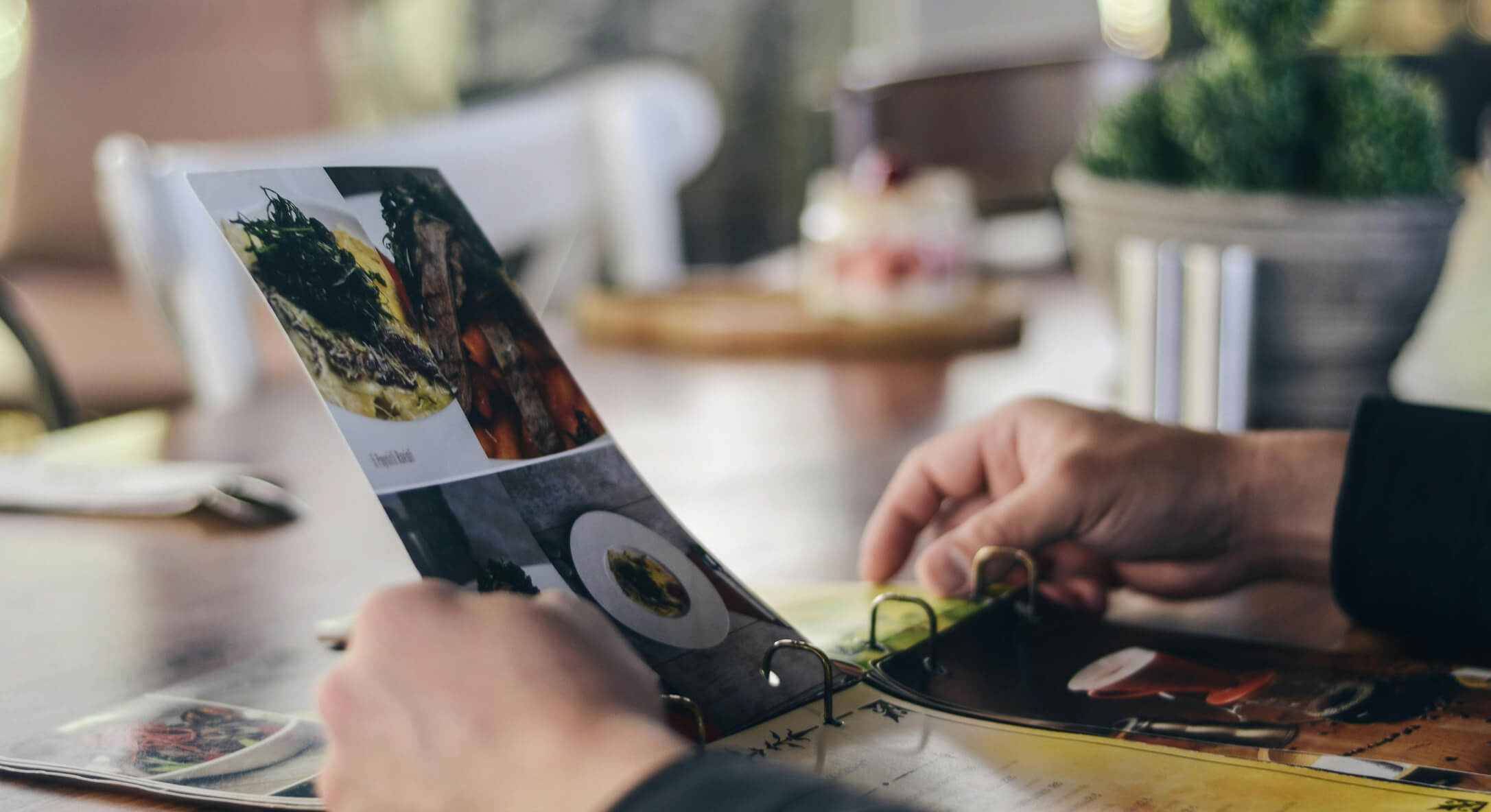
About 85% of diners check a restaurant’s menu online before they walk through the door. That means your menu is working long before a server hands it to a guest — and if it doesn’t look good, read well, or show up online, you’re losing customers before they ever taste your food.
A restaurant menu is more than a list of dishes with prices. It’s a sales tool, a brand statement, and often the first real impression someone has of your food service business. The right menu drives profitability, builds your brand identity, and makes ordering simple. The wrong one confuses customers, buries your most profitable items, and costs you money.
This guide covers how to create a restaurant menu from start to finish — from choosing your items and writing descriptions to pricing for profit, designing a layout, and building a digital menu that works on any device. Whether you’re opening a new restaurant or refreshing your current menu, you’ll have a clear plan by the end.
Your menu shapes what customers order, how much they spend, and how they feel about your restaurant. In the hospitality industry, it’s one of the most direct ways to influence your restaurant’s profitability — and most restaurant owners underestimate its impact.
Strategic menu planning and design can boost profits by 10–27%. The way you position items, describe them, and price them directly affects what guests pick. A well-structured menu highlights your high-margin dishes, sets clear expectations, and reinforces your brand identity through every detail — from fonts to language to layout.
Your menu also needs to work across formats. With most diners checking your restaurant’s menu on their phone first, it needs to look just as good on a screen as it does on paper. The best menus are designed for both print and digital from the start.
Whether you run a fine dining restaurant, a casual diner, a food truck, or a bakery, your menu is one of the biggest drivers of your success. Getting it right is worth the effort.
Creating a restaurant menu takes planning, but the process is straightforward when you follow a clear structure. Here are the 12 steps to build a menu that looks professional, sells your best dishes, and reflects your brand.
Your restaurant concept is the foundation of every single menu decision you’ll make. Before you pick a single dish or font, get clear on what your restaurant is about — your cuisine, service style, price point, and the culinary experience you want guests to have.
A steakhouse menu looks and feels nothing like a café menu. A food truck serving tacos needs a different approach than a high-end Italian restaurant. Your concept determines everything: the number of items, the language you use, the paper (or screen) it’s printed on, and the price range customers will expect.
Your brand identity carries through to your menu. The logo, colors, and tone of voice should be consistent across your menu, your website, your signage, and your social media. If your restaurant is playful and casual, your menu should read that way too. If it’s upscale, your menu should reflect that through clean design and polished descriptions.
Start by writing down: your cuisine type, your target price range, your service style (counter, table, delivery), and three words that describe the ambiance you want customers to feel. This becomes the filter for every decision that follows.
Your menu needs to match the people who walk through your door — or find you online. A college-town lunch spot has different needs than a destination dining experience, and your menu should reflect that.
Think about who your target customers are: What age group? What income level? What dining occasions (quick lunch, date night, family dinner)? What dietary preferences are common in your area — vegetarian, gluten-free, halal? Knowing your audience helps you choose the right items, write descriptions that connect, and set prices that make sense for your restaurant.
If you’re already open, look at your sales data. Which items sell best? What do customers ask for that you don’t have? If you’re planning a new restaurant, visit competitors in your area and study their menus. Pay attention to what works and what feels like a gap you can fill.
Now comes the fun part — choosing what goes on the menu. But “more” doesn’t mean “better.” One of the biggest mistakes restaurateurs make is listing too many items.
Research shows that customers are more likely to order — and feel happier about their choice — when they have fewer options. The sweet spot is around 7 items per category, with a total menu of 30–40 items. Too many choices overwhelm diners and slow down ordering. Too few make the restaurant feel limited.
When selecting menu items, consider:
If you’re not sure where to start, review the types of menus to find the format that best fits your restaurant — whether that’s a la carte, prix fixe, or a seasonal rotation. Also consider the key components of a menu to make sure you’re covering the right categories. List your best-selling or signature items, add supporting dishes around them, and edit from there.
Once you have your dish list, group them so customers can scan the menu quickly and find what they want. Good navigation makes a real difference in how fast guests order — and how happy they are with their choice.
The most common approach is organizing by course: appetizers, salads, entrées, sides, desserts, drinks. For more casual spots, you might categorize by food type: burgers, sandwiches, bowls, wraps. If you serve multiple meals, consider separate sections for breakfast, lunch, and dinner — or a separate take-out menu for delivery-friendly items.
Keep it simple. Stick to 5–7 main categories. If a section has more than 7–8 items, break it into subcategories (e.g., “Seafood” and “Poultry” under “Entrées”). Make sure the flow feels natural — most diners expect appetizers first and desserts last.
Put your most profitable or popular items at the top of each category. Diners tend to pick from the first few options they see, so positioning matters more than you’d think.
The way you describe your dishes has a direct effect on what people order. A Cornell University study found that descriptive menu labels increased item sales by 27% compared to plain labels. Words sell food.
Good item descriptions do three things: they tell the customer what’s in the dish, how it’s prepared, and why it’s worth ordering. Use sensory language that helps the reader taste the food before it arrives. Instead of “Grilled Chicken Salad,” try “Herb-crusted free-range chicken breast with mixed greens, shaved parmesan, and house-made lemon vinaigrette.”
Here are tips for writing descriptions that sell:
Don’t overdo it. If every dish sounds like a poetry reading, nothing stands out. Save your most descriptive language for the specific dishes you want to highlight — your highest-margin items and signature plates.
Pricing isn’t just about covering costs — it’s about shaping how customers see your food. The prices on your menu affect what people order, how much they spend, and whether they come back.
Start with the numbers. Calculate your food cost for each dish — that’s the total ingredient cost divided by the menu price. Most restaurants aim for a food cost percentage between 28% and 35%. If a dish costs $4 in ingredients to make, you’d price it between $11 and $14 to hit that range. Factor in portion size, prep labor, and any supply chain fluctuations that may affect your costs. For a deeper breakdown, see this guide on menu pricing strategies.
Beyond the math, pricing psychology plays a big role:
Review your pricing at least twice a year. Ingredient costs change, food trends shift, and your menu needs to keep up. Adjustments are normal — just communicate them clearly if they’re significant.
Your menu layout is more than aesthetics — it guides where customers look and what they notice first. Get it right, and your high-margin items get the attention they deserve. Get it wrong, and those dishes get buried.
The “golden triangle” is a well-known concept in menu psychology. Eye-tracking research shows that most people look at the middle of a menu first, then move to the top right, then the top left. These are the spots where you should place your most profitable items — the dishes you want to sell the most.
When you design your menu, keep these principles in mind:
The layout should make your menu easy to scan in under two minutes. If a customer has to search for what they want, your design needs work.
Colors and fonts set the mood before a customer reads a single word. They trigger emotion and affect appetite — so they should match your restaurant’s personality and make the menu easy to read.
Warm colors like red, orange, and yellow stimulate hunger — that’s why you see them everywhere in food branding. Cool colors like blue and purple tend to suppress appetite. Black and white gives a clean, sophisticated feel that works well for high-end restaurants. Pick two to three colors that fit your brand and stick with them.
For fonts, readability is the top priority. Sans-serif typefaces (like Helvetica, Arial, or Open Sans) work well for modern and casual restaurants. Serif fonts (like Georgia or Garamond) suit upscale and traditional settings. Use one font for headings and another for body text — never use more than three total. Script fonts can add personality for your restaurant name or section headers, but they’re hard to read in small sizes, so keep them out of your item descriptions.
For a deeper look at choosing the right typeface, see this guide on the best fonts for restaurant menus.
Photos can make or break your menu — especially your online menu. Research from food delivery platforms shows that menus with quality images get significantly more orders than those without.
For print menus, use photos selectively. Pick your 2–3 best-selling or highest-margin dishes and invest in professional food photography for those. Too many photos on a printed menu can make it look cluttered. But a few great shots of your signature dishes can drive orders toward the items you want to sell.
For digital menus, photos are even more important. Customers ordering online can’t ask a server what a dish looks like — they rely on images to decide. Make sure your photos are well-lit, consistent in style, and accurately represent the food. A beautiful image that looks nothing like the actual plate will lead to disappointed customers.
If professional photography isn’t in your budget, use a clean background, good natural lighting, and your smartphone. A decent phone photo beats no photo at all. You can touch up images with basic image editing tools — you don’t need Adobe Photoshop to get a good result. Just avoid dark, blurry, or poorly styled shots. Bad photos are worse than no photos.
Before your menu goes live or to print, review every detail. Typos, wrong prices, or a misspelled dish name may seem small, but they chip away at credibility — especially at higher price points.
Print a draft and read it out loud. Have at least two other people proofread it. Check every price against your food cost calculations. Make sure allergen labels are accurate and dietary information is correct.
Then test your menu in the real world. Do a soft launch with a small group — staff, friends, or a limited group of guests. Watch how people interact with the menu: Do they ask questions about certain dishes? Do they skip sections? Do they struggle to find what they want? Use that feedback to tweak the layout, descriptions, and item order before your full launch.
If you’re using a digital menu, A/B testing is even easier. Try different descriptions, photos, or item positions and track which version gets more orders.
With most diners checking your menu online before visiting, your digital menu is often the first impression of your restaurant. If it’s a hard-to-read PDF that requires pinching and zooming on a phone, you’re losing potential customers.
A modern online menu should be mobile-friendly, easy to update, and shareable through a simple link or QR code menu. It should load fast, display your items clearly with photos, and — if possible — let customers order directly from it.
Creating a professional digital menu used to mean hiring a web developer or struggling with complicated design software. Today, online menu maker tools have changed that. Menubly, for example, lets you build a complete menu online in minutes using a simple drag and drop builder — no design or technical skills required. Add your items, upload photos, set categories, and your menu is live with a shareable link and printable QR code.
What makes this approach practical for most food businesses is the cost. Hiring a graphic designer can run $200–$500+ per menu, and every time you change a price or add a dish, you pay again. With Menubly, it’s $9.99/month and updates happen instantly — no reprinting, no designer, no waiting. You can also turn on commission-free online ordering so customers order directly from your menu instead of going through delivery apps that charge 15–30% per order.
Whether you’re a new restaurant building your first menu or an established spot that’s tired of reprinting every time the technology or the price of chicken changes, getting your menu online is the standard today.
A great menu doesn’t promote itself. Once your menu is ready — both in print and online — you need to get it in front of people.
Start with your online presence. Add your menu link to your Google Business Profile, your Instagram bio, your Facebook page, and your website. Every place a customer might look for your restaurant should have a direct link to your menu.
Inside your restaurant, display a QR code at every table, at the counter, and near the entrance. Print it on receipts, takeout bags, and business cards. The easier you make it for people to access your menu, the more likely they are to come back — or share it with friends.
Use social media to highlight specific dishes. Post photos of your best items with links to your menu online, announce new seasonal additions, and share limited-time offers. Your menu is marketing material — treat it that way.
When you update your menu with seasonal items or new dishes, tell your customers. Email your regulars, post on social media, and update your digital menu right away. Keeping your menu fresh gives people a reason to visit again.
Now that you know the 12 steps to create a restaurant menu, let’s look at some design tips that can increase your sales — and the common mistakes you’ll want to avoid.
Good menu design isn’t just about looking nice — it’s about increasing restaurant sales through smart choices. Here are seven proven menu design tips that can help you make your menu work harder.
Even well-run restaurants make menu mistakes. Here are the most common ones — and how to fix them. For a deeper breakdown, see this full guide on common menu design mistakes.
Most successful restaurants keep their menu between 30 and 40 items total, with about 7 items per category. Research shows that too many choices overwhelm diners and slow down ordering. A focused menu also reduces food waste, simplifies kitchen operations, and helps you maintain quality across every dish.
Costs depend on your approach. Here’s a quick comparison:
| Approach | Estimated Cost | Best For |
|---|---|---|
| DIY with Canva or Word | Free – $15/month | Small cafes or food trucks on a tight budget |
| Online menu maker (e.g., Menubly) | $9.99/month | Any restaurant wanting a professional digital menu |
| Freelance graphic designer | $200 – $500+ per design | Restaurants wanting a fully custom print menu |
| Design agency | $500 – $2,000+ | Large restaurants or chains with complex branding |
Add professional food photography ($150–$500) and printing costs ($2–$10 per copy) if you’re going the print route. Digital-only menus save significantly on both.
The golden triangle refers to the three areas diners look at first when reading a menu: the center of the page, the top-right corner, and the top-left corner. Restaurants place their highest-margin dishes in these spots to increase the chances of those items being ordered.
It depends on your budget and goals. A professional designer can create a polished print menu that matches your brand identity — and they’ll use tools like Adobe Photoshop or InDesign to build it. But if you’re on a tight budget or need to update your menu frequently, using a digital menu maker is more practical and cost-effective. You can always invest in professional design later as your business grows.
Review your menu at least every three to six months. Check food costs, track which items sell and which don’t, and adjust pricing or descriptions as needed. Many successful restaurants do a full menu refresh twice a year — typically at the start of spring/summer and fall/winter — to introduce seasonal items and retire underperformers.
Menu engineering is a method of analyzing menu items based on two factors: profitability and popularity. Items are grouped into four categories — Stars (high profit, popular), Plowhorses (low profit, popular), Puzzles (high profit, unpopular), and Dogs (low profit, unpopular). This analysis helps you decide which items to promote, reposition, or remove from your menu.
First, build your menu online using a digital menu platform. Then generate a QR code that links directly to your online menu. Display the QR code on table tents, at the entrance, or on printed materials. When customers scan it with their phone camera, your menu opens in their browser — no app download needed.
A printed menu is a physical document handed to guests at the table. A digital menu lives online and can be accessed through a link or QR code on any device. Digital menus are easier to update (no reprinting costs), accessible to online searchers, and can include features like photos, search, and direct online ordering that printed menus can’t offer.
Yes. You can start creating a menu for free using design tools like Canva for templates, or with free trials from digital menu platforms. Menubly offers a free 30-day trial that lets you build a full online menu, generate a QR code, and set up online ordering — no credit card required. For basic print menus, Google Docs or Microsoft Word also work.
For most restaurants, a clean sans-serif font (like Helvetica, Open Sans, or Lato) works well for item names and descriptions. Serif fonts (like Georgia or Garamond) suit upscale or traditional restaurants. Avoid using more than two to three fonts on your menu, and skip script fonts for body text — they’re difficult to read at small sizes.
Your restaurant menu is one of the hardest-working tools in your business. It tells customers what you serve, shapes how they see your brand, and directly affects your bottom line. The 12 steps in this guide give you a clear path from concept to finished menu — whether that’s a printed menu, a digital menu, or both.
The most important thing? Don’t treat your menu as a document you create once and forget. The best menus are living documents that improve based on data, customer feedback, and seasonal changes. Start with a solid foundation, then keep refining.
Ready to create your restaurant menu? Menubly gives you an online menu builder, QR code menu, and commission-free online ordering — all for $9.99/month. Try Menubly free for 30 days, no credit card required.

