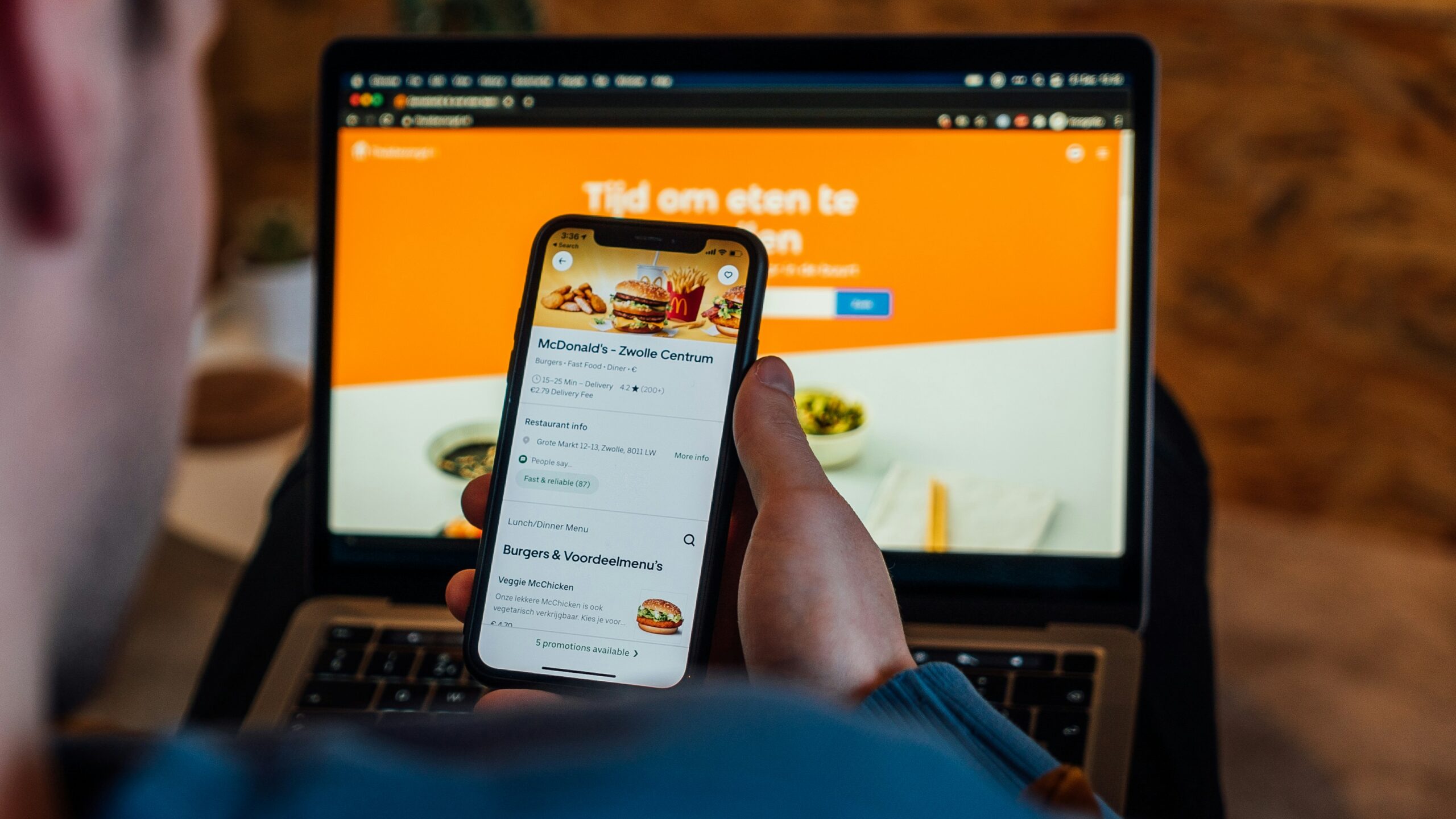
Over 77% of diners check a restaurant’s website before deciding where to eat — and more than half will skip your restaurant entirely if the site doesn’t have an updated menu or easy ordering options.
That’s the reality for restaurant owners today. You need a website. But picking the right restaurant website builder is harder than it should be. General builders like Wix and Squarespace can create beautiful sites, but they often lock restaurant features (menus, ordering, reservations) behind expensive plans or third-party add-ons. Restaurant-specific platforms like BentoBox and Popmenu include those features, but charge $119–$400+ per month.
Then there are the hidden costs: transaction fees on orders, renewal price increases, $50/month add-ons for online ordering, and hardware requirements you didn’t expect.
We compared our list of top 10 best restaurant website builders to use in 2026 — from budget-friendly AI tools to full-service restaurant platforms — evaluating each on pricing, restaurant features, online ordering, SEO tools, and ease of use. Whether you run a food truck, a coffee shop, or a full-service restaurant, this guide will help restaurants choose the best website builder for their online presence and budget. We also highlight the 5 best budget-friendly options if cost is your main concern.
Quick picks:
Best affordable all-in-one:Menubly ($9.99/mo — website + menu + commission-free ordering)
Best for versatility: Wix ($29/mo — 85+ restaurant templates, built-in ordering)
Best for design: Squarespace ($16/mo — polished templates, Tock integration)
Best budget option: Hostinger ($2.99/mo — AI-powered, fastest setup)
What Makes a Great Restaurant Website?
A restaurant website isn’t the same as a regular business website. Your site needs to do more than just look good — it needs to work like a digital front door that helps customers find your menu, place an order, or make a reservation in seconds.
Here’s what separates a useful restaurant website from a generic one:
Interactive menus — Not a PDF upload. Your restaurant online menu should be responsive, searchable, and easy to update when prices change or items sell out. Include dietary labels and item descriptions so mobile users can make quick decisions.
Online ordering — Customers expect to order pickup or delivery orders directly from your website. If your site sends them to Uber Eats or DoorDash, you’re paying 15–30% in commission fees on every order.
Mobile-first design — The majority of restaurant searches happen on phones. Your website needs to be optimized for mobile devices so it loads fast and delivers a smooth user experience on small screens.
Easy-to-find info — Hours, location, phone number, inquiry forms, and menu should be easy to access within seconds of landing on your site.
SEO-friendly pages — When someone searches “[your restaurant] menu” on Google, your website should show up. That means your menu needs to be real text on the page — not a scanned image or PDF that Google can’t read. Good search engine optimization helps your ranking in local results.
Quick updates — Prices change. Specials rotate. Items sell out. You need a system that lets you create and manage your menu in minutes, not days.
With these requirements in mind, here’s what to look for when choosing a website builder for your restaurant.
What to Look For in a Restaurant Website Builder
Not every website builder is built for restaurants. Before you pick one, check these six things:
Restaurant-specific features — Does it include menu builders, online ordering, and reservation tools built in? Or do you need to add third-party plugins (which add cost and complexity)?
Pricing transparency — What’s the real monthly cost? Many builders advertise low introductory prices that double or triple at renewal. Look for flat pricing with no surprises.
Online ordering costs — Can customers order directly through your website? Are there commission fees per order? Some platforms charge a monthly add-on fee ($50–75/month) just to accept orders, plus processing fees on every transaction.
SEO tools — Can you customize page titles, meta descriptions, and URLs? Does the platform generate SEO-friendly pages so your restaurant shows up in Google searches?
Mobile responsiveness — Does the site work well on phones? Can customers browse your menu, place orders, and find your location easily on any device?
Ease of use & setup time — Can you build a restaurant website without technical knowledge or a developer? Website creation should be intuitive — not a project that takes weeks.
Best Restaurant Website Builders at a Glance
Platform
Best For
Starting Price
Online Ordering
Commission Fees
Restaurant Templates
Menubly
Affordable all-in-one
$9.99/mo
Built-in
0%
Yes
Wix
Versatility & templates
$29/mo*
Built-in
0% (processing fees apply)
85+
Squarespace
Design-focused
$16/mo
Via Tock/ChowNow
Varies by integration
16+ restaurant
Hostinger
Budget / AI-powered
$2.99/mo
Limited
N/A
8 restaurant
WordPress
Full customization
Free + hosting
Via plugins
Varies
Hundreds (third-party)
Shopify
Ecommerce / chains
$39/mo
Built-in
0% (with Shopify Payments)
Via themes
BentoBox
Upscale dining
$119/mo
$49/mo add-on
0%
Custom design
Popmenu
Marketing automation
$149/mo
$50/mo add-on
$1/order customer fee
Custom design
GoDaddy
Simplicity
$9.99/mo
Basic
Varies
General (100+)
Sociavore
Restaurant e-commerce
$49/mo
Built-in
0%
Restaurant-specific
*Wix requires the $29/mo Core plan to access the Wix Restaurants app for menus, ordering, and reservations.
10 Best Restaurant Website Builders Compared
1. Menubly — Best for Affordable All-in-One Restaurant Websites
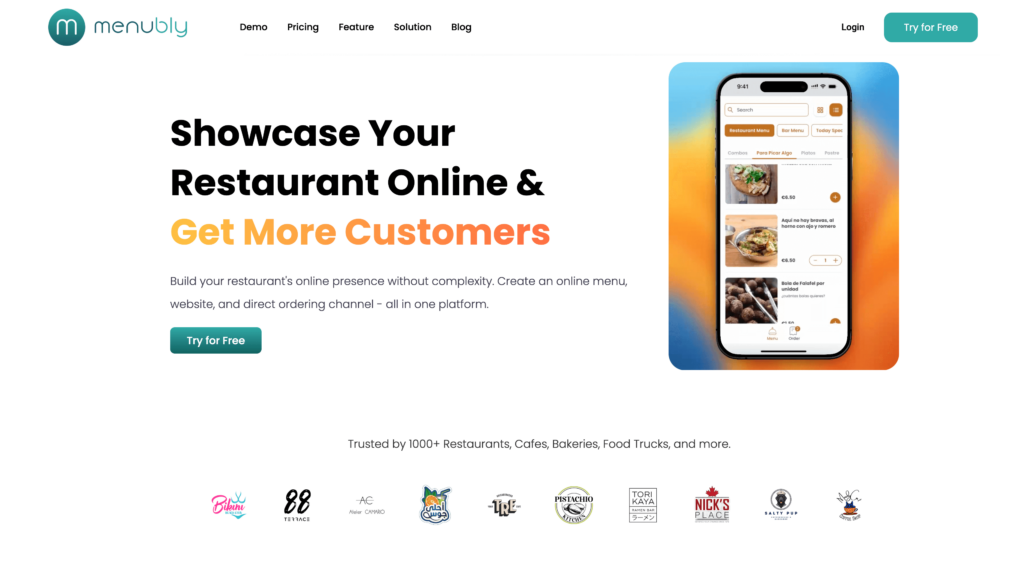
Menubly combines a simple restaurant website builder, interactive online menus, and commission-free online ordering in one platform for $9.99/month. While general website builders charge $29–50/month before you add ordering or menu tools, Menubly makes it easy to get everything a restaurant needs at a fraction of the cost.
There’s no coding or design experience required. You sign up, add your menu items, customize your brand identity, and your restaurant website is live — often within 30 minutes. Menubly is built specifically for small to medium food businesses that want a complete digital presence without paying separately for a website, digital menu system, and ordering platform. Trusted by 1,000+ restaurants, cafes, bakeries, food trucks, and more, it’s the most affordable all-in-one option on this list. You can easily create a customer-friendly restaurant website using Menubly with no technical knowledge at all.
Key Features
One-page restaurant website with custom branding (logo, colors, fonts)
Interactive, mobile-friendly online menus with search and category filtering
Commission-free online ordering for pickup, delivery, and dine-in
Commission fees: 0% — zero commission on all orders
Best For
Small to medium restaurants, cafes, bakeries, food trucks, bars, and catering services that want an affordable way to get online. If you need a digital menu, commission-free ordering, and a simple website without spending $30–100+/month, Menubly gives you the best value.
2. Wix — Best for Versatility & Restaurant Templates
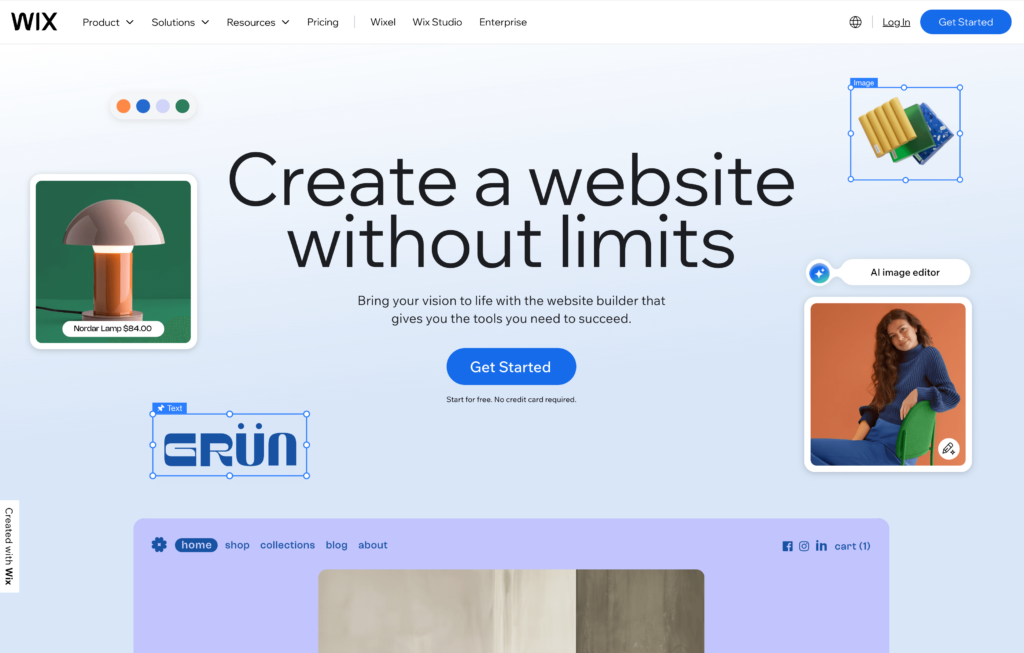
Wix is the most popular general website builder, and it earns that reputation with 85+ templates for restaurants and a dedicated platform called Wix Restaurants. Wix offers templates across every restaurant style, and its drag-and-drop editor gives you more design flexibility than most builders on this list. The AI-powered website builder can generate a starting design based on a few questions about your business.
The catch: you need the Core plan at $29/month (annual billing) to access the Wix Restaurants app, which unlocks menu creation, online ordering, and table reservations. The cheaper Light plan at $17/month doesn’t include restaurant features. Factor in processing fees of 2.9% + $0.30 per transaction on orders, and the real cost of running a restaurant site on Wix is higher than the headline price suggests.
Features
Wix Restaurants app for menus, ordering, and reservations
85+ restaurant-specific templates
Drag-and-drop editor with full layout control
AI website builder for quick setup
Online ordering for pickup and delivery (no third-party needed)
Table reservation system
Built-in SEO tools
Marketing integrations and email campaigns
App marketplace with 500+ add-ons
Custom domain included (first year free)
24/7 customer support
Pros
Most restaurant templates of any builder (85+)
Strong drag-and-drop editor with deep customization
Built-in online ordering — no third-party integrations needed
Free plan available for testing before you pay
AI builder generates a working site in minutes
Large app marketplace for extending functionality
Cons
Restaurant features locked behind $29/mo Core plan — the $17/mo Light plan excludes them
Processing fees of 2.9% + $0.30 on every order
Renewal prices can increase after the first year
Can feel overwhelming with too many options and settings
Page loading speed suffers due to heavy code, especially on media-rich pages
Domain is only free for the first year (~$17/year after that)
Less restaurant-focused than dedicated platforms like Menubly or BentoBox
Pricing
Free plan: Available (includes Wix branding, no restaurant features)
All prices are annual billing. Processing fees: 2.9% + $0.30 per transaction.
Best For
Restaurant owners who want maximum design flexibility and dozens of template options. Wix works well if you’re comfortable spending $29+/month and want a website that does more than just display your menu — like blog posts, event pages, or an online store alongside your restaurant.
3. Squarespace — Best for Design-Focused Restaurants
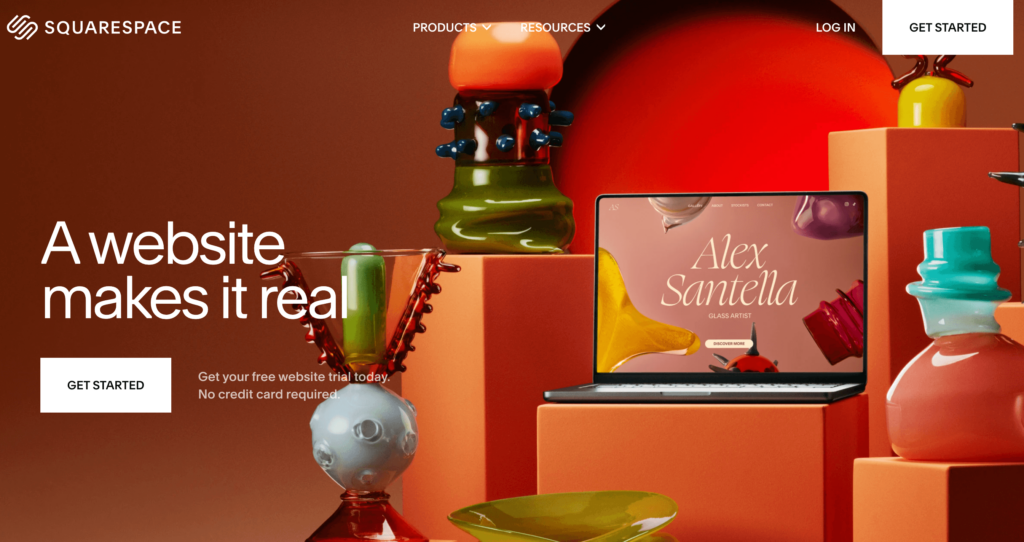
Squarespace is the go-to choice for restaurants that care about visual presentation. Squarespace’s professionally designed templates feature bold typography, generous white space, and room to showcase food photography — which makes a real difference for restaurants where how the website looks drives the decision to visit.
Squarespace offers 16+ restaurant-specific templates and integrates with Tock for reservations and online ordering. It also works with ChowNow for commission-free online ordering. The downside is that ordering isn’t built into Squarespace itself — you’re relying on third-party tools, which adds setup complexity and sometimes extra cost.
Features
16+ restaurant-specific templates with polished designs
Blueprint AI for generating custom layouts
Pre-built menu page layouts (real text, not PDFs) that match your site design
Tock integration for reservations and online ordering
ChowNow integration for commission-free ordering
Built-in SEO tools with clean URL structures
Email marketing campaigns
Social media integration and scheduling
Custom domain and SSL included
Free logo maker
Event management tools
Mobile-optimized by default
Pros
Best-looking templates in this comparison — strong for brand presentation
Tock integration adds reservations and ordering in one tool
Menu pages use real text (not PDFs), which is better for SEO
14-day free trial to test before committing
Clean, mobile-friendly designs on every template
Good built-in analytics
0% transaction fees on Core plan and above
Cons
Online ordering requires third-party integration (Tock or ChowNow) — not natively built in
Free custom domain for the first year ($20–70/year at renewal).
Best For
Fine dining restaurants, upscale cafes, wine bars, and brand-conscious food businesses that want a beautiful website above everything else. Squarespace plans pair well with Tock for reservations. It’s also a good choice if you need portfolio-style layouts for catering or event photography. Not the best fit for budget-conscious owners who need affordable built-in ordering.
4. Hostinger — Best Budget AI-Powered Option
Hostinger is the cheapest website builder on this list, starting at $2.99/month. Hostinger’s AI-powered website generator lets you describe your restaurant in a few sentences, and it creates a working site with content and visuals in under a minute. For restaurant owners who want a basic web presence fast and cheap, Hostinger delivers.
The trade-off: Hostinger has only 8 restaurant-specific templates, no built-in online ordering system, and no reservation tools. It’s a general website builder with some food-business features, not a restaurant-specific platform. The renewal price also jumps — the $2.99/month introductory rate triples to $9.99+ at renewal.
Features
AI website generator — describe your restaurant, get a site in 30 seconds
8 restaurant-specific templates
Drag-and-drop editor
AI content writer for dish descriptions and page copy
AI image generator (free, unlimited)
Basic QR code generation
SEO tools and AI SEO assistant
Email marketing tool (Hostinger Reach)
Google Ads and Meta Pixel integration
Free domain for the first year
SSL certificate included
150+ total templates
Pros
Cheapest builder on this list — $2.99/month for the Business plan
AI generates a working restaurant site in 30 seconds
Fastest loading speed among tested website builders
Free AI image generator with unlimited use
Includes hosting, SSL, and a free domain
No technical skills needed
Email marketing tool included
Cons
Only 8 restaurant-specific templates
Renewal price triples ($2.99/mo introductory jumps to $9.99+/mo)
No built-in online ordering system
No reservation or table booking tools
Fewer features than Wix or Menubly for restaurants
QR code is basic — not a full interactive menu system
Introductory prices require 48-month commitment for the lowest rate
Pricing
Premium:$1.99/mo (48-month term; renews at $9.99/mo)
Business: $2.99/mo (48-month term; renews at $11.99/mo)
Cloud Startup: $7.99/mo
Free domain for the first year. AI tools included on Business plan.
Best For
Budget-conscious restaurant owners, pop-up restaurants, or food trucks that need a basic website fast and can live without built-in online ordering. Hostinger is a good starting point if you’re testing your digital presence on a phone or tablet and don’t want to spend more than a few dollars per month.
5. WordPress — Best for Full Customization
WordPress powers over 40% of all websites on the internet, and thousands of restaurants use it. The platform offers more customization than any other builder on this list through its massive library of themes and plugins. You can build a restaurant website that looks and functions exactly how you want it.
But that flexibility comes with trade-offs. WordPress is self-hosted, which means you need to buy hosting separately, install a theme, add plugins for restaurant features (menus, ordering, reservations), and manage your own updates and security. It’s the most powerful option here, but also the most hands-on.
Features
Thousands of restaurant themes (Divi, Astra, OceanWP, Rosa 2, Neve)
Total estimated cost: $5–50/month depending on your choices
Best For
Tech-savvy restaurant owners or those with a developer who want full control over their website’s design and features. WordPress works well for multi-location restaurants that need custom integrations. Not recommended for non-technical owners who just want something up and running fast.
6. Shopify — Best for Ecommerce & Online Ordering at Scale
Shopify is an ecommerce-first platform that works well for restaurants focused on online ordering, delivery, and selling food products. Customers can place delivery orders directly through your Shopify site. It has the strongest inventory and payment tools of any builder on this list, with a massive app store of 10,000+ extensions. Shopify handles high order volumes and multi-location operations with ease.
For a small restaurant that just needs a website with a menu and contact info, Shopify is overkill. It’s designed for online stores, and the starting price of $39/month (or $29/month annually) reflects that. You’ll also need apps for restaurant-specific features like menu management and reservations, which adds to the monthly cost.
Features
Online ordering with delivery and pickup management
Advanced inventory management with multi-location support
10,000+ app marketplace
Shopify Payments (built-in payment processing)
POS system available as add-on
Marketing tools and email campaigns
SEO tools with clean URL structures
Restaurant themes available in theme store
Shipping, delivery, and tax management
Abandoned cart recovery
Gift cards and customer accounts
24/7 customer support
Pros
Strongest ecommerce features of any builder on this list
Handles high order volumes and complex fulfillment
Massive app marketplace (10,000+ apps)
Reliable payment processing with Shopify Payments
Strong inventory management for multi-location operations
Scales from small to enterprise
Good for selling food products and merchandise alongside restaurant operations
Cons
Most expensive starting point for a restaurant website ($39/mo, $29 annually)
Designed for ecommerce, not restaurants specifically
No built-in menu builder or reservation system
Requires apps for restaurant features (menus, reservations), which add monthly costs
Overkill for simple restaurant websites
Not designed for dine-in operations
Transaction fees of 0.5–2% if not using Shopify Payments
Pricing
Starter: $5/mo (very limited — social selling only)
Processing fees: 2.9% + $0.30 (Basic plan). $1/mo introductory offer for first 3 months.
Best For
Ghost kitchens, meal delivery services, chain restaurants, and food businesses that sell products online (sauces, meal kits, merchandise). Not recommended for traditional sit-down restaurants that need a simple menu and contact page.
7. BentoBox — Best for Upscale & Fine Dining Restaurants
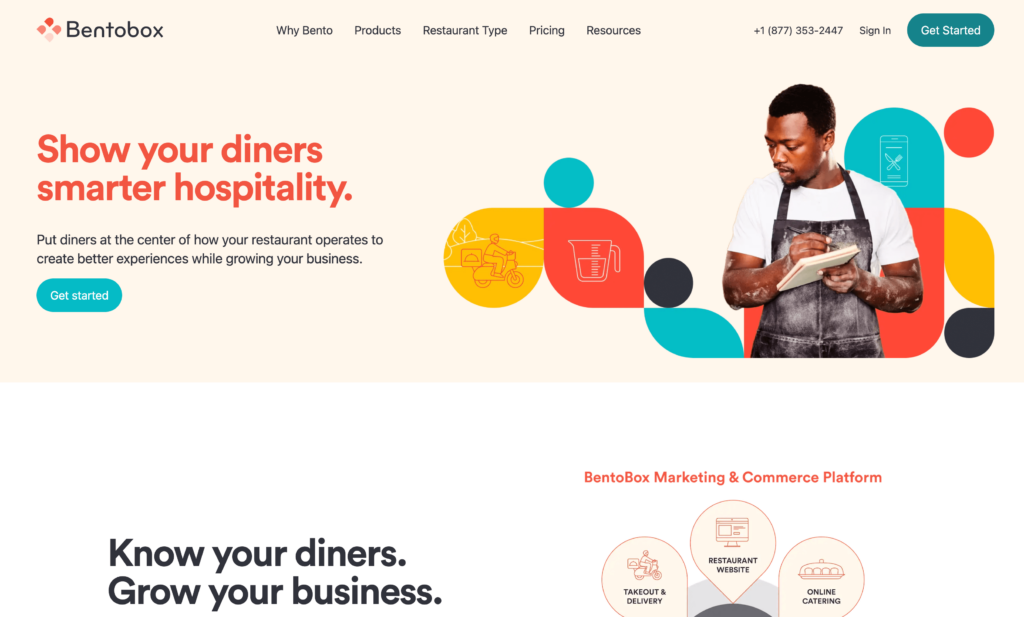
BentoBox is a restaurant-specific website builder designed for full-service and upscale restaurants. Unlike general builders, BentoBox provides custom-designed websites — not templates you edit yourself. A dedicated account manager helps with setup and ongoing support, and the platform integrates menus, ordering, events, gift cards, and marketing into one system called BentoCore.
The premium service comes at a premium price. A basic website starts at $119/month, and adding online ordering costs another $49/month. Full packages run $279–$479/month. BentoBox was acquired by Fiserv in 2021, giving it financial stability but also making it part of a large corporate structure.
Online ordering is a $49/mo add-on (not included in base price)
Full packages cost $279–$479/month
Limited self-service customization — no source code access, no plugin marketplace
You may pay for features you don’t use (events, catering, gift cards)
Longer onboarding process than self-serve builders
Less nimble than independent startups since Fiserv acquisition
Pricing
Website only: $119/mo
Takeout & Delivery add-on: $49/mo
Catering add-on: $79/mo
Foundations package: $279/mo
Signature package: $479/mo
No contracts or setup fees advertised. Custom pricing available.
Best For
Upscale restaurants, fine dining establishments, and restaurant groups that want a polished, custom-designed website with dedicated support. BentoBox makes sense when brand presentation is a top priority and you have the budget for $119–479/month. Not suited for small restaurants watching their costs.
8. Popmenu — Best for Marketing Automation
Popmenu is a restaurant marketing platform that builds websites around interactive, SEO-friendly menus. Its standout feature is how it connects your menu directly to your Google Business Profile, email campaigns, and SMS marketing — so when you update a menu item, it automatically updates everywhere customers see it.
Popmenu is strong on marketing and customer engagement, but it comes with a high price tag. Entry-level plans start at $149/month, online ordering costs an additional $50/month plus a $1 per-order customer fee, and the mid-tier Essentials plan is $299/month. For restaurants that will use the full marketing suite, the investment can pay off. For those who just need a website and menu, it’s hard to justify the cost.
Features
Interactive menus where customers leave reviews and upload photos
SEO-optimized menu pages that sync with Google Business Profile
Marketing automation: email and SMS campaigns
Custom restaurant website design
Online ordering (paid add-on)
AI phone answering system for missed calls
Waitlist and reservation management
Analytics dashboard for website and marketing performance
Reputation management and review monitoring
Social media integration
POS integrations with major systems
Mobile app for on-the-go management
Pros
Interactive menus boost SEO and customer engagement
Automatic Google Business Profile syncing saves time
Marketing-focused restaurants that want automated email and SMS campaigns, loyalty programs, Google integration, and interactive menus — and have the budget for $149–400+/month. Not a fit for small restaurants that just need a website and a menu online.
9. GoDaddy — Best for Simplicity & Quick Setup
GoDaddy is one of the simplest website builders you can use. Its AI builder asks a few questions about your business and generates a working site in minutes. You can have a professional-looking restaurant website live in under an hour with no technical skills at all.
The downside: GoDaddy is a general website builder with no restaurant-specific features. There’s no menu builder, no reservation system, and limited online ordering. You can display a static menu using price lists and add image galleries of your food, but it can’t match what restaurant-focused platforms offer. SEO tools are also locked behind the $14.99/month Premium plan.
Features
AI website builder (generates a site from a few questions)
100+ mobile-friendly templates
Menu and price list display
Image galleries for food photography
Contact forms with business hours and location
Online appointment booking
Payment processing (GoDaddy Payments, PayPal, Apple Pay, Google Pay)
SEO tools (Premium plan and above)
Email marketing campaigns
Social media integration
SSL certificate included
Built-in hosting
Pros
One of the easiest builders to use — live in under an hour
Affordable at $9.99/month
AI builder gets you started fast
Includes hosting and SSL
7-day free trial
Good for restaurants that need a basic web presence
Cons
No restaurant-specific features (no menu builder, no reservations)
Restaurant owners who need the simplest possible website — hours, location, contact info, a static menu page — and want it up and running today. Not suitable if you need online ordering, interactive menus, or reservation management.
10. Sociavore — Best for Restaurant-Specific E-Commerce
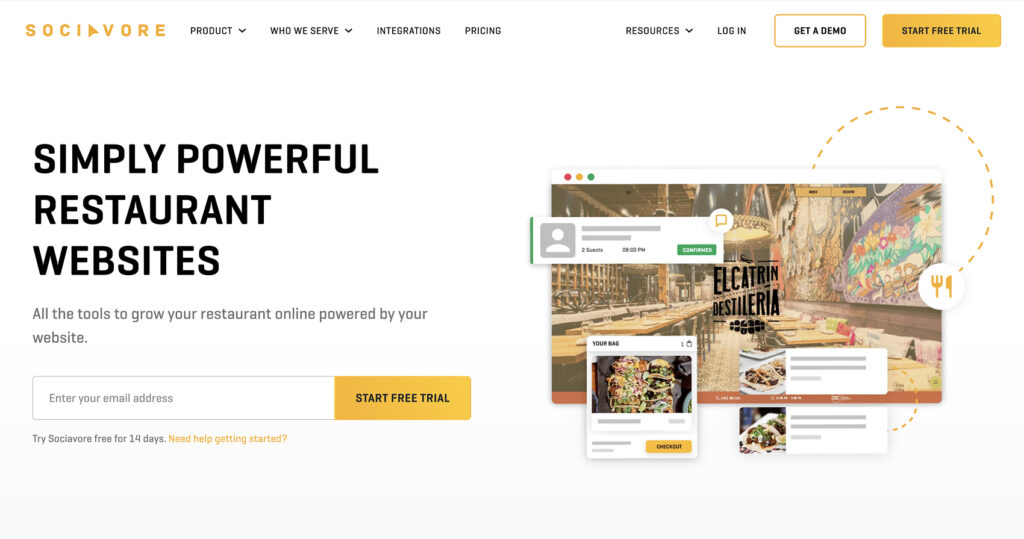
Sociavore is a self-serve website builder designed specifically for restaurants, cafes, and food brands. At $49/month, it includes commission-free online ordering, QR code table ordering, reservations, gift cards, events, and a customer CRM — all in one subscription with no add-on fees. That makes it one of the better values among restaurant-specific platforms.
Sociavore fills the gap between general builders like Wix (which lack restaurant depth) and expensive platforms like BentoBox and Popmenu. It integrates with 100+ POS systems and payment providers, and its menu management supports time-based changes (lunch vs. dinner menus) and real-time stock updates. The platform has been operating since 2012, giving it a stable track record.
Restaurants that want a dedicated restaurant website builder with built-in ordering, reservations, and e-commerce — without paying BentoBox or Popmenu prices. Good middle ground for restaurants that need more than a general builder but don’t want to spend $100+/month.
How to Choose the Best Restaurant Website Builder
The right builder depends on your budget, your restaurant type, and what you actually need. All of these builders are great in their own way — the key is matching the right one to your situation. Here’s how to narrow it down:
By Budget
Under $10/month: Menubly ($9.99/mo — website + menu + ordering) or Hostinger ($2.99/mo — basic website, no ordering)
“I just need a simple menu and website”: Menubly or GoDaddy
“I need online ordering without commissions”: Menubly or Sociavore
“I want the best-looking website”: Squarespace or BentoBox
“I want full control and customization”: WordPress
“I need marketing automation”: Popmenu
“I need to sell food products online”: Shopify
For most small to medium restaurants, the best value is a platform that combines your website, digital menu, and online ordering in one affordable subscription. That way you’re not paying $30/month for a website, $50/month for ordering, and $20/month for a menu tool separately. Menubly does this for $9.99/month with zero commission fees, and it integrates seamlessly with your existing workflow — you can try it free for 30 days to see if it fits.
Frequently Asked Questions
What is the best website builder for a small restaurant?
For small restaurants, the best website builder is one that includes menus, online ordering, and a simple website in one affordable package. Menubly offers all three for $9.99/month with zero commission fees. If you want more design options and don’t mind spending $29/month, Wix is a strong alternative with 85+ restaurant templates.
How much does a restaurant website cost?
Restaurant website costs range from $2.99/month (Hostinger, basic site only) to $479/month (BentoBox full package). Most small restaurants spend between $10 and $50/month. With Menubly, you get a website, digital menus, and commission-free ordering for $9.99/month. General builders like Wix cost $29+/month for restaurant features, and restaurant-specific platforms like Popmenu start at $149/month.
Do I need online ordering on my restaurant website?
Yes. Customers expect to order directly from restaurant websites, and every order placed through your own site means you avoid the 15–30% commission fees that delivery apps like Uber Eats and DoorDash charge. Even if you primarily serve dine-in customers, offering pickup orders through your website can increase your restaurant’s sales with minimal effort.
Can I build a restaurant website for free?
Some builders offer free plans — Wix and GoDaddy both have them. But free plans come with major limitations: the builder’s branding on your site, no custom domain, and no restaurant-specific features like menus or ordering. For a professional restaurant website, you’ll need a paid plan. Menubly offers a free 30-day trial with all features included, so you can build and test your complete restaurant website before paying anything.
What’s the difference between a general website builder and a restaurant website builder?
General builders (Wix, Squarespace, GoDaddy) let you create any type of website, but restaurant features like interactive menus, online ordering, and reservations are either add-ons or require third-party integrations. Restaurant-specific builders (Menubly, BentoBox, Sociavore) include these features by default, so you don’t need to piece together multiple tools. The trade-off is that general builders usually offer more design flexibility.
How do I make my restaurant website show up on Google?
Focus on three things: make sure your menu is real text on the page (not a PDF or image), use a builder with SEO tools that let you set page titles and descriptions, and claim your Google Business Profile. Platforms like Menubly create SEO-optimized menu pages that Google can read and index. Popmenu also syncs menus directly with your Google listing. Avoid uploading your menu as a scanned image — search engines can’t read it.
Should I use Wix or Squarespace for my restaurant website?
Wix is better if you want more restaurant templates (85+ vs. 16+), a built-in online ordering system, and more design flexibility. Squarespace is better if visual design is your top priority and you’re willing to use Tock or ChowNow for ordering and reservations. Wix starts at $29/month for restaurant features; Squarespace starts at $16/month for a basic site. If budget is your main concern, both are more expensive than restaurant-specific alternatives like Menubly ($9.99/month).
Can I add online ordering to my existing restaurant website?
Yes. If you already have a website on WordPress, Wix, or Squarespace, you can add ordering through third-party tools like ChowNow, GloriaFood, or Square Online. But this often means paying for both your website builder and a separate ordering platform. If you’re starting fresh or open to switching, an all-in-one platform like Menubly or Sociavore gives you a website and ordering together at a lower total cost.
Which Restaurant Website Builder Is Right for You?
Here’s a quick recap of the top picks:
Best affordable all-in-one: Menubly ($9.99/mo — website, menus, and commission-free ordering)
Best for design: Squarespace ($16/mo — polished templates with Tock integration)
Best budget option: Hostinger ($2.99/mo — AI-powered, no ordering)
Best for versatility: Wix ($29/mo — 85+ templates, built-in ordering)
Best for ecommerce: Shopify ($39/mo — strong for delivery and product sales)
Most small to medium restaurants don’t need a $100–500/month platform. They need a way to get their menu online, let customers order directly, and have a professional web presence — without spending hours on setup or giving away 15–30% of every order to delivery apps. The right website builder should streamline your operations and provide a seamless experience for your customers. A good website is part of a larger restaurant marketing strategy — and it doesn’t have to cost a fortune.
Menubly was built for that. For $9.99/month, you get a restaurant website, interactive digital menus, and commission-free online ordering — all in one platform. No technical skills required. No hidden fees. Most restaurants are live within 30 minutes of signing up.
To provide the best experiences, we use technologies like cookies to store and/or access device information. Consenting to these technologies will allow us to process data such as browsing behavior or unique IDs on this site. Not consenting or withdrawing consent, may adversely affect certain features and functions.
Functional
Always active
The technical storage or access is strictly necessary for the legitimate purpose of enabling the use of a specific service explicitly requested by the subscriber or user, or for the sole purpose of carrying out the transmission of a communication over an electronic communications network.
Preferences
The technical storage or access is necessary for the legitimate purpose of storing preferences that are not requested by the subscriber or user.
Statistics
The technical storage or access that is used exclusively for statistical purposes.The technical storage or access that is used exclusively for anonymous statistical purposes. Without a subpoena, voluntary compliance on the part of your Internet Service Provider, or additional records from a third party, information stored or retrieved for this purpose alone cannot usually be used to identify you.
Marketing
The technical storage or access is required to create user profiles to send advertising, or to track the user on a website or across several websites for similar marketing purposes.