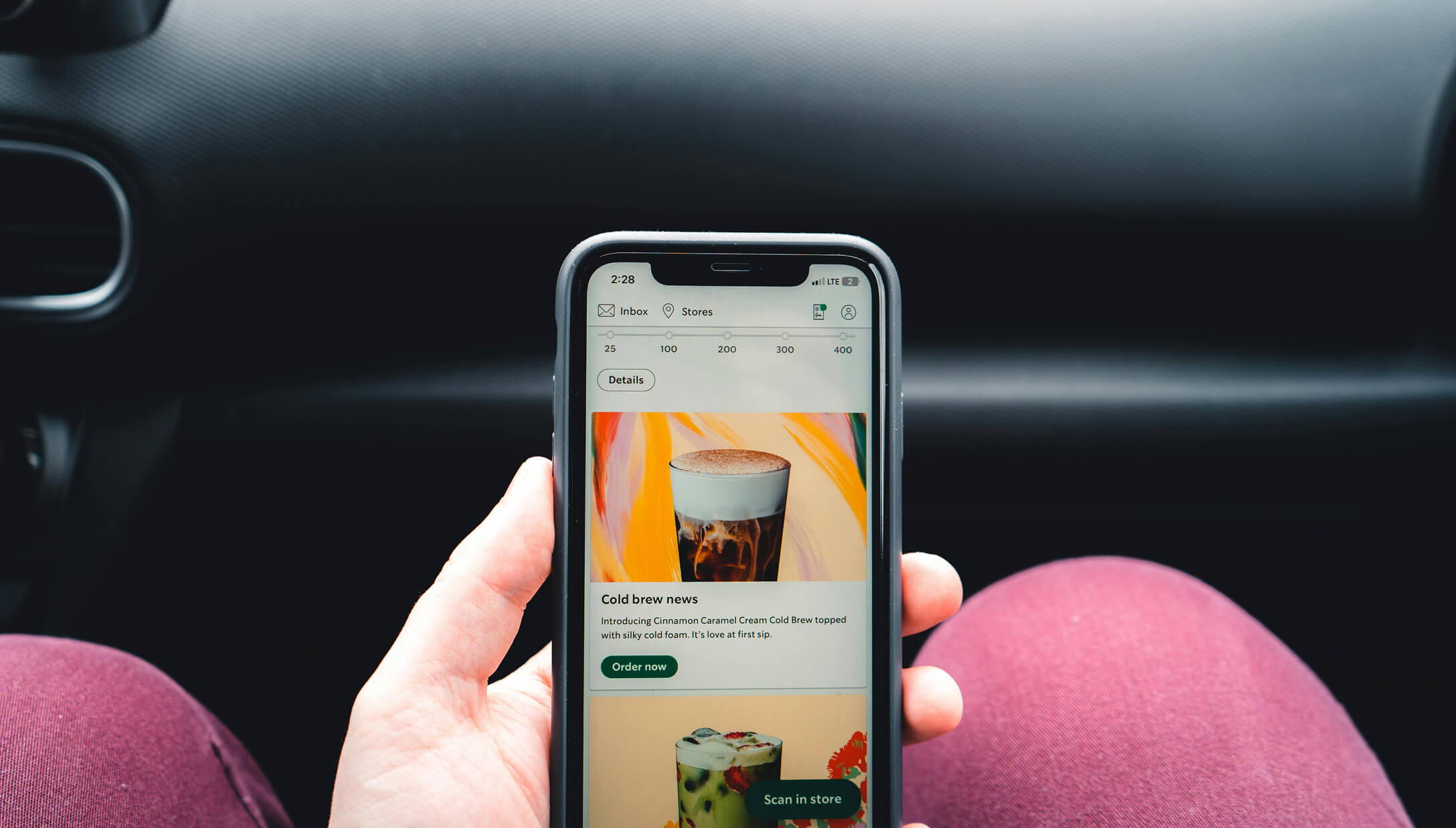
The digital menu board market is on track to reach $3.5 billion by 2033, and for good reason. Restaurants that switch from printed menus to modern digital menu systems report sales increases of 15–30% on average. Whether you run a quick-service restaurant (QSR), a casual dining spot, or a food truck, a digital menu can cut printing costs, streamline ordering, and enhance the dining experience on any mobile device.
But with dozens of digital menu software options on the market, picking the right one for your restaurant isn’t straightforward. Some platforms focus on digital menu boards for restaurants and signage displays, while others specialize in QR code menus with built-in online ordering.
This guide breaks down everything you need to know: what a digital menu actually is, the five main types, the 10 best digital menus for restaurants in 2026, key features to look for, the real advantages and disadvantages, costs, and a step-by-step setup guide. By the end, you’ll know exactly which platform fits your restaurant and how to get it running.
A digital menu is an electronic version of a restaurant’s menu that customers can view on a screen, mobile device, or web browser instead of a printed paper menu. Digital menus display your food and beverage items, prices, descriptions, and photos in an interactive format that can be updated instantly from anywhere.
Unlike a static menu printed on paper, a digital menu lives online or on a display screen. Restaurant owners can change prices, add seasonal items, mark dishes as sold out, or run limited-time offers — all without reprinting a single page. Customers can access the menu by scanning a QR code with their phone, browsing a website URL, or viewing a digital display mounted in the restaurant.
Digital menus exist because the old way of managing restaurant menus is slow and expensive. Every time you adjust pricing on a paper menu, you pay for reprints. Every time a customer opens a PDF menu on their phone, they deal with pinching and zooming through tiny text. A digital menu fixes both problems — real-time updates for you, easy reading for your customers.
| Feature | Digital Menu | Paper Menu |
|---|---|---|
| Update speed | Instant (seconds) | Days to weeks (reprint required) |
| Cost per update | $0 | $200–$500+ per reprint |
| Mobile experience | Mobile-friendly, interactive | PDF or photo — hard to read |
| Online ordering | Built-in on many platforms | Not possible |
| Photos and descriptions | High-quality images, full details | Limited by print space |
| Allergen and calorie information | Easy to display calorie counts and filter allergens | Often missing or hard to find |
Not all digital menus work the same way. The best choice for your restaurant depends on your service style, budget, and goals. Here are the five main types of menus in the digital category.
QR code-based menus let customers scan a QR code with their phone camera to view your menu on their own device. There’s no app to download — the menu opens directly in a web browser like Google Chrome, Firefox, or Safari. This is the most affordable type of digital menu and the most popular for dine-in restaurants, cafes, and food trucks. Many QR code menu platforms also include built-in ordering, so customers can their orders and pay right from their phone.
Best for: Dine-in restaurants, cafes, food trucks, and any business that wants a contactless menu without hardware costs.
Digital menu boards are screens mounted on walls, behind counters, or at drive-thrus that display your menu items, prices, and promotions. They use restaurant digital signage software to manage content and can automatically switch between breakfast, lunch, and dinner menus using time-based scheduling (also called dayparting). Quick-service restaurants and fast-casual restaurants use these most often.
The top digital menu board platforms run on commercial-grade hardware and support platforms like Samsung Tizen and LG webOS for reliable, always-on performance.
Best for: QSRs, fast-casual restaurants, drive-thrus, and multi-location chains that need large, visible menu displays with strong visual appeal.
Tablet menus are digital menus displayed on iPad or Android tablet computers placed at each table. Customers browse the menu, customize their orders with add-ons and options, and sometimes pay directly on the tablet. This type works well for restaurants that want a guided, interactive ordering experience without needing a server for every order — enhancing the guest experience while improving efficiency and sales.
Best for: Full-service restaurants, hotels, and bars that want table-side ordering with a premium feel.
An online menu website is a dedicated web page where customers can view your full menu, browse categories, search for items, and place their orders for delivery or takeout. Unlike a simple PDF upload, a proper online menu is mobile-friendly, SEO-friendly (so Google can find it), and connected to an ordering system. Customers access it through a direct URL or a menu link shared on social media.
Best for: Any restaurant that wants online ordering for delivery, takeout, or pickup — and wants to be discoverable on Google.
Self-ordering kiosks are freestanding interactive kiosk stations where customers place their own orders on a touchscreen. They’re common in quick-service and fast-casual restaurants. Kiosks connect directly to POS systems and kitchen display systems, sending orders straight to the kitchen. The upfront cost is higher, but they reduce labor needs and increase order accuracy.
Best for: High-volume QSRs and fast-casual restaurants with heavy foot traffic.
| Type | How It Works | Best For | Typical Cost |
|---|---|---|---|
| QR Code Menu | Scan code, view menu on phone | Dine-in, cafes, food trucks | $0–$30/month |
| Digital Menu Board | Screen displays menu content | QSRs, drive-thrus, chains | $20–$100/month per screen |
| Tablet Menu | Tablet at each table | Full-service, hotels, bars | $300–$600 per tablet + software |
| Online Menu Website | Web page with ordering | Delivery, takeout, pickup | $0–$50/month |
| Self-Ordering Kiosk | Touchscreen ordering station | High-volume QSRs | $1,500–$5,000 per kiosk |
Not all digital menu platforms are created equal. Here are the seven things that matter most when choosing one for your restaurant.
1. Ease of use and setup time. Can you set it up without hiring someone or reading a manual? The best platforms have drag-and-drop editors, ready-made digital menu templates, and can get you live in under an hour. The system should be easy to manage from day one. If you’re running a restaurant, you don’t have time to learn complex software.
2. Real-time menu updates. This is the #1 reason restaurants switch from paper. Can you change a price, add a new dish, or mark something as sold out — and have it show up immediately? If your digital menu still requires a support ticket to update, it defeats the purpose.
3. Mobile-friendly design. Over 60% of customers browse restaurant menus on their phones. Your digital menu needs to look good on small screens without pinching or zooming. PDF menus fail this test badly — and so do some older digital menu platforms.
4. QR code support. Can you generate QR codes for table ordering or your storefront? More importantly, does the QR code stay the same when you update the menu? If you have to reprint QR codes every time you change a dish, you’re back to the same problem as paper menus.
5. Online ordering integration. Can customers order directly from the digital menu, or is it view-only? If ordering is included, check for commission fees. Third-party delivery apps charge 15–30% per order — the best digital menu platforms charge zero commission on direct orders. Check our guide to the best restaurant online ordering systems for a deeper comparison.
6. Pricing transparency. Look beyond the monthly subscription. Watch for per-order commissions, hardware costs, setup fees, per-screen charges, and payment processing markups. A $0/month platform with a $0.99/order fee costs more than a $9.99/month platform with zero commissions if you process 50+ orders per month.
7. Customization and branding. Can you match your restaurant’s colors, logo, and style? A branded menu builds trust and looks professional. Generic templates with another company’s watermark make your restaurant look less credible. For more on this, see our menu design tips guide.
|
Platform |
Best For |
Starting Price |
QR Code Menu |
Online Ordering |
Digital Menu Boards |
Free Plan/Trial |
|
Menubly |
Affordable digital menus + ordering |
$9.99/mo |
Yes (with ordering) |
Yes (commission-free) |
No |
30-day free trial |
|
MenuTiger |
QR dine-in ordering |
Free (limited) |
Yes (with ordering) |
Yes |
No |
Free plan + 14-day trial |
|
GloriaFood |
Free ordering + menu |
Free |
Yes (with ordering) |
Yes (commission-free) |
No |
Free forever plan |
|
Square for Restaurants |
Free POS with QR menus |
Free |
Yes (with ordering) |
Yes (commission-free) |
No (integrates with others) |
Free plan |
|
UpMenu |
Marketing + loyalty |
$49/mo |
Yes (with ordering) |
Yes (commission-free) |
No |
Free trial |
|
MustHaveMenus |
Menu design + signage |
$24/mo |
Yes (view-only) |
No |
Yes ($20/screen/mo) |
N/A |
|
iMenuPro |
Budget menu design |
$11.25/mo |
Yes (view-only) |
No |
Yes (basic) |
Free trial |
|
NoviSign |
Digital menu boards |
$18/screen/mo |
No |
No |
Yes |
30-day free trial |
|
BentoBox |
Upscale restaurant websites |
$119/mo |
Yes ($19/mo extra) |
Yes ($49/mo extra) |
No |
N/A |
|
MenuDrive |
Delivery-focused ordering |
$74/mo (annual) |
Yes (basic) |
Yes (commission-free) |
No |
60-day free trial |
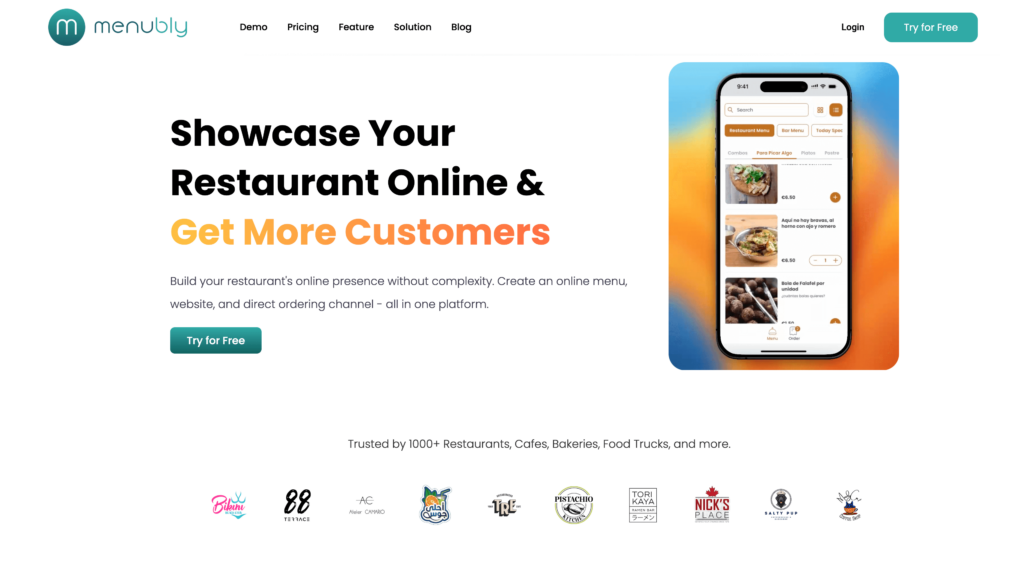
Menubly is a digital menu and online ordering platform designed specifically for food and beverage businesses that want an affordable, easy-to-use solution without commission fees. You can create a mobile-friendly contactless menu in minutes, add online ordering for dine-in, takeout, and delivery, and generate a permanent QR code that never needs reprinting — even when you update your menu.
What makes Menubly stand out is the combination of features at its price point. You get a full digital menu with photos, descriptions, categories, and allergen information, plus commission-free online ordering with 100+ payment options, a simple restaurant website builder, and WhatsApp ordering integration. You can also upload an existing PDF or photo of your paper menu, and Menubly converts it into a digital menu for free.
Small to medium restaurants, cafes, bakeries, food trucks, and bars that want a professional digital menu with online ordering at the lowest possible cost. If you’re spending money on paper menu reprints or losing profits to delivery app commissions, Menubly pays for itself fast. Use the restaurant profit margin calculator to see how much commission fees are eating into your margins.
Try Menubly free for 30 days — no credit card required.
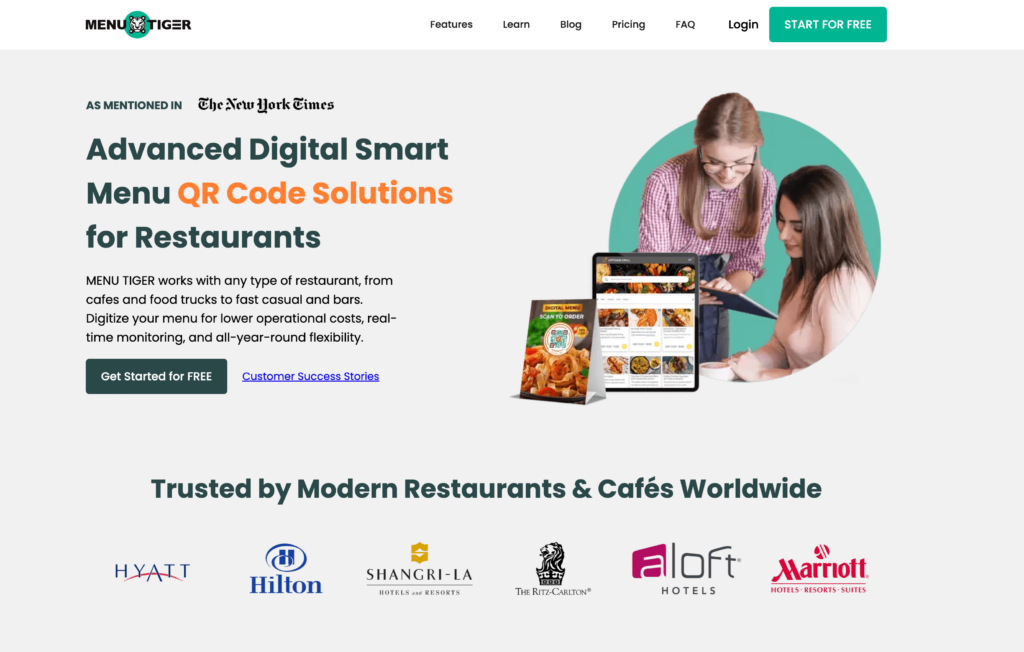
MenuTiger is a QR code menu and ordering platform that lets customers scan a table-specific QR code, browse your menu, and order directly from their phone. It’s built specifically for dine-in ordering, making it a good fit for restaurants that want to replace paper menus with a phone-based ordering system.
MenuTiger stands out because it offers a free plan — limited to 10 tables, 200 QR orders per month, 7 categories, and 7 items per category, but functional enough to test the concept. Paid plans start at $17/month and unlock unlimited orders, more tables, and multi-store management.
Mid-sized dine-in restaurants that want a dedicated QR code ordering system. The free plan makes it a good starting point for restaurants testing QR ordering for the first time. But if you need ordering beyond dine-in (takeaway, delivery), or want a more complete digital menu solution, Menubly offers more for less at $9.99/month.

GloriaFood is a free online ordering and digital menu platform, now owned by Oracle. Its core ordering features are genuinely free — no commissions, no contracts, no monthly fees, and no order limits. Customers can browse your menu, place orders for pickup or delivery, and even order via table-specific QR codes.
The catch? Advanced features cost extra. A sales-focused website is $9/month, promotional tools are $19/month, online payment processing is $29/month, and a branded mobile app is $59/month. Stack all the add-ons and you’re at $116/month. Still, if all you need is basic online ordering and a contactless menu, the free tier is hard to beat.
Small independent restaurants and ghost kitchens that want zero-cost online ordering. GloriaFood is ideal as a first step into digital menus — you can test the waters without spending a dollar. But if you outgrow the free tier and need a polished branded experience, you’ll likely spend more than Menubly’s flat $9.99/month.
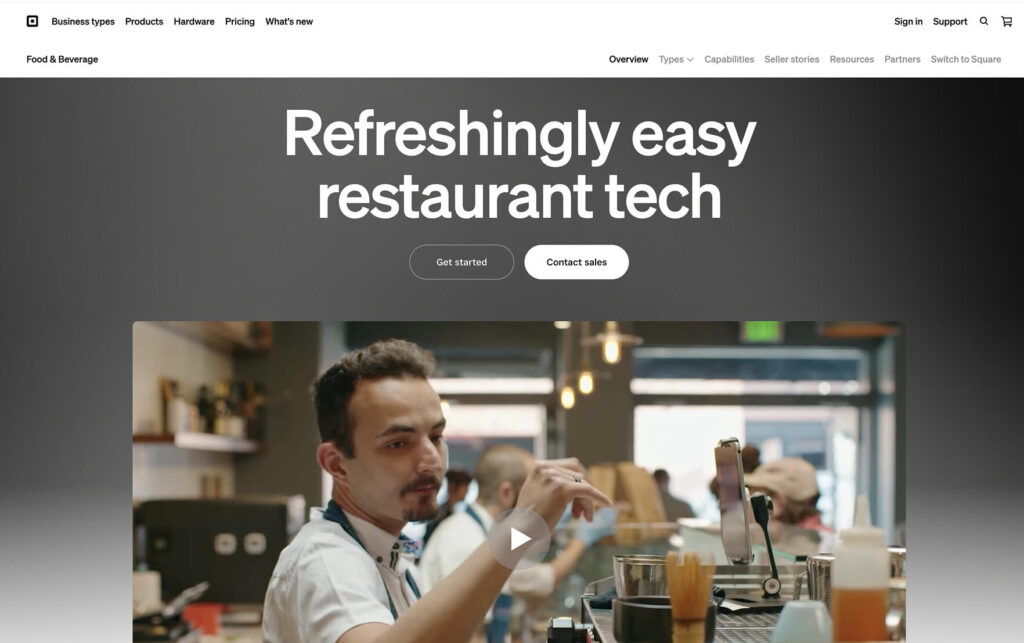
Square for Restaurants is a free POS system with built-in QR code ordering and online ordering. Customers scan a table-specific QR code to browse your menu, place orders, and pay — all from their phone. Orders route directly to your POS and kitchen display system.
Unlike the other platforms on this list, Square is a full point-of-sale system. That means you also get in-person payment processing, team management, inventory tracking, and reporting. The trade-off is that you must use Square’s payment processing (2.6% + $0.15 per transaction on the free plan), which you can’t swap for a third-party processor.
New restaurants, small cafes, food trucks, and counter-service spots that want a full POS system with digital menu and QR ordering baked in. If you need in-person payments, inventory, and staff management alongside your digital menu, Square is the best free starting point. But if you only need a digital menu with online ordering (and don’t need a POS), Menubly gives you that at $9.99/month without the payment processing lock-in.
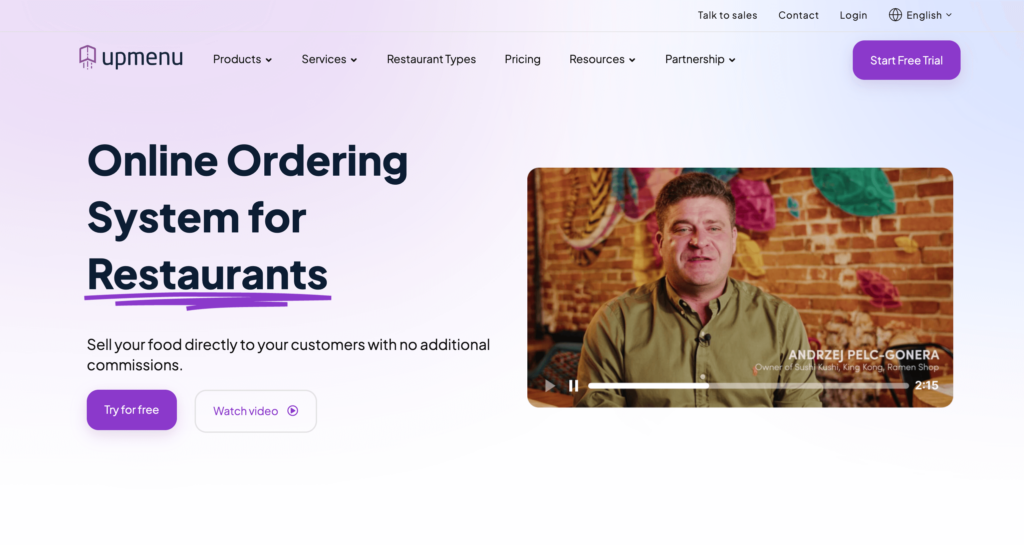
UpMenu goes beyond basic digital menus by bundling online ordering with a full marketing suite. Along with your digital menu and commission-free ordering, you get a built-in loyalty program, SMS marketing, push notifications, and email campaigns — tools that typically require separate subscriptions from other providers.
Starting at $49/month, UpMenu costs more than basic digital menu platforms. But for restaurants with an established customer base, the marketing automation can drive repeat business and increase restaurant sales without paying for separate marketing software.
Mid-size restaurants with a regular customer base that want to drive repeat orders through loyalty programs, SMS, and email — all from one platform. If your main goal is marketing automation alongside commission-free ordering, UpMenu delivers. But if you just need a simple digital menu with ordering, it’s more than you need — and more than you should pay.
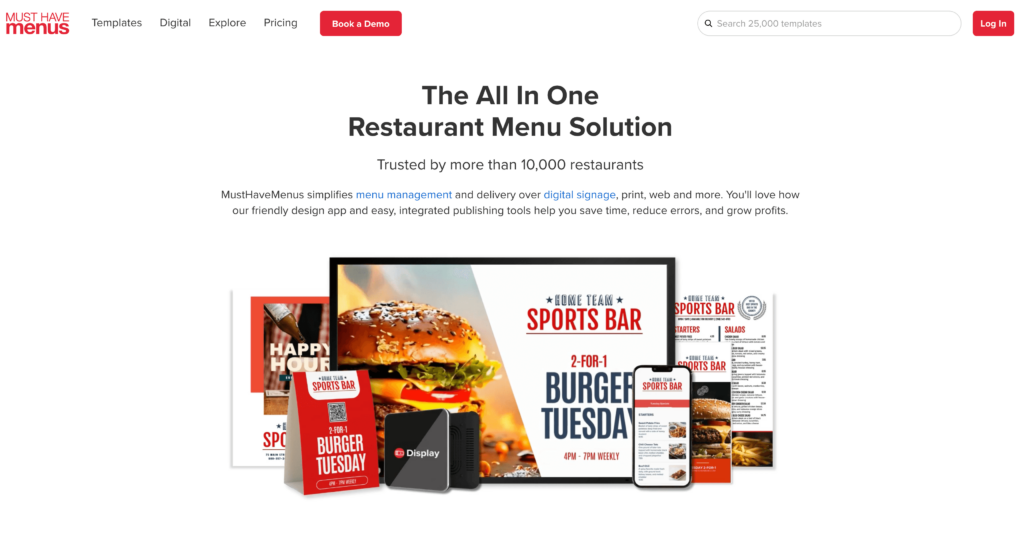
MustHaveMenus takes a design-first approach to digital menus. With 25,000+ restaurant-specific templates, it lets you create professional menus for print, your website, QR codes, and TV screens — all from one platform. Design a menu once, and publish it everywhere.
What makes MustHaveMenus different from ordering platforms is its POS integration with Square and Toast. When you update a price or remove an item in your POS, the change syncs automatically across all your menus — printed, digital, and displayed. The design-only plan starts at $24/month. Digital signage for TV screens costs $20/screen/month on the Pro plan ($49/month).
Restaurants that need consistent, professional menu design across multiple formats — printed menus, QR code menus, website menus, and TV screen displays. Great for restaurant groups managing multiple menu versions and branding across multiple locations. But since there’s no ordering, you’ll need to pair it with a separate ordering platform.
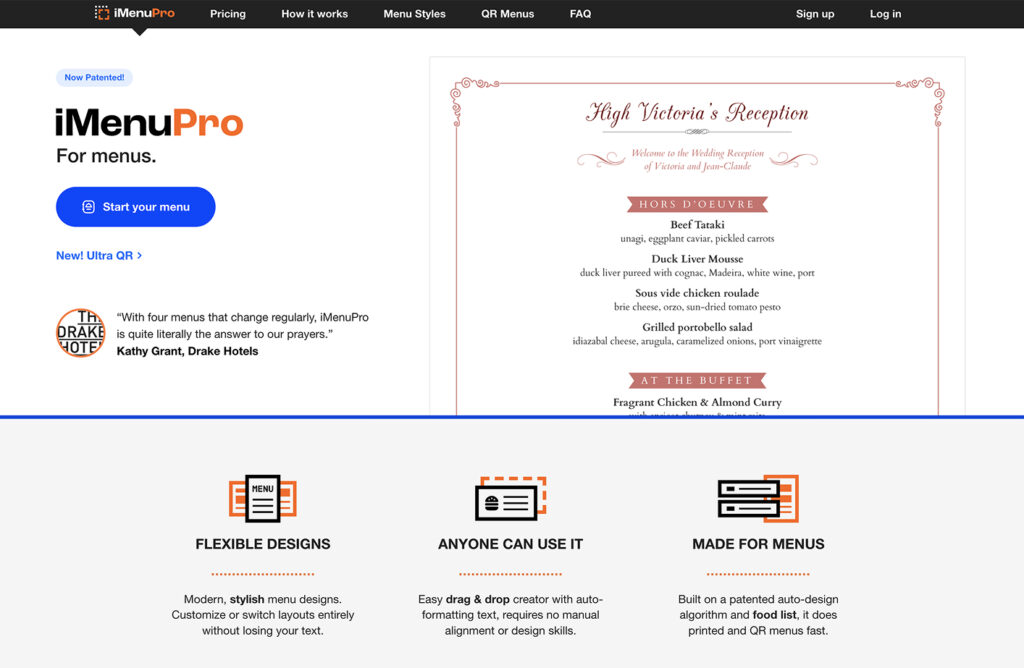
iMenuPro by SoftCafe is a dedicated menu design tool used by over 25,000 restaurants. It covers print menus, QR code menus, and basic digital TV display from a single tool. Its standout feature is “Live-Sync” technology — edit your menu once, and the changes show up across your printed, QR, and TV versions automatically.
At $11.25–$16/month with a single pricing tier (all features included, no upsells), iMenuPro is one of the cheapest ways to get a professional-looking menu across multiple formats. The trade-off is a dated user interface and no online ordering capability.
Small independent restaurants, cafes, bars, and boutique hotels that need an affordable menu design tool covering print, QR, and basic TV display. If you’re keeping your different types of menus consistent across formats on a tight budget, iMenuPro gets the job done. But you’ll need a separate platform for online ordering.

NoviSign is a cloud-based digital signage platform designed for displaying menus on TV screens and monitors inside restaurants. With 400+ customizable templates (including designs for cafes, quick-service spots, bakeries, and pizza shops), it’s built for restaurants that need professional menu boards without enterprise-level costs.
Starting at $18/screen/month, NoviSign is significantly cheaper than enterprise signage platforms like Raydiant (which starts around $49/screen/month). It also supports interactive touchscreens for self-service kiosks — a feature that’s becoming more common in quick-service and fast-casual restaurants.
Independent and small-to-mid-size restaurants that need professional digital menu boards. Well-suited for quick-service, fast-casual, and counter-service restaurants with 1–5 screens. If you also need QR code menus or online ordering, pair NoviSign with a platform like Menubly.
BentoBox is a premium restaurant website and digital commerce platform, now owned by Fiserv (the parent company of Clover POS). Unlike template-based restaurant website builders, BentoBox creates custom-designed websites with a dedicated account manager guiding you through the process.
Starting at $119/month for a website alone, BentoBox is the most expensive option on this list. Online ordering adds $49/month, and QR Code Order & Pay adds another $19/month plus a $0.99/order fee. But the quality matches the price — BentoBox sites are custom-designed (not template-based), and you get dedicated support that most affordable platforms can’t offer.
Upscale restaurants, fine dining, and restaurant groups that want a custom-designed web presence with dedicated support. If brand image is a top priority and you have the budget, BentoBox delivers. But for small restaurants watching every dollar, it’s overkill — you can get a professional digital menu with ordering from Menubly for a fraction of the cost.

MenuDrive, owned by Lavu Inc., is an online ordering and digital menu platform designed for restaurants that do heavy delivery and takeout business. It includes commission-free ordering across four order types (pickup, delivery, curbside, and dine-in), plus built-in marketing tools that most ordering platforms charge extra for.
At $74–$149/month, MenuDrive is positioned for restaurants with enough order volume that zero commissions offset the subscription cost. It also offers the longest free trial in the category — 60 days — so you can test it with real orders before committing. One standout: the MenuDrive team handles your entire menu setup at no extra cost.
Restaurants with enough online order volume that $74–$149/month in subscription fees is less than what they’d pay in delivery app commissions. Strong for pizza shops, Chinese restaurants, and other delivery-heavy spots that want email marketing and a loyalty program without subscribing to separate tools. For lower-volume restaurants, Menubly’s $9.99/month is a much leaner starting point.
Digital menu costs vary widely depending on the type of solution you choose. Here’s a breakdown of typical monthly costs for each category.
| Solution Type | Monthly Cost | What’s Included |
|---|---|---|
| QR code menu + online ordering | $0–$30/month | Digital menu, QR code, basic ordering |
| Digital menu board software | $8–$100/month per screen | Content management, templates, scheduling |
| Tablet menu system | $300–$600 per tablet + $20–$50/month software | Hardware, ordering, payment processing |
| Full POS with digital menu | $69–$300+/month | POS, menu management, ordering, reporting |
| Self-ordering kiosk | $1,500–$5,000 per unit + $30–$100/month | Hardware, software, POS integration |
For most small to mid-size restaurants, a QR code menu with online ordering gives you the most value for the lowest cost. Menubly, for example, provides a full digital menu, commission-free online ordering, QR codes, and a simple website — all for $9.99/month with a free 30-day trial. Compare that to a $69/month POS system or a $5,000 kiosk setup, and the savings are clear.
The biggest hidden cost to watch for isn’t the software — it’s commission fees. Platforms that charge 15–30% per order can cost a busy restaurant $3,000–$10,000+ per month in fees alone. Choosing a commission-free platform changes the economics entirely. When evaluating pricing, always ask: does the platform charge per-order commissions, transaction fees, or both?
Setting up a digital menu is simpler than most restaurant owners expect. Follow these seven steps to go from paper menus to a working digital menu in less than a day.
Decide what you want your digital menu to do. Display-only for dine-in? Online ordering for delivery and takeout? Both? Your goals determine which type of platform you need. If you only need a QR code menu for dine-in, your setup is simple. If you want delivery ordering too, pick a platform designed for multiple order types.
Based on the comparison above, pick the platform that matches your goals and budget. For restaurants that want a digital menu with online ordering and QR codes at the most affordable price, Menubly is the strongest option at $9.99/month. It covers everything most restaurants need — interactive menu, commission-free ordering, QR code generation, and a simple website — without the complexity or cost of a full POS system.
Enter your food and drink items with names, prices, descriptions, and photos. Organize them into sections and categories (Appetizers, Main Courses, Desserts, Drinks). If you have an existing menu in PDF, Excel, or CSV format, many platforms let you bulk import your items or convert them automatically — saving hours of manual entry. For tips on structuring your menu, check this guide on how to create a restaurant menu.
Upload your restaurant logo, select your brand colors, and choose fonts that match your identity. Adjust the menu layout to present your items the way you want — grid view for photo-heavy menus, list view for text-focused menus. Good menu design tips apply to digital menus just as much as printed ones: clear categories, readable fonts, and high-quality photos of your best dishes.
If your platform supports ordering, configure your order types — dine-in, takeout, delivery — and connect your payment methods. Set your operating hours, delivery zones (if applicable), and order notification preferences. This is where you start saving on third-party delivery commissions by taking orders directly through your own menu.
Create your QR code and menu link. Print the QR code on table tents, window stickers, receipts, or flyers. Place them where customers can easily scan a QR code — on tables, at the counter, or near the entrance. Add the menu link to your Google Business profile, social media bios, and restaurant website. For a detailed walkthrough, see how to make a QR code menu that fits your setup.
Tell your customers about your new digital menu. Train your staff to point out the QR codes and assist anyone who needs help. Share the menu link on your social media channels, add it to your email signature, and include it in your restaurant marketing strategies. The more places your menu link appears, the more orders you’ll receive.
For most restaurants, yes. Digital menus cost less to maintain over time, update instantly, display better on mobile devices, and can include online ordering. Paper menus still work in fine dining and for customers who prefer a physical menu, but the operational savings and enhanced dining experience advantages of digital menus make them the better choice for the majority of food businesses.
Yes, many digital menu platforms include built-in online ordering. Customers browse your menu, add items to their cart, customize their order, and pay — all from their phone or computer. Not every platform offers this feature, so check whether ordering is included before choosing a provider.
It depends on the type. A QR code menu requires no hardware at all — customers use their own phones. Digital menu boards require screens (TVs or commercial displays) and a media player. Tablet menus need a tablet computer at each table. The most affordable option is a QR code or online menu, which runs entirely on your customers’ devices.
You generate a QR code linked to your digital menu. Customers point their phone camera at the code — both iOS and Android support this natively, no mobile app needed. The menu opens in their web browser, where they can browse, search, and in many cases place orders and pay. The QR code stays the same even when you update your menu content.
Yes. Restaurants using digital menus report average sales increases of 15–30%. High-quality food photos drive larger orders, built-in upselling prompts encourage add-ons, and online ordering brings in revenue from customers who wouldn’t have called or visited. Direct ordering also eliminates third-party commission fees, which increases your profit on every order.
Several platforms offer free plans with basic features. For a paid solution that includes both a digital menu and online ordering with zero commission, Menubly at $9.99/month is the most affordable option that covers everything most restaurants need. Free plans typically lack ordering capabilities or limit the number of menu items.
A digital menu is accessed on a customer’s phone via QR code or web link. A digital menu board is displayed on a physical TV screen or monitor inside the restaurant. Some platforms like MustHaveMenus handle both. QR code menus are cheaper (no hardware needed), while digital menu boards require a TV/monitor plus a media player or smart TV.
Yes. Most digital menu platforms support multiple order types from the same menu. Dine-in customers scan a QR code at the table, while takeout and delivery customers access the menu through your website or social media link. Some platforms let you customize which items or prices appear for each order type.
Update whenever something changes — a new dish, a price adjustment, a seasonal item, or a sold-out product. The whole point of a digital menu is that updates are instant and free, so there’s no reason to delay. Many restaurants update weekly to keep content fresh with new specials and limited-time offers.
Digital menus are especially good for small restaurants because they eliminate recurring printing costs, reduce reliance on third-party delivery apps, and provide a professional online presence without hiring a web developer. A platform at $9.99/month gives a small restaurant the same digital tools that large chains use — at a fraction of the cost.
Here’s the quick recap:
Most small restaurants don’t need expensive POS systems or enterprise signage platforms to go digital. They need an affordable way to put their menu online, let customers order, and stop losing money to delivery app commissions or menu reprints.
Menubly does exactly that at $9.99/month. You get a mobile-friendly digital menu, QR code ordering, and commission-free online ordering — no contracts, no hidden fees, and no technical skills needed. Most menus are live within 30 minutes of signing up.
Whether you’re running a cafe, a food truck, a bakery, or a full-service restaurant, going digital with your menu is one of the fastest ways to cut costs, streamline menu management, and reach more customers. And with free trials available on most platforms, there’s no risk in trying. For more ways to grow your business online, check out our guide to digital marketing for restaurants and the latest menu trends shaping the industry.
Try Menubly free for 30 days, no credit card required.

