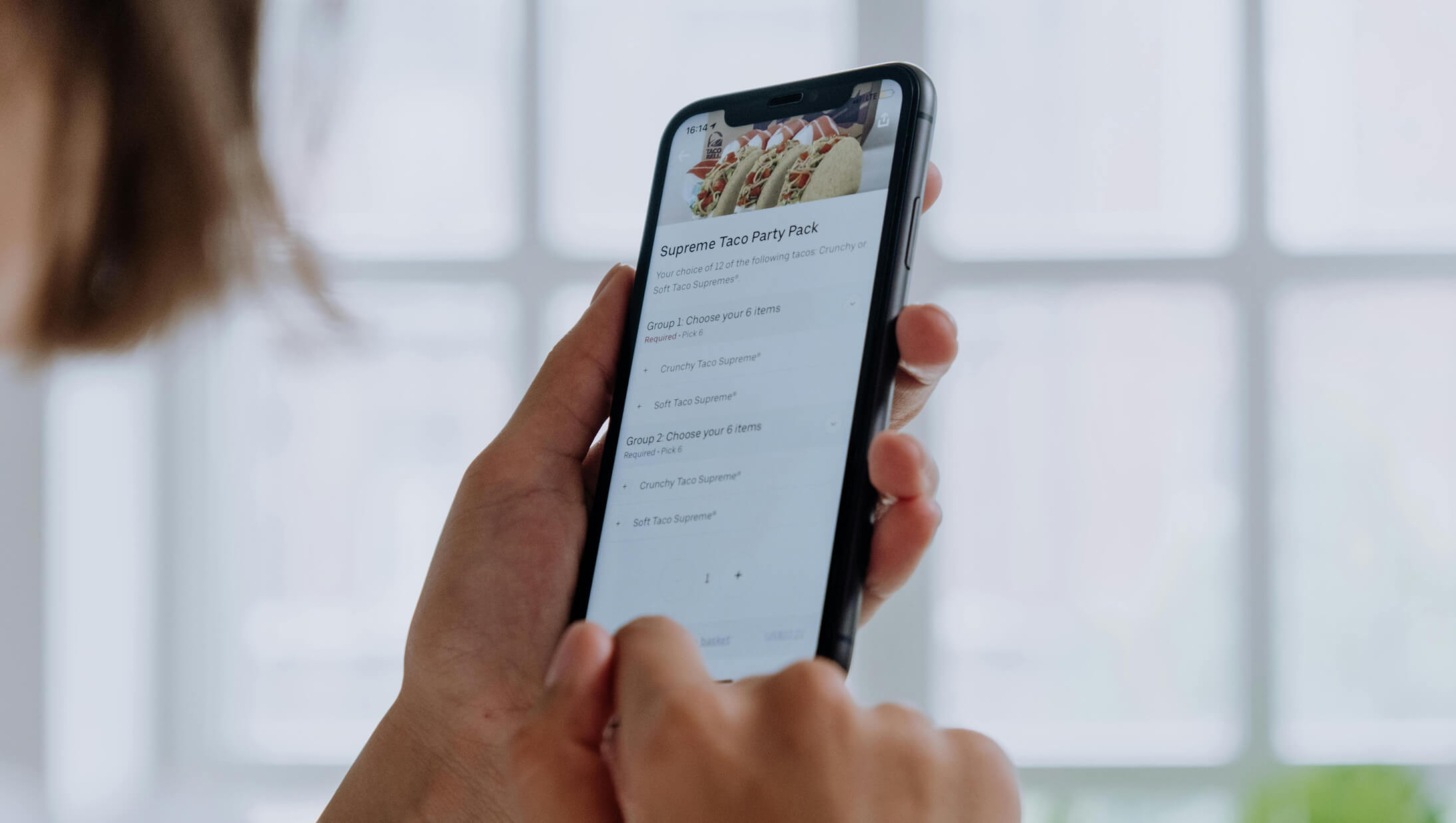
Third-party delivery apps like DoorDash, Uber Eats, and Grubhub charge between 15% and 30% commission on every order. On a $50 order, that’s $7.50 to $15 going straight to the platform—money that could be staying in your pocket. For restaurants already operating on thin profit margins of 3% to 9%, these fees can make the difference between profitability and loss.
The good news? You don’t have to accept these high commissions as the cost of doing business. A growing number of restaurant online ordering systems allow you to accept orders directly from customers without paying a percentage of each sale. These platforms give you control over your customer relationships, your data, and your profits.
According to Statista research, the global online food delivery market will reach $388 billion by 2033. Your restaurant needs to be positioned to capture this growth—but on terms that work for your business, not against it.
This guide reviews 10 of the best online ordering systems for restaurants, with special attention to commission-free options designed for small to medium food businesses. Whether you run a restaurant, cafe, bakery, food truck, bar, or catering service, you’ll find a platform that fits your budget and operational needs.
A restaurant online ordering system is a software platform that enables customers to browse digital menus, customize orders, and complete payments through a restaurant’s owned channels, managing the entire process from order placement through kitchen fulfillment. Unlike phone orders that require staff time and risk miscommunication, digital ordering captures accurate orders automatically and sends them directly to your kitchen.
62% of all digital orders now come through restaurant apps and websites, significantly outperforming third-party platforms according to recent industry data. Full-service restaurants have witnessed a 237% increase in digital orders since 2020, proving that online ordering is here to stay across every restaurant category.
The ordering process flows like this:
Key Difference: Unlike third-party apps that own customer relationships, direct ordering systems let you control the entire experience and keep customer data for future marketing.
Understanding the different categories of ordering platforms helps you narrow down which type fits your restaurant’s needs and budget. Each model has distinct advantages and trade-offs.
Marketplace platforms like DoorDash, Uber Eats, and Grubhub operate as food delivery aggregators. They list your restaurant alongside competitors, handle customer acquisition, and typically provide delivery drivers.
Commission Structure: 15-30% per order (delivery orders often at the higher end)
Pros:
Cons:
Best For: New restaurants seeking visibility and discovery, or establishments without delivery capabilities
DoorDash currently controls 67% of the U.S. food delivery market, while Uber Eats holds 23%.
Direct ordering platforms like Menubly, Square Online, and ChowNow let you accept online orders through your own branded channels. Instead of per-order commissions, you pay a flat monthly subscription or transaction-based fees.
Pricing Model: $0-150/month subscription (some offer free tiers with limited features)
Pros:
Cons:
Best For: Established restaurants wanting control and profitability, businesses with existing customer bases
67% of consumers prefer restaurant-owned ordering because they want to support restaurants directly and avoid platform fees, according to industry research.
Some restaurant POS systems like Toast, Square, and Clover include built-in online ordering as part of their ecosystem. Orders flow directly into the same system managing your in-person sales.
Pricing: Varies widely—often included in higher-tier POS plans or available as add-ons
Pros:
Cons:
Best For: Restaurants upgrading their entire technology stack or already committed to a specific POS
Enterprise platforms and custom-built solutions offer maximum flexibility and branding control for larger operations.
Pricing: $500-5,000+/month depending on complexity and scale
Pros:
Cons:
Best For: Multi-location restaurant groups, franchises, and high-volume operations
| Type | Commission | Customer Data | Setup Complexity | Best For |
| Third-Party Marketplace | 15-30% | No | Low | Discovery & delivery |
| Commission-Free Direct Ordering | 0% | Yes | Low-Medium | Independent restaurants |
| POS-Integrated | Varies | Yes | Medium | Full tech upgrades |
| White-Label/Custom | 0% | Yes | High | Multi-location groups |
Many restaurants use a hybrid approach—third-party platforms for discovery and reaching new customers, while directing repeat customers to their commission-free direct ordering system for better margins and relationship building.
For a restaurant with $10,000 monthly online orders, a 25% commission means $2,500 lost to the platform versus $50-100/month for a subscription-based commission-free system.
Choosing the right online ordering system isn’t just about features—it’s about finding a platform that fits your budget, technical skills, and business model. Before diving into our top picks, here are the key criteria we used to evaluate each platform, and what you should prioritize based on your restaurant’s needs.
Why it matters: Commission fees of 15-30% can destroy thin restaurant margins. On a $25 order, you might lose $7.50 in fees—money that should be profit. Over hundreds of orders per month, this adds up to thousands of dollars walking out the door.
How to evaluate: Look for flat monthly fees versus per-order commissions. Calculate your total cost based on your expected order volume. A $99/month flat fee platform could cost less than a “free” platform charging 15% commission if you process more than $660 in monthly orders.
What good looks like: Zero commission or flat monthly fee under $100. Transparent pricing with no hidden transaction fees beyond standard payment processing (typically 2.9% + $0.30).
Red flags: Per-order percentage fees, vague “marketing fees,” payment processing markups above standard rates, or pricing that requires a sales call to discover.
Why it matters: Restaurant owners don’t have hours to spend learning complex software. If your staff can’t figure out the system quickly, orders get missed, customers get frustrated, and you lose sales.
How to evaluate: Look for setup time estimates, free trials, and user reviews that specifically mention the learning curve. Test the platform yourself before committing.
What good looks like: Menu live within 1 hour. Intuitive dashboard that requires minimal training. Mobile-friendly management so you can handle orders from anywhere.
Red flags: Requires a developer or IT support to set up. Complex onboarding process spanning multiple days. Frequent user complaints about confusing interfaces.
Why it matters: Restaurant menus change constantly—pricing adjustments, daily specials, seasonal items, and items that sell out. Slow updates frustrate customers who order something that’s no longer available.
How to evaluate: Can you update your digital menu instantly? Add modifiers and add-ons? Mark items out of stock in real-time without calling support?
What good looks like: Real-time updates that go live immediately. Bulk import options for large menus. Full modifier and customization support. Easy photo uploads.
Red flags: Updates take 24+ hours to process. Limited menu item capacity. No support for modifiers or item variations.
Why it matters: Different restaurants need different fulfillment options. A food truck needs pickup and mobile ordering. A full-service restaurant needs dine-in, pickup, and delivery. Limited options mean lost sales.
How to evaluate: Check which order types are included in the base price versus which cost extra. Verify the platform supports your specific business model.
What good looks like: Multiple order types included (dine-in, pickup, delivery, curbside). Flexible scheduling for advance orders. Clear customer communication about order status.
Red flags: Extra monthly fees for each order type. Limited to delivery only. No pickup option for customers who want to save on delivery fees.
Why it matters: Customers abandon carts when their preferred payment method isn’t available. International businesses need local payment options that American platforms often ignore.
How to evaluate: Count the number of payment methods supported. Check processing fees. Verify cash-on-pickup options for customers who prefer paying in person.
What good looks like: Major credit cards, digital wallets (Apple Pay, Google Pay), local payment methods, and cash on delivery options.
Red flags: Limited to one payment processor. Processing fees significantly above market rates. No cash option for pickup orders.
Why it matters: Your online ordering solution should work with your existing POS, printers, and workflow—not require replacing everything you already own and use.
How to evaluate: Check POS integrations. Determine if dedicated hardware is required or optional. Verify the platform works on devices you already have.
What good looks like: Works with existing equipment. Integrates with major POS systems. Runs on any tablet, phone, or computer.
Red flags: Requires proprietary hardware purchase. Limited POS compatibility. Needs a dedicated device that can’t be used for anything else.
Why it matters: Third-party apps keep customer data for themselves. You can’t email your own customers about specials or build loyalty when a platform owns the relationship.
How to evaluate: Do you get customer contact information? Can you export data freely? Are there restrictions on marketing to your customers?
What good looks like: Full access to customer emails and phone numbers. Easy data export. No restrictions on using customer data for your own marketing.
Red flags: Platform owns customer relationships. Can’t access or download contact information. Data locked inside the platform with no export option.
With these seven criteria in mind, let’s examine the top restaurant online ordering systems available today. We’ve tested and researched each platform to help you find the perfect match for your business size, budget, and technical comfort level.
Restaurants with optimized online ordering systems have boosted sales by up to 162%, according to industry analysis. Digital systems boost average order values by 20% and provide 24/7 revenue opportunities.
Here’s how the top online ordering solutions compare:
| Platform Name | Best For | Starting Price | Commission Fees | Key Strength | Main Limitation |
|---|---|---|---|---|---|
| Menubly | Budget-conscious small food businesses | $9.99/month | Zero | Low-cost commission-free option | No native POS integration |
| Square Online | Square POS users | Free | Zero (transaction fees apply) | Free plan with Square ecosystem | Transaction fees add up on free plan |
| Toast | Full-service restaurants | $0-$165+/month | Varies by plan | Complete restaurant management | Requires hardware purchase ($799+) |
| ChowNow | Brand-focused independents | $139-$299/month | Zero | Marketing and branding tools | High monthly cost, annual contracts |
| GloriaFood | Budget-conscious starters | Free | Zero | Completely free core features | Limited features, add-ons cost extra |
| UpMenu | Feature-rich commission-free ordering | $49/month | Zero | POS integration, branded app, loyalty | Higher starting price than budget options |
| Restolabs | Multi-location restaurants | $99/month | Zero | Multi-location management | Higher starting price |
| MenuDrive | Delivery-focused restaurants | Custom pricing | Zero on most plans | Delivery zone management | Pricing not transparent |
| Flipdish | European restaurants | Custom pricing | Zero | European market support | Limited outside Europe |
| Owner.com | Marketing-focused restaurants | Custom pricing | Zero | Marketing automation | Premium pricing |
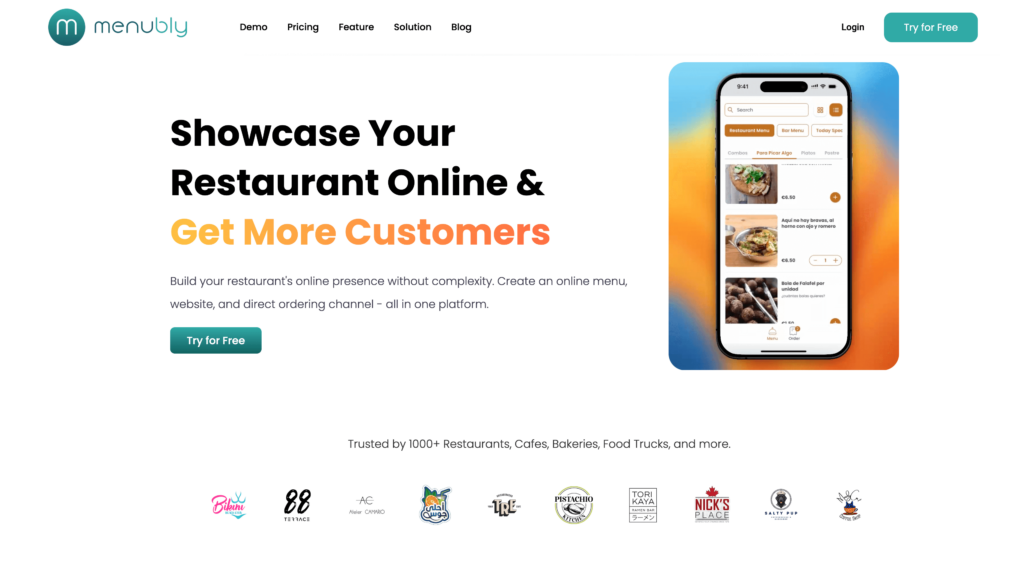
Menubly offers one of the most affordable commission-free online ordering systems designed specifically for small food businesses. While other platforms charge hundreds per month or take a cut of every order, Menubly delivers a complete solution—online menu, ordering, and simple website—for just $9.99/month.
What makes Menubly appealing for budget-conscious operators is its focus on the needs of small operators. The platform was built for restaurant owners who need to start taking online orders quickly without technical expertise or large budgets. Most businesses can have their menu live within a short time of signing up, with no IT support needed.
The platform combines restaurant online menu creation with built-in ordering capabilities, eliminating the need to pay for multiple tools. For food trucks, cafes, bakeries, bars, and small restaurants, this all-in-one approach means fewer subscriptions, less complexity, and more money staying in your pocket.
Menubly supports 100+ payment methods and offers WhatsApp ordering integration, which can be valuable for markets where WhatsApp dominates customer communication.
Menubly also offers a free menu conversion service—simply upload a PDF or photo of your existing menu and their team will convert it to digital format at no additional cost. This removes one of the biggest barriers to getting started with online ordering.
Menubly is a good choice for budget-conscious small food businesses—restaurants, cafes, bakeries, food trucks, and bars—who want an affordable, easy-to-use restaurant online ordering platform without commission fees. Ideal for operators who need to get online quickly, don’t have technical staff, and want to keep costs predictable while maximizing profit margins.
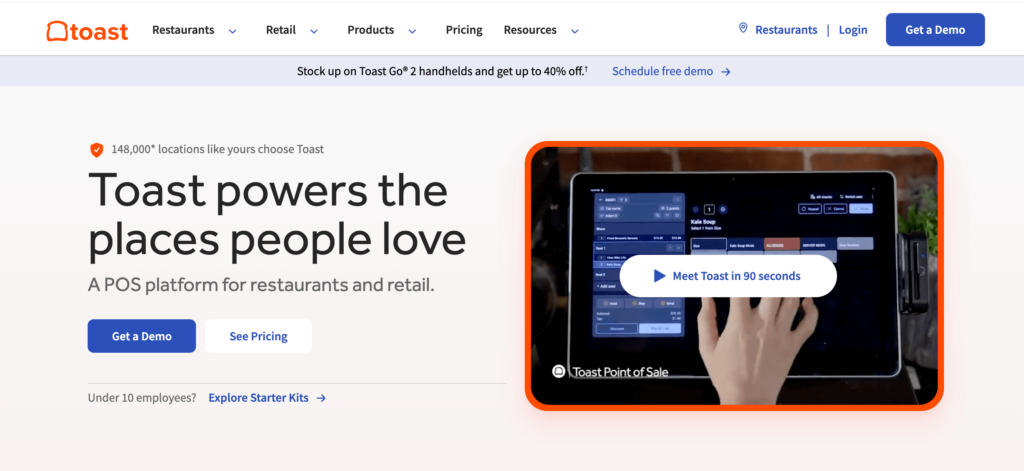
Toast positions itself as an all-in-one restaurant management platform, combining POS, online ordering, kitchen operations, and employee management in a single system. Built by restaurant industry veterans, the platform addresses operational challenges specific to full-service restaurants that simpler ordering platforms don’t touch.
The strength of Toast lies in its depth. Beyond online ordering, you get kitchen display system integration, tableside ordering capabilities, inventory tracking, and detailed reporting. For restaurants wanting one vendor to handle everything from taking online orders to managing payroll, Toast delivers a comprehensive solution.
This comprehensiveness comes with trade-offs. Toast requires purchasing proprietary hardware (typically $799 or more), often involves multi-year contracts, and costs significantly more than standalone ordering software. For restaurants just wanting simple online ordering without replacing their entire tech stack, Toast is overkill. But for established operations ready to invest in a complete restaurant pos and ordering system, it’s a strong contender.
Toast is best for established full-service restaurants that want a complete, integrated restaurant management system. Ideal for operators ready to invest in hardware and commit to a full ecosystem, not those seeking simple, affordable online ordering only.
Square Online offers a genuinely free plan for restaurants wanting to accept online orders, making it an attractive entry point for businesses already invested in the Square ecosystem. The platform’s strength lies in its seamless integration with Square POS, creating a unified system for both online and in-person ordering.
For restaurants using Square for payment processing and point of sale, adding Square Online ordering creates a single dashboard for managing all sales channels. Orders flow directly into your existing Square system, and inventory syncs automatically between online and in-store sales.
The free plan includes basic online ordering features with per-transaction fees (2.9% + $0.30), which works well for lower-volume businesses. As order volume grows, the math may favor paid plans with lower transaction rates or flat-fee alternatives. Square’s established reputation and extensive support resources make it a reliable choice for businesses prioritizing stability over cost optimization.
Square Online is ideal for restaurants already using Square POS who want a free starting point with room to grow your business. Best for small restaurants comfortable with per-transaction fees who value ecosystem integration over commission-free pricing.
ChowNow built its business helping independent restaurants compete against chains and third-party delivery apps. The platform offers commission-free ordering combined with marketing tools designed to strengthen your restaurant’s brand and build direct customer relationships.
Where ChowNow differs from basic ordering platforms is its focus on marketing automation and brand building. The platform includes tools for email marketing, customer retention campaigns, and social media ordering integration. For restaurants wanting to reduce dependency on food delivery apps while actively marketing to customers, ChowNow provides the tools to make that happen.
The trade-off is price. ChowNow’s plans typically range from $139-$299/month with annual contracts common—significantly higher than budget alternatives. For restaurants with enough order volume to justify this investment, the commission savings and marketing features deliver value. For smaller operations with limited online sales, the monthly cost may exceed what you’d pay in commissions elsewhere.
ChowNow is best for established independent restaurants with marketing budgets who want commission-free ordering combined with strong branding tools. Ideal for restaurants processing enough orders monthly to justify the higher investment.

GloriaFood offers something rare in the restaurant software market: a genuinely free online ordering system with no monthly fees and no commissions. The platform monetizes through optional paid add-ons rather than charging for core ordering functionality.
For restaurants wanting to test online ordering without financial risk, GloriaFood removes all barriers to entry. The free plan includes basic menu building, order management, and even table reservations. You can accept online orders through a widget on your existing website or share a direct ordering link.
The limitations become apparent as you use the platform. Branding options are restricted on the free plan, reporting capabilities are basic, and customer support is limited. Premium features like a branded app or advanced marketing tools require monthly payments that can add up. Still, for budget-conscious operators who need easy ordering without upfront costs, GloriaFood delivers functional free online ordering.
GloriaFood is best for restaurants wanting to test online ordering with zero financial commitment. Ideal for very budget-conscious operators who need basic ordering functionality and can accept limited branding and features.
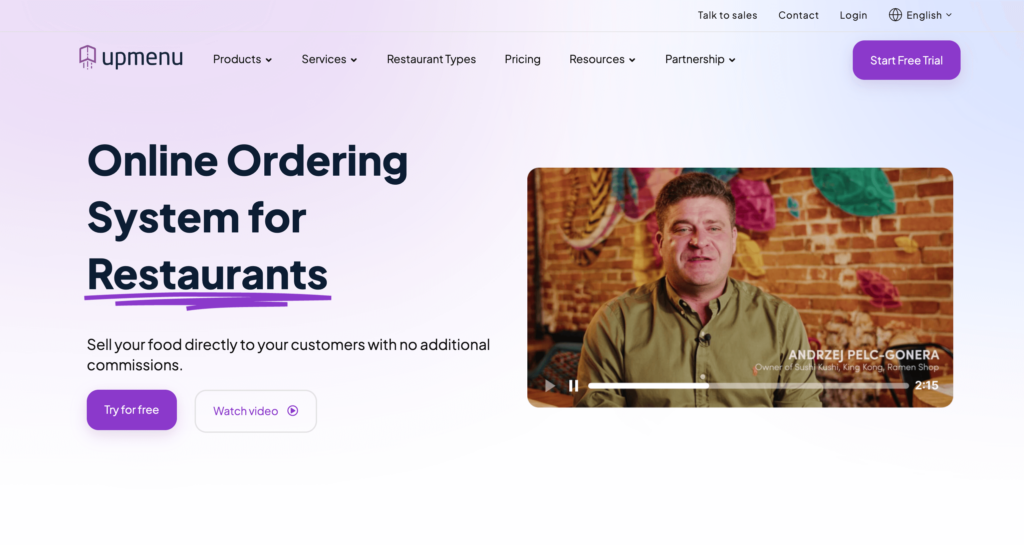
UpMenu offers a robust commission-free online ordering system with features that compete with more expensive platforms. Starting at $49/month, it provides POS integration, branded mobile apps, loyalty programs, and marketing tools that budget options often lack.
What sets UpMenu apart is the balance between price and functionality. While not the cheapest option, it delivers enterprise-level features at a mid-range price point. The platform includes native POS integrations, which means orders flow directly into your existing systems without manual transfer.
For restaurants that have outgrown basic ordering tools but don’t want to pay $150+/month for premium platforms, UpMenu hits a sweet spot. The branded app option helps build customer loyalty, and the marketing automation tools support customer retention efforts.
UpMenu is best for growing restaurants that need more features than basic platforms offer but want to avoid premium pricing. Ideal for operators who value POS integration, loyalty programs, and marketing tools at a reasonable monthly cost.
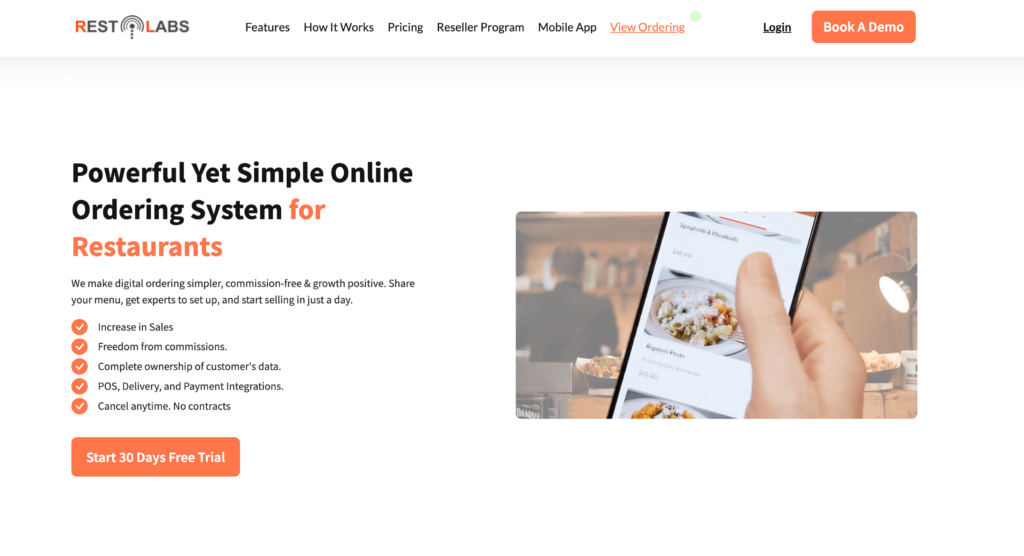
Restolabs built its platform with growing restaurant businesses in mind. While single-location restaurants can use it, the platform’s strengths emerge when managing multiple locations from a centralized dashboard. Commission-free ordering combined with enterprise-grade features makes it attractive for expanding restaurant groups.
The multi-location management capabilities set Restolabs apart from simpler platforms. You can manage menus, pricing, and promotions across all locations while still customizing individual stores as needed. Centralized reporting shows performance across your entire business, and POS integrations help maintain operational consistency.
The starting price of $99/month positions Restolabs above budget options, making it less suitable for single-location small businesses. But for restaurant groups managing 2-5+ locations, the per-location cost becomes reasonable compared to using separate systems for each store.
Restolabs is best for growing restaurant groups with 2+ locations who need centralized management and commission-free ordering. Less suitable for single-location small businesses due to the higher price point.
MenuDrive specializes in online ordering for restaurants where delivery is the primary business model. The platform includes robust delivery zone management and driver dispatch tools that simpler ordering systems lack, making it particularly valuable for pizza shops, Chinese restaurants, and other delivery-heavy operations.
The delivery-specific features address operational challenges unique to high-volume delivery businesses. Zone-based delivery fees, driver assignment tools, and delivery time estimates help manage the logistics that come with running a delivery operation. Marketing automation and loyalty programs help turn one-time customers into repeat business.
MenuDrive doesn’t publish pricing publicly, requiring potential customers to contact sales for quotes. This lack of transparency makes comparison shopping difficult.
MenuDrive is best for delivery-focused restaurants that need robust driver management and zone-based delivery tools. Particularly good for pizza shops and businesses where food delivered makes up the majority of sales.
Flipdish has built a strong presence in European markets, particularly the UK and Ireland, with localized payment options and multi-language support that American platforms often neglect. For restaurants outside North America, this local expertise translates to better customer experiences and fewer payment friction points.
The platform offers commission-free ordering with options for branded mobile apps, website ordering, and even self-service kiosks. Marketing tools and loyalty programs help European restaurants compete with major delivery apps while keeping customer relationships direct.
Flipdish’s focus on European markets means it’s less suitable for restaurants in North America or Asia. Pricing requires contacting sales, and branded app development adds additional costs beyond the base platform.
Flipdish is best for European restaurants, particularly in the UK and Ireland, who want localized support, payment options, and language capabilities. Less suitable for North American or Asian markets where other platforms have stronger presence.
Owner.com approaches online ordering from a marketing-first perspective, focusing on helping restaurants reclaim customers from third-party delivery apps. The platform combines ordering capabilities with sophisticated marketing automation designed to convert one-time customers into loyal regulars.
Where Owner.com stands out is its customer recapture strategy. The platform helps identify customers ordering through expensive third-party apps and creates automated campaigns to bring them to your direct ordering channel. For restaurants spending thousands monthly on delivery app commissions, these tools can generate significant savings.
Owner.com positions itself at the premium end of the market with custom pricing that typically exceeds budget alternatives. The platform makes most sense for established restaurants with significant third-party delivery app volume who want to shift that business to owned channels.
Owner.com is best for established restaurants spending significantly on third-party delivery apps who want to recapture those customers through owned channels and automated marketing. The platform pays for itself when it shifts expensive delivery app orders to commission-free direct ordering.
We include Uber Eats / DoorDash / Grubhub not as recommended primary solutions but as a comparison point showing what restaurants pay—and sacrifice—when using third-party marketplaces. Understanding the true cost of these platforms helps illustrate why commission-free alternatives matter for restaurant profitability.
The appeal of these platforms is undeniable: instant access to millions of customers actively searching for food orders in your area. No marketing required—just sign up and start receiving orders. For customer acquisition, this exposure has value.
The costs are equally significant. Commissions ranging from 15-30% per order can turn profitable menu items into money-losers. You don’t own customer data, so you can’t market to them directly. Customers build loyalty to the app, not your restaurant. And promotional placement requires additional spending on top of commissions. For most restaurants, it works best as a supplementary customer acquisition channel alongside commission-free direct ordering—not as the primary ordering solution.
Uber Eats / DoorDash / Grubhub is best for new restaurants seeking discovery, or restaurants seeking maximum exposure who accept the high commission cost—or as a supplementary channel alongside commission-free direct ordering. Not recommended as a sole ordering solution due to the significant profit impact.
Every restaurant has different needs, budgets, and technical capabilities. The “best” ordering platform depends on your specific situation. Here’s a practical framework to match your restaurant with the right online ordering system based on the factors that matter most for your business.
Key question: How much can you spend monthly, and what’s the commission fee impact on your order volume? A “free” platform charging 20% commission costs $200/month on $1,000 in orders.
Key question: Calculate your monthly order value and multiply by potential commission percentages. Compare that to flat monthly fees.
Key question: Who will set this up and manage it daily? Be honest about your comfort with technology.
Key question: What’s your primary ordering model and growth plan?
Ask yourself before choosing:
For most small to medium food businesses, the best approach is starting with an affordable, commission-free platform that’s easy to set up. You can always add complexity later, but you can’t recover profits lost to commission fees.
Requirements: Mobile-friendly ordering, quick menu updates, QR code ordering for walk-up customers, affordable pricing
Recommended: Menubly, GloriaFood, Square Online
Why: Food trucks need flexibility and low overhead. Menubly’s instant updates let operators change locations and menus in real-time, while the low price point preserves already-tight margins.
Requirements: Extensive modifiers (size, milk type, extras), quick pickup orders, mobile ordering capabilities.
Recommended: Menubly, UpMenu, Square Online
Why: Coffee orders require complex customization options. Platforms with strong add-ons and modifiers features handle unlimited customization. Square Online works well if you’re already using Square POS for payments.
Requirements: Beautiful food photos, daily specials, pre-ordering capabilities, “sold out” marking for limited items.
Recommended: GloriaFood, Menubly, ChowNow
Why: Bakeries need visual menus and the ability to mark items sold out instantly. Platforms with instant availability updates and photo-focused layouts are ideal. Check out best digital menus for more options.
Requirements: Centralized management, reporting across locations, scalable pricing.
Recommended: Restolabs, Toast, Flipdish
Why: Multi-location restaurants need centralized dashboards. Restolabs offers a good balance of features and commission-free pricing for growing restaurant groups managing multiple stores.
GloriaFood is completely free for basic ordering features with no monthly fees and no commissions. However, “free” comes with limitations—restricted branding, basic reporting, and additional costs for premium features.
For restaurants needing more features at a low cost, consider UpMenu ($49/month) or Menubly ($9.99/month), which deliver better value than free options with professional branding, more features, and better support.
Restaurant ordering software ranges from free to $300+/month:
Commission-based “free” platforms like Uber Eats can cost more than paid commission-free options. A restaurant processing $3,000/month in orders pays $450-900/month in Uber Eats commissions—far more than any flat-fee platform.
Commission-based platforms (like Uber Eats) charge 15-30% of every order. Commission-free platforms charge a flat monthly fee regardless of order volume.
Example comparison on $5,000 monthly orders:
For any meaningful order volume, commission-free is almost always more profitable. The math only favors commission-based if you process very few orders monthly.
Yes. Many platforms provide shareable links and QR code menus that work independently of any website. You can share your ordering link on social media, print it on receipts and flyers, or display QR codes in your restaurant.
Some platforms include a simple website builder so you can create a basic online presence alongside your ordering menu.
Setup time varies significantly by platform:
Factors affecting setup time include menu complexity, integration requirements, and your technical skills. For fast setup, choose platforms designed for self-service configuration.
Usually no. Most modern platforms work on existing phones, tablets, and computers. You receive orders through a web dashboard or mobile app that runs on devices you already own.
Toast is a notable exception—it requires proprietary hardware purchase ($799+). For businesses wanting to minimize upfront costs, choose platforms that work on any device without special equipment.
Most platforms integrate with payment processors like Stripe, PayPal, or Square. Standard processing fees run around 2.9% + $0.30 per transaction—this goes to the payment processor, not the ordering platform.
Many platforms support multiple payment methods including credit cards, digital wallets, and local payment options. Many platforms also support cash on delivery or cash at pickup for customers who prefer paying in person.
Note the difference between commission fees (paid to the ordering platform) and processing fees (paid to the payment processor). Commission-free platforms still have payment processing fees, but you avoid the 15-30% platform commission.
Choosing the right restaurant online ordering system comes down to three factors: cost structure, ease of use, and fit for your business model. After analyzing the top platforms, here are our recommendations:
The most important factor for most restaurant owners is simple: commission fees destroy profit margins. A restaurant processing $10,000/month in online orders loses $1,500-3,000/month to platforms like Uber Eats. Switching to a commission-free ordering platform means keeping that money while paying just a small flat fee. For small businesses especially, this is often the difference between profitable online ordering and a money-losing channel.
For budget-conscious restaurants, cafes, bakeries, food trucks, and bars reading this guide, we recommend starting with an affordable commission-free option like Menubly or GloriaFood. For those needing more robust features like POS integration and loyalty programs, UpMenu offers a strong balance of price and functionality.
Ready to stop losing money to commission fees? Most commission-free platforms offer free trials so you can test before committing.
Try Menubly free for 30 days →
Already have a PDF or paper menu? Many platforms offer menu conversion services to help you get started quickly.

